In short: Left rail → house icon returns you to the Lobby. Maia's chat button is bottom right on every screen.
Protaigé keeps its screens few. Most of what you do starts in the Lobby, and everything else is one click away. This page shows you where each thing is. It takes three minutes.
Start in the Lobby
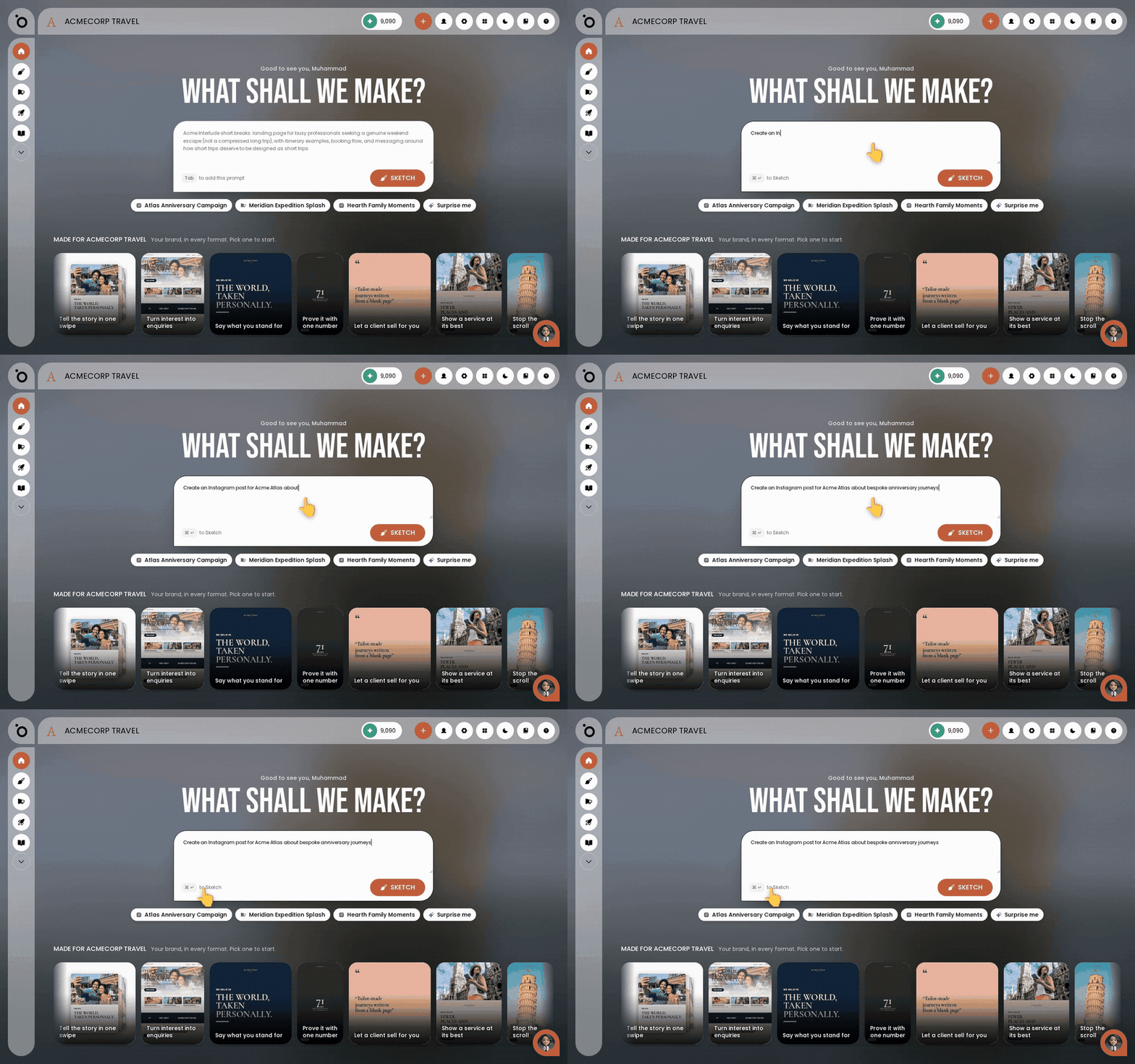
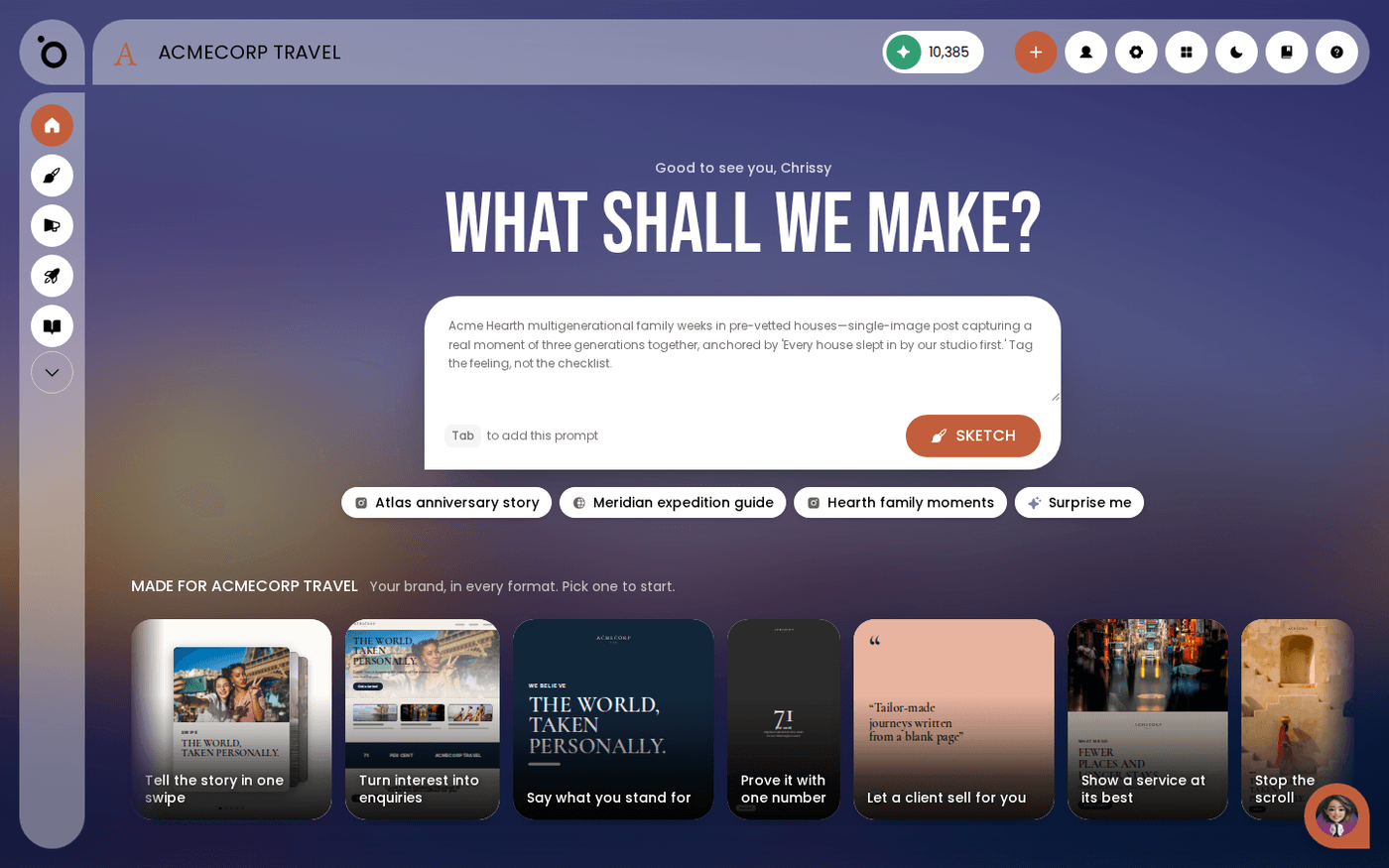
The Lobby is the home screen. It is where you tell Maia what to make. Press the house icon at the top of the left rail to get back to it from anywhere.
Use the left rail for the main areas
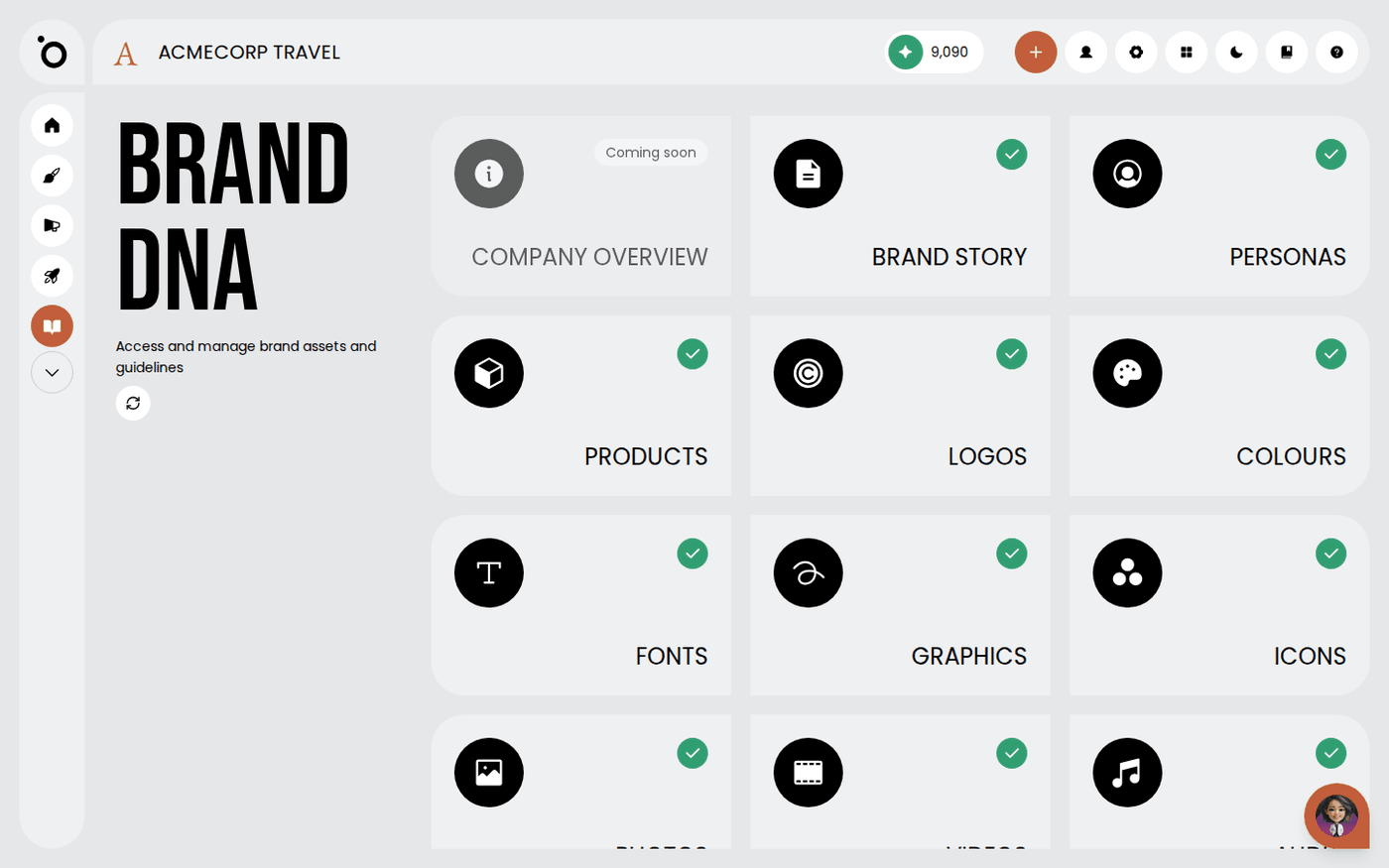
The left rail holds the main areas of Protaigé. These are Sketches, Campaigns, Content Studio and Brand DNA, plus any others your plan includes. It stays in place whatever you are doing. Hover an icon to see its name.
Use the header for the everyday controls
The header holds your Sparks balance, which is the credit that pays for generation. It also holds the plus button to add a new campaign. Beside it are the App Store button, the Settings gear and your profile menu. The profile menu has Profile, Teams and Logout.
Switch brands from the Protaigé logo
The brand name in the header is a label, not a button. To change brand, click the Protaigé logo at the top left. The brand switcher opens, and you pick a brand. If your account has only one brand, the logo takes you to the Lobby instead. Everything you see is for the brand you are in, so check it before you start work.
Talk to Maia from any screen
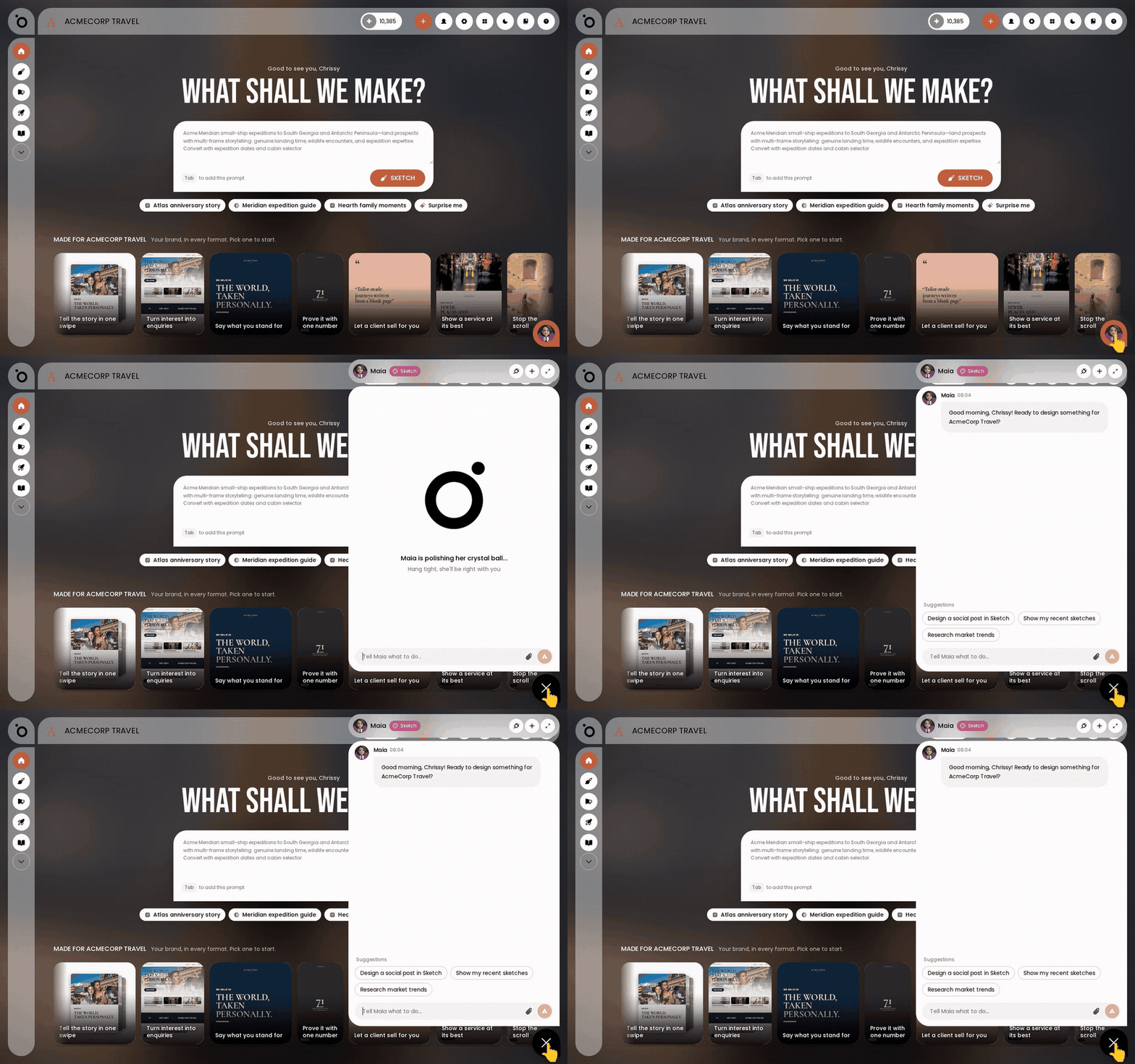
Maia is your AI account director. Her chat button sits at the bottom right of every screen. It is the same conversation wherever you open it.
If you are ever lost, press the house icon. The Lobby is always one click away.
Last updated 6 October 2026