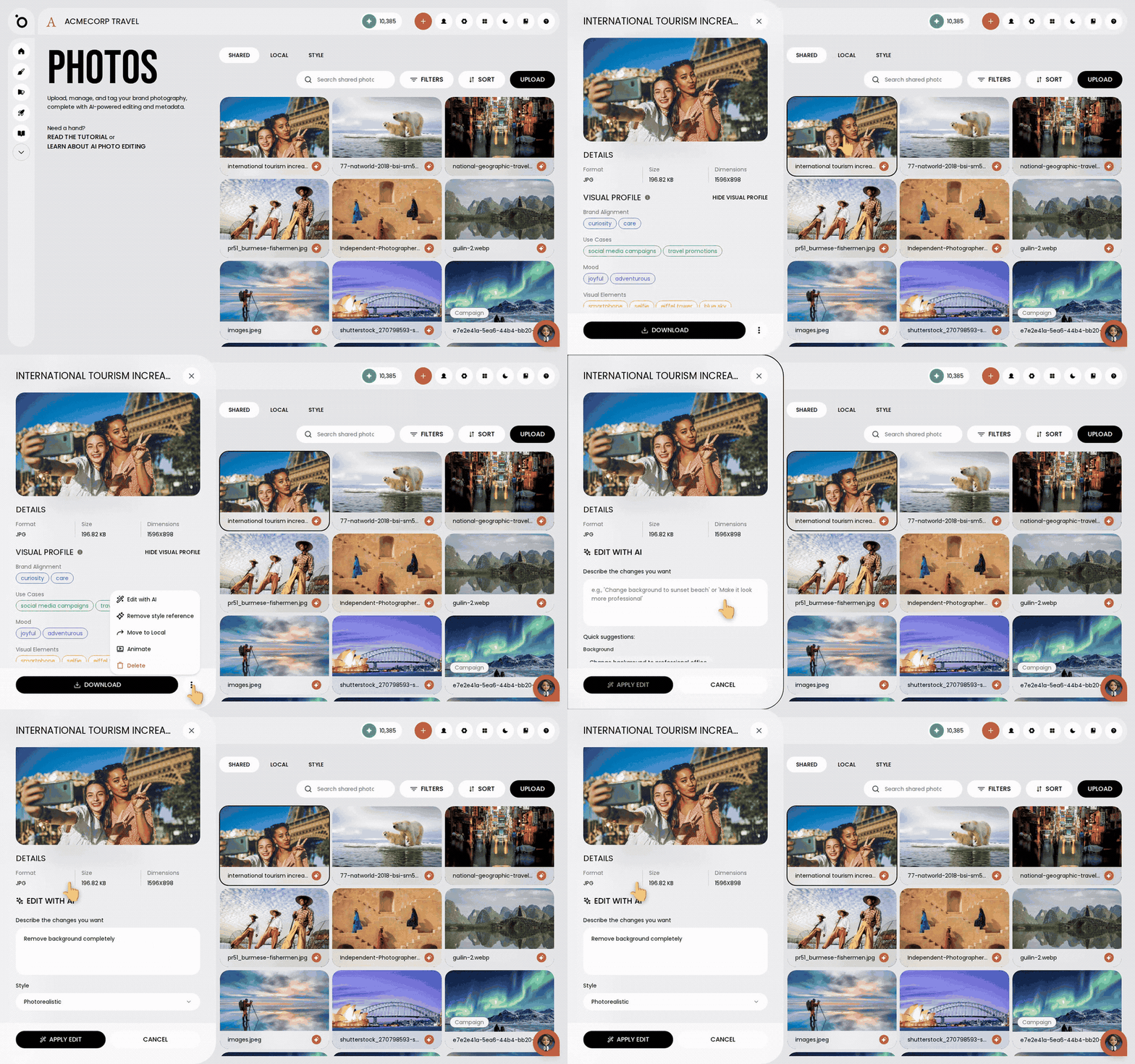
In short: Brand DNA → Photos → Shared tab → open the photo → three-dots menu → Edit with AI → choose Remove background completely → Apply Edit.
A photo taken at your desk or in your living room is not ready for a post or an ad. Protaigé can take the background out, or put a new one in, from a short instruction. You do not need another app.
The result is saved as a new photo. Your original stays as it was. It takes about three minutes.
Put the photo in your library
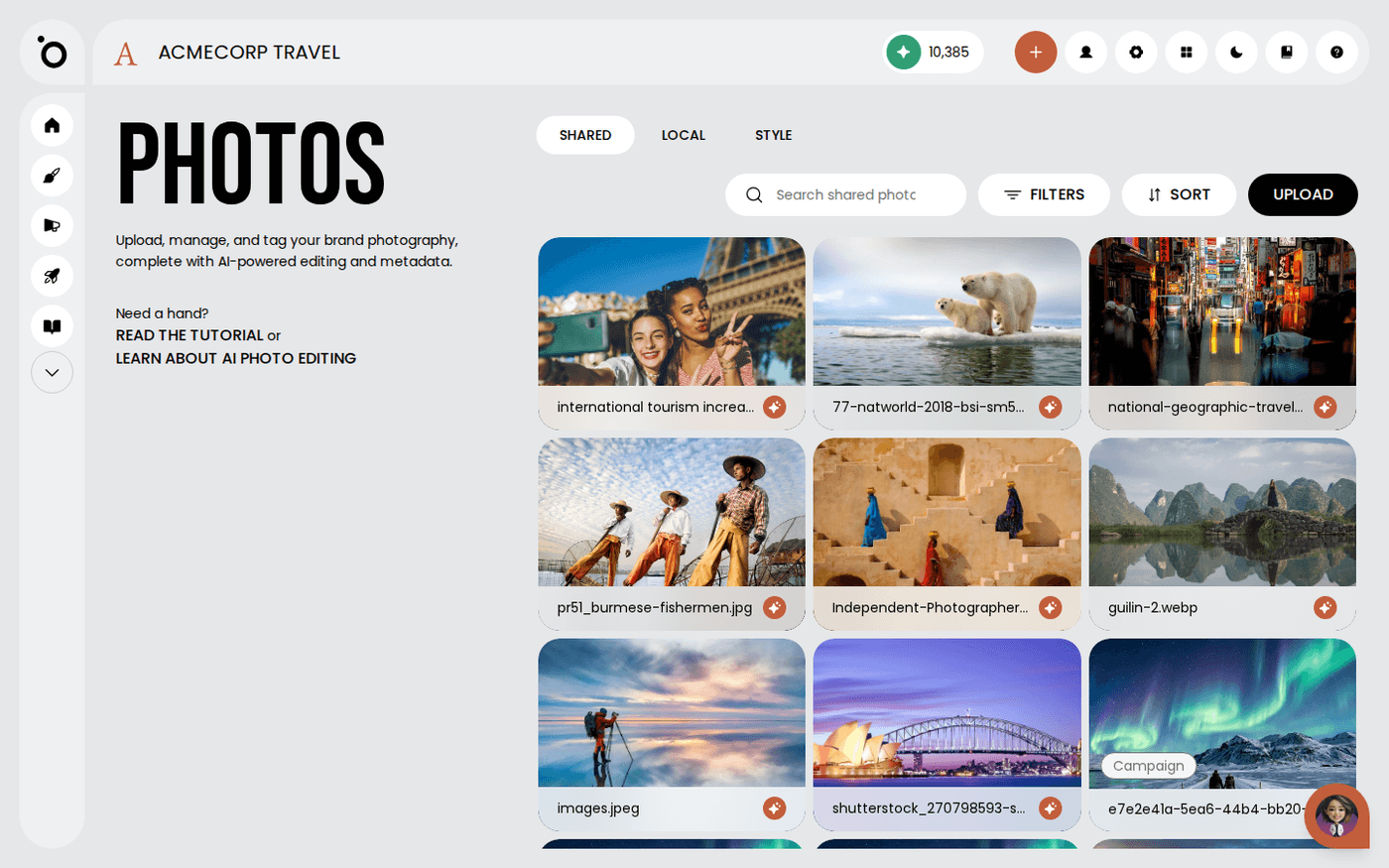
Open Brand DNA, then Photos. If the photo is not there yet, press Upload and choose the file. It appears in the grid. Make sure it is in the Shared tab. Photos in the Local tab cannot be edited with AI. To move one, open its three-dots menu and choose Move to Shared.
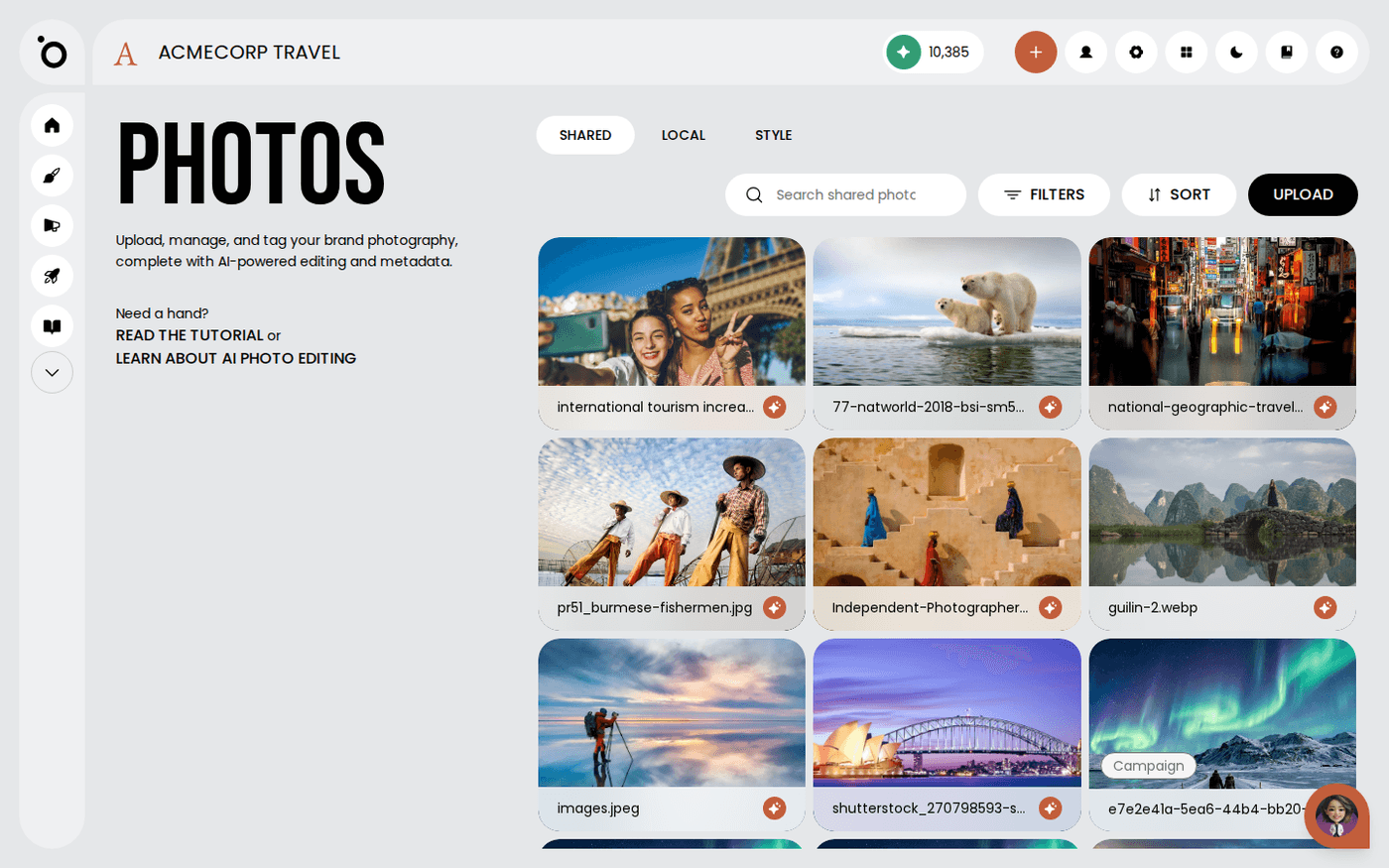
Open Edit with AI
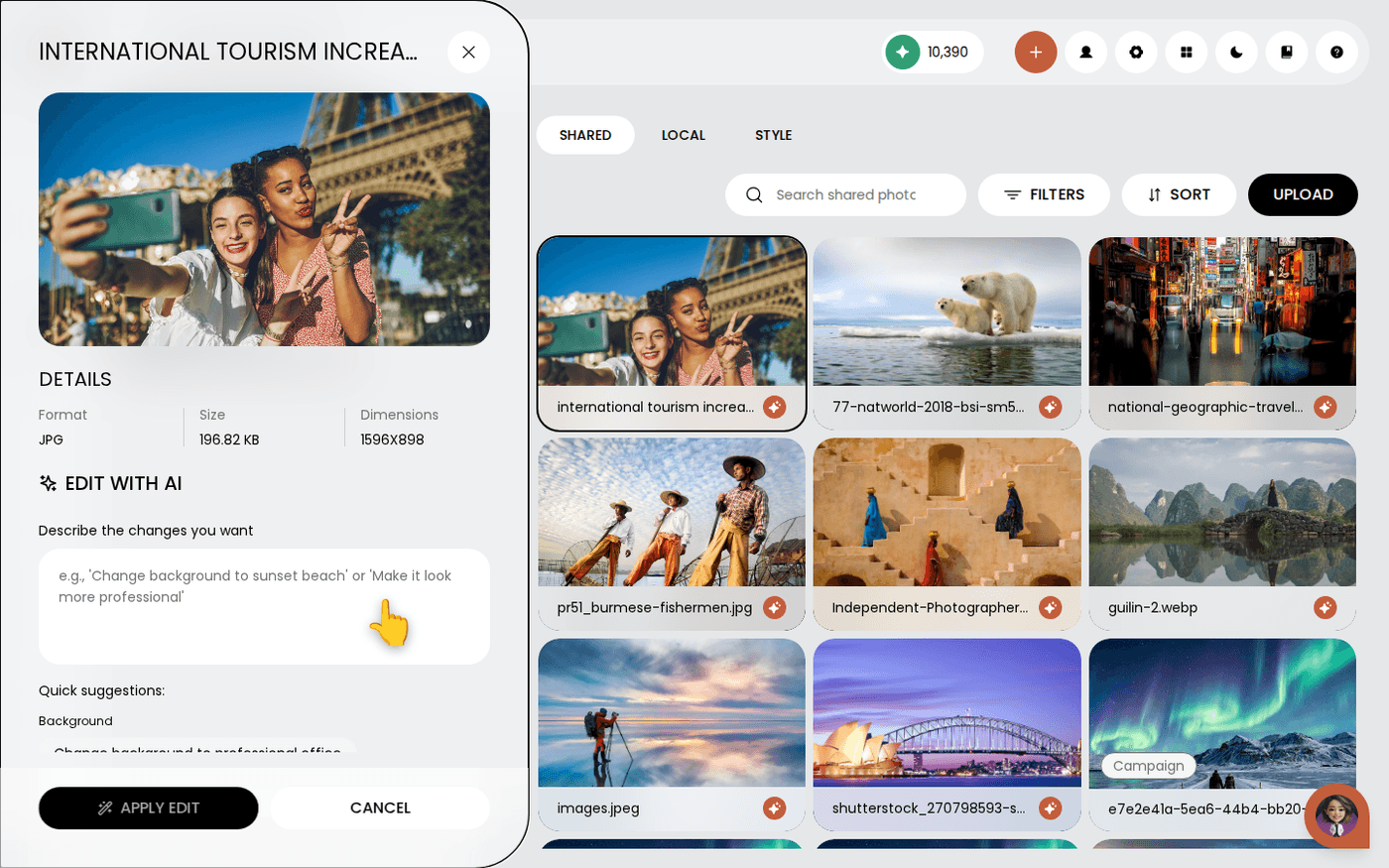
Click the photo to open its detail panel. Press the three-dots button beside Download. Choose Edit with AI. A box appears that says Describe the changes you want.
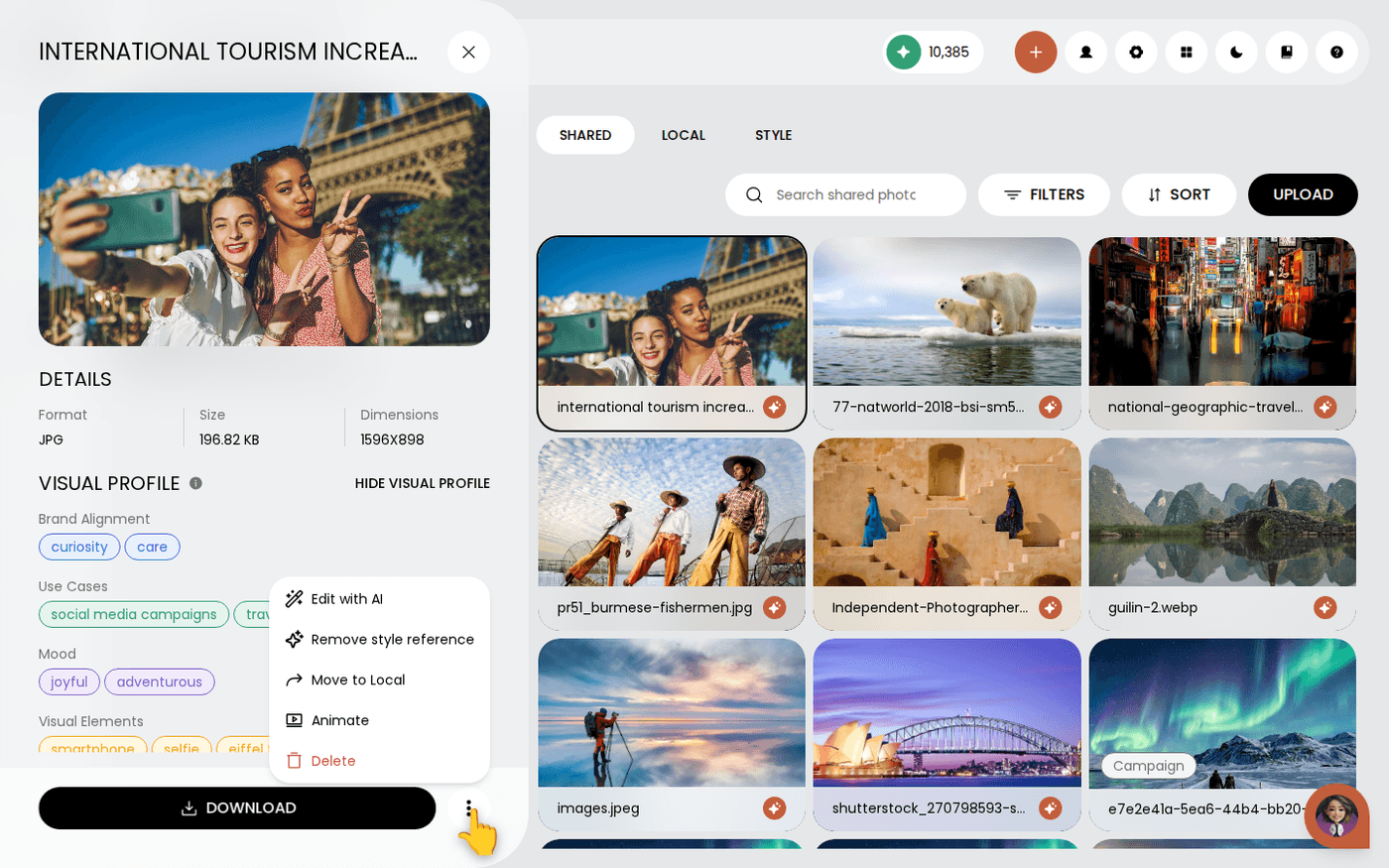
Choose what happens to the background
Under the box are Quick suggestions. The Background group has four. Choose Remove background completely to cut the subject out. Choose Change background to professional office or Add sunset beach background to put the subject somewhere new. Choose Make background blurred to keep the setting but soften it. Or type your own, for example 'Change background to a plain white wall'.
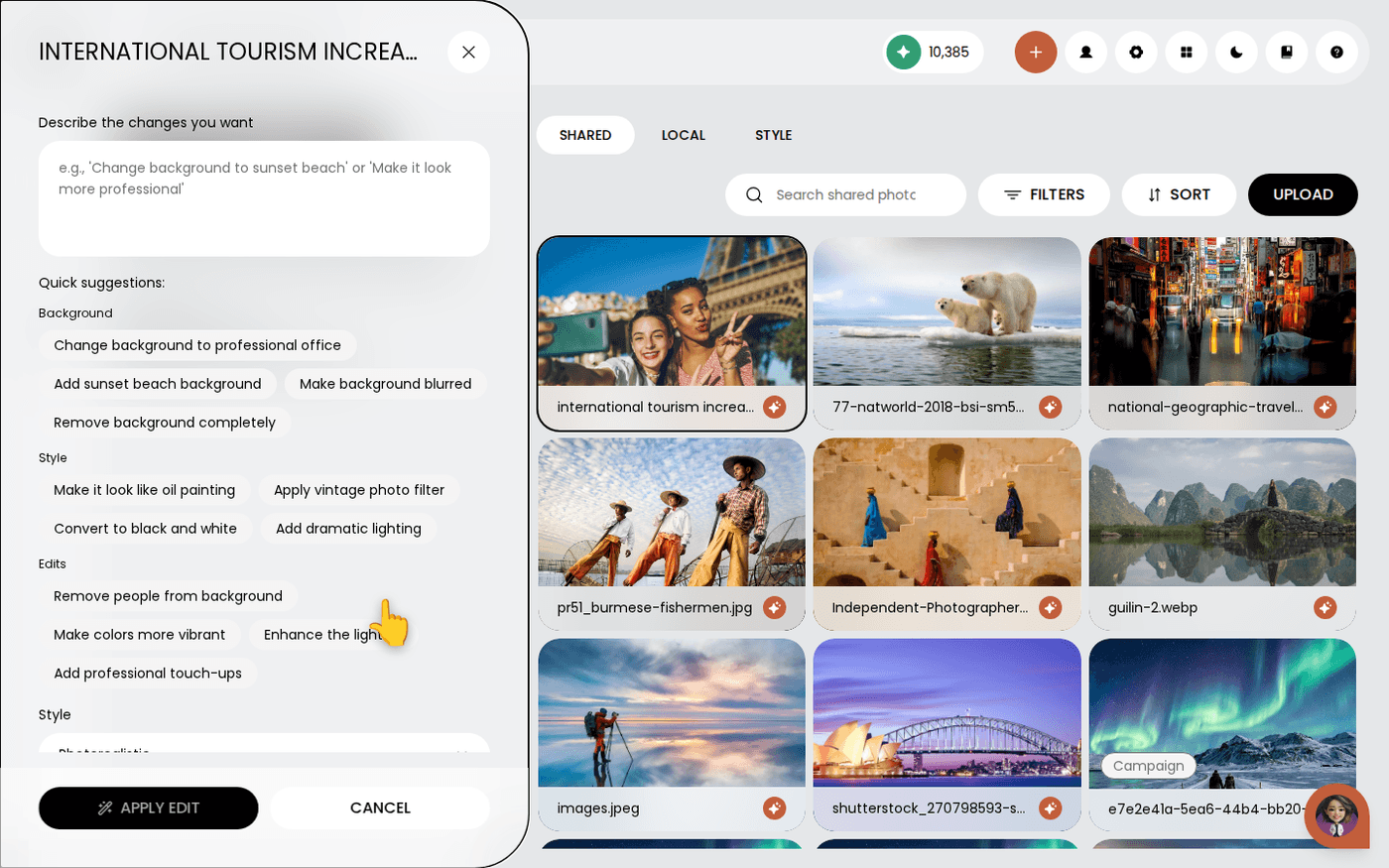
Keep the style on Photorealistic
The Style menu is set to Photorealistic. Leave it there for a background change, so the result still looks like a photo. The other styles turn the whole image into artwork.
Apply the edit
Press Apply Edit. Protaigé takes 15 to 30 seconds. The new photo is saved to your library beside the original.
Check the edges and use it
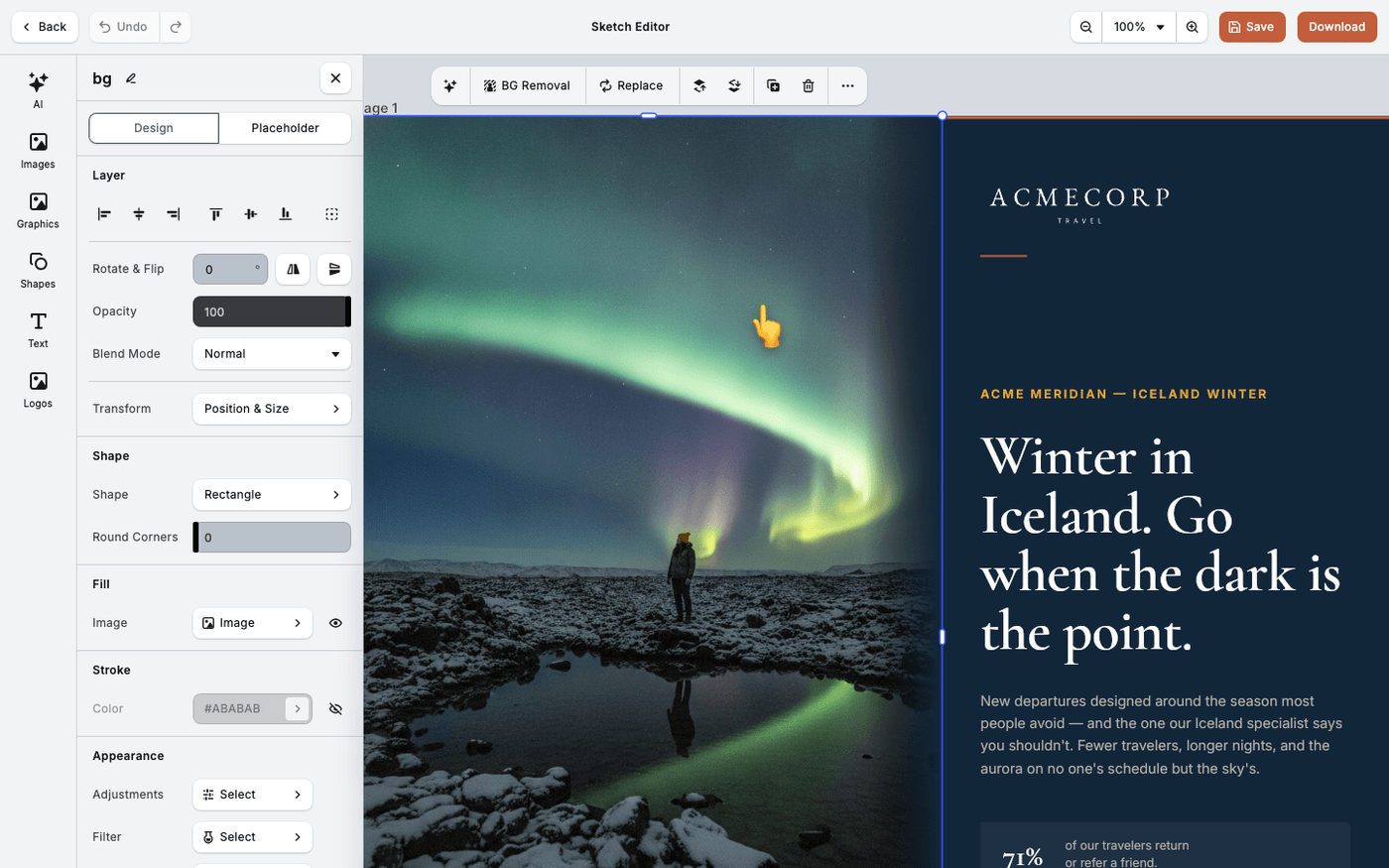
Open the new photo and look at hair and fine detail. That is where a cutout shows its work. If the edges are rough, try again with a clearer instruction, or start from a photo with a plainer background. The new photo is ready for any campaign or sketch.
Your original photo is never changed. If the first result is not right, run Edit with AI again on the original with different words.
Last updated 6 October 2026