The Protaigé Academy
/
Protaigé Academy
/Campaign briefing: Upload a brief
Campaign briefing: Upload a brief

Campaign briefing: Upload a brief

What you'll learn

Upload a prepared brief and have Protaigé analyse and compile a complete strategic brief.

Series
4.04
Section
Campaigns
Last Updated
Feb 4, 2026 9:33 PM
Status
Live
icon
Previous Tutorial
icon
Next Tutorial

TL;DR

Complete basic Brand DNA → Click Upload Brief → Add your PD → Click Create to compile complete campaign brief → AI analyses your brief, retrieves Brand DNA insights, and generates a complete Protaigé Brief

image

This route is designed for marketers who already have a campaign brief written internally. Simply upload it and let Protaigé do the rest. The AI will read and interpret your document—no matter its structure—then use retrieval-augmented generation to connect it with your Brand DNA.

Your strategy agent, David, analyses the content and retrieves detailed information about your brand, products, and personas to produce a complete, comprehensive Campaign Brief. This expanded brief becomes your strategic foundation—the campaign’s creative guardrails your AI agents will use to generate ideas, copy, and visuals.

🚨 Make sure your Brand DNA includes your brand story, at least one persona, at least one product, and at least one design kit.

What our AI looks for

To help our AI strategy analyse your upload accurately, include as many of the following fields as possible:

  • Campaign name
  • Objectives
  • Product or service
  • Target audience
  • Audience insight
  • Target region/geography
  • Journey stage
  • Key messages
  • Competitive context
  • Mandatories
  • Restrictions

Learn more about writing great briefs in Campaign briefs 101Campaign briefs 101

How Protaigé uses RAG retrieval

After your file is uploaded, our AI strategy agent:

  • Aligns your campaign with verified details from your Brand DNA—brand story, product descriptions, benefits, and tone of voice.
  • Pulls persona traits, goals, and challenges to tailor voice and emotional framing.
  • Integrates relevant mandatories, restrictions, or compliance notes already stored in your Brand DNA.
  • Conducts external research to enrich your brief with current market context, competitive positioning, or category insights when needed.

A step-by-step guide

image

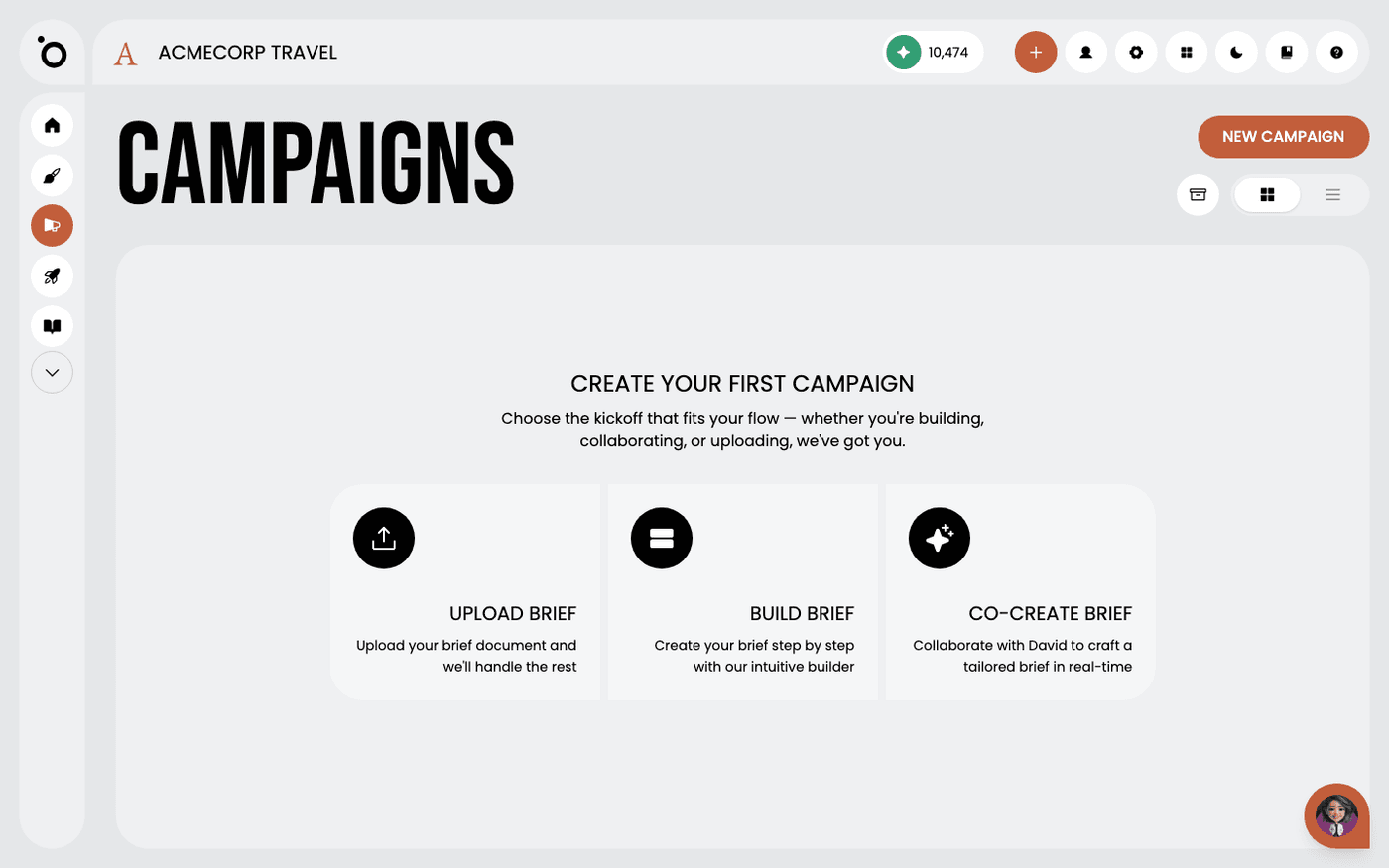
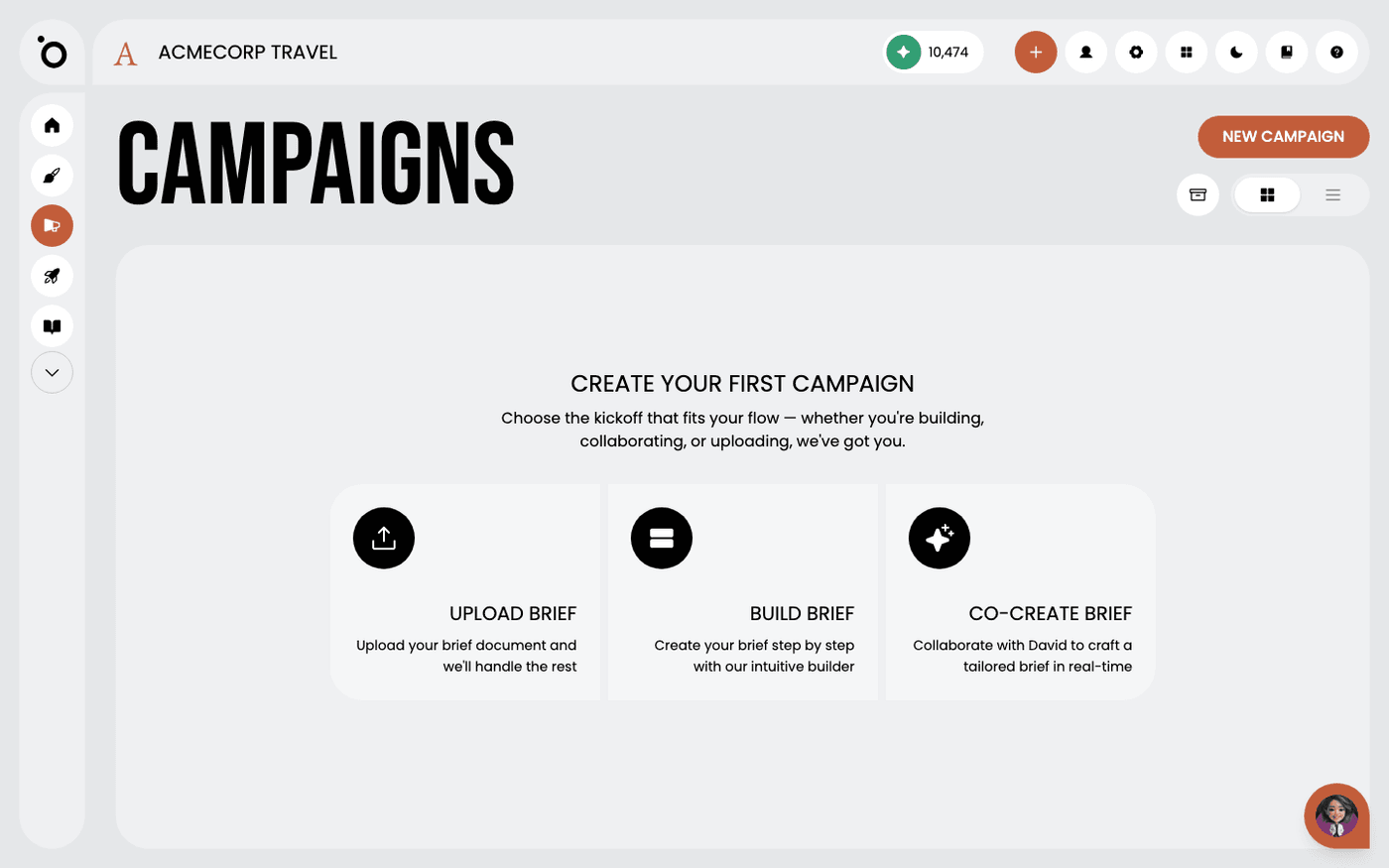
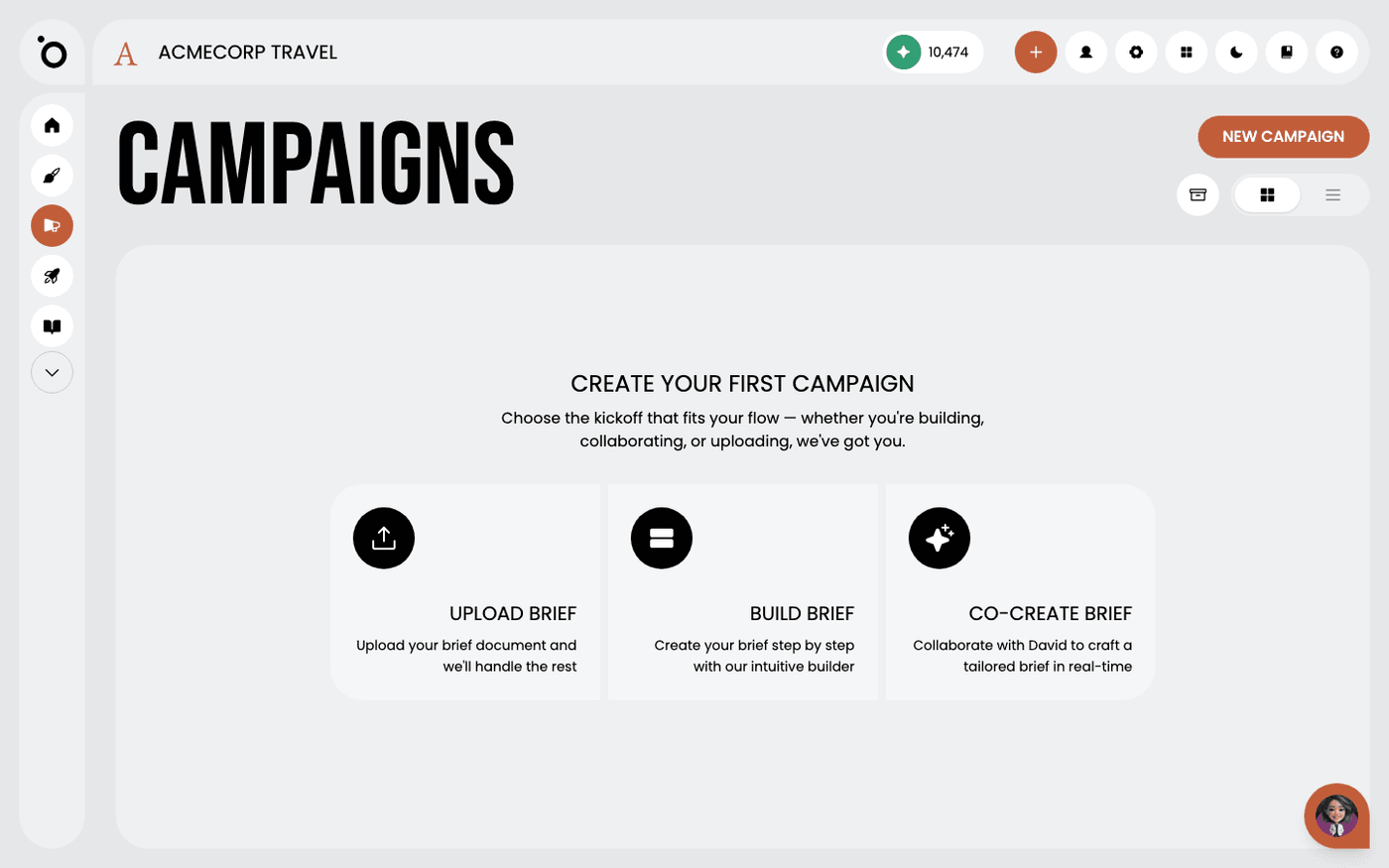
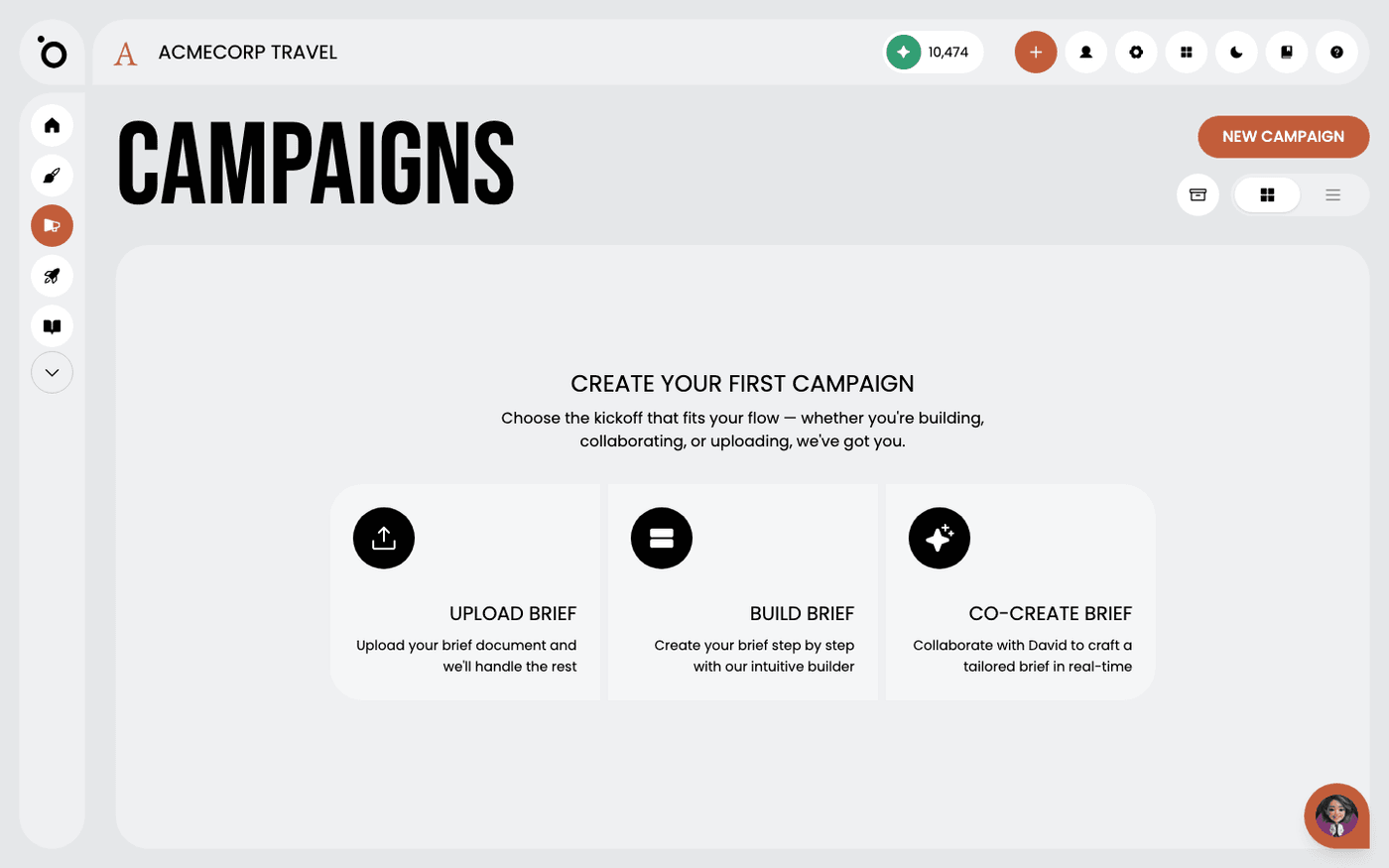
1. Click the NEW CAMPAIGN button to begin creating a new campaign.

image

2. Select the UPLOAD BRIEF option.

image

3. Click the upload button or drag and drop your PDF into the area.

image

4. CREATE CAMPAIGN to send your brief to the strategy agent.

image

5. Your new campaign will appear in your dashboard after a few minutes.

image

6. Click to expand the campaign card to review the AI-generated brief.

image

7. Your original brief will be displayed here.

image

8. The Campaign Brief is a comprehensive document crafted from your brand, product, and persona insights in your Brand DNA.

image

9. When you're satisfied, move on to the next stage — generating a concept for your campaign.

icon
Previous Tutorial
icon
Next Tutorial