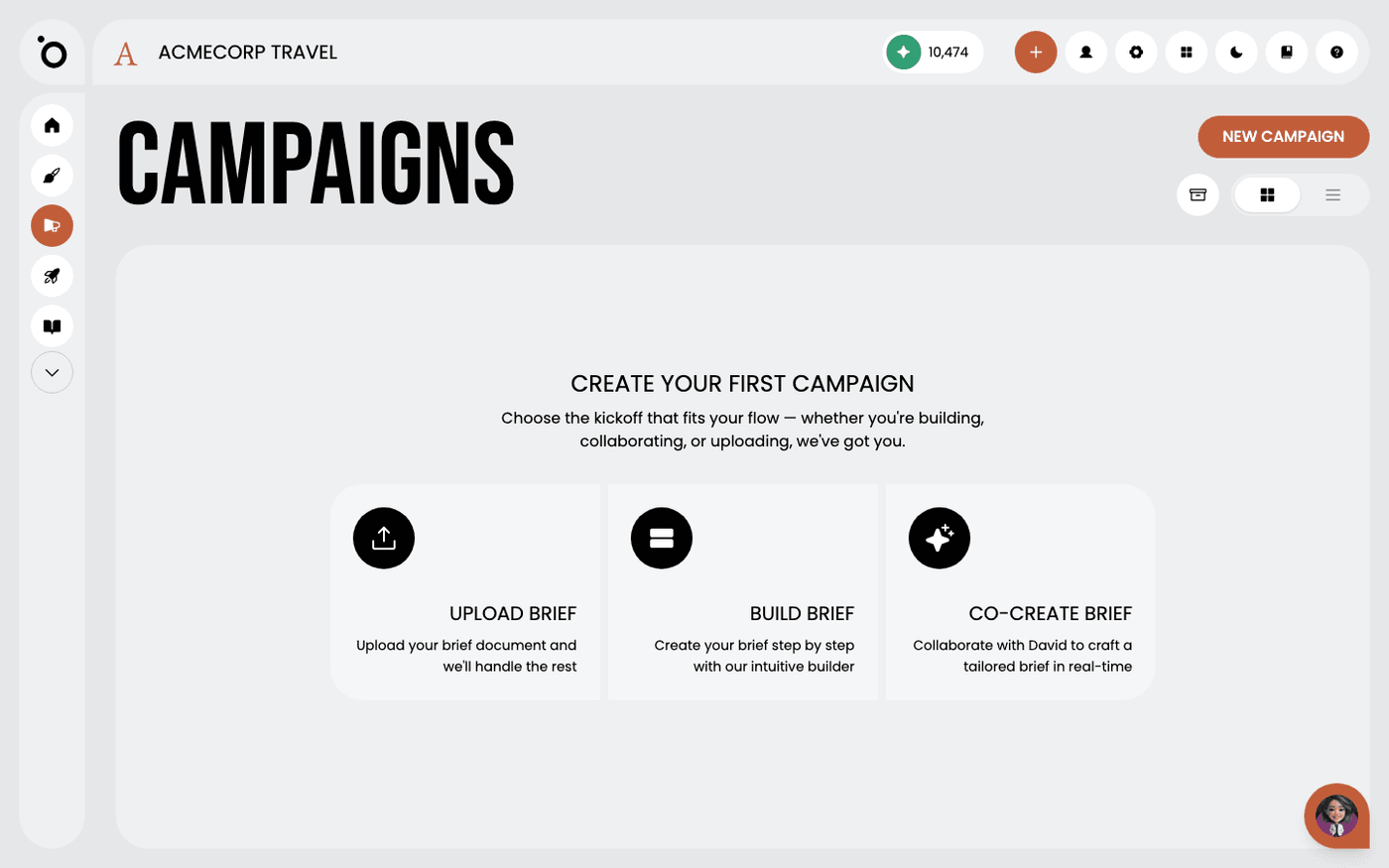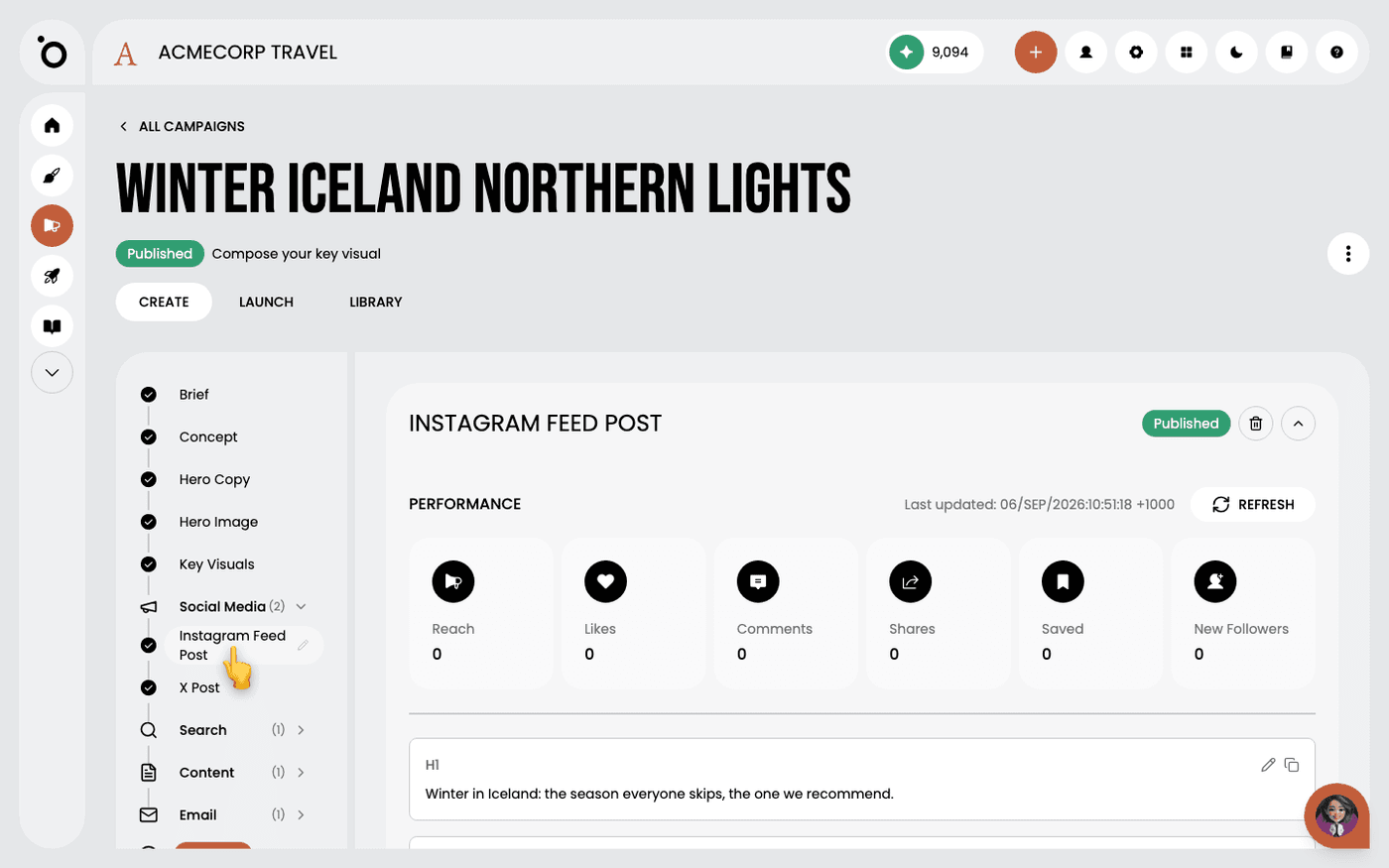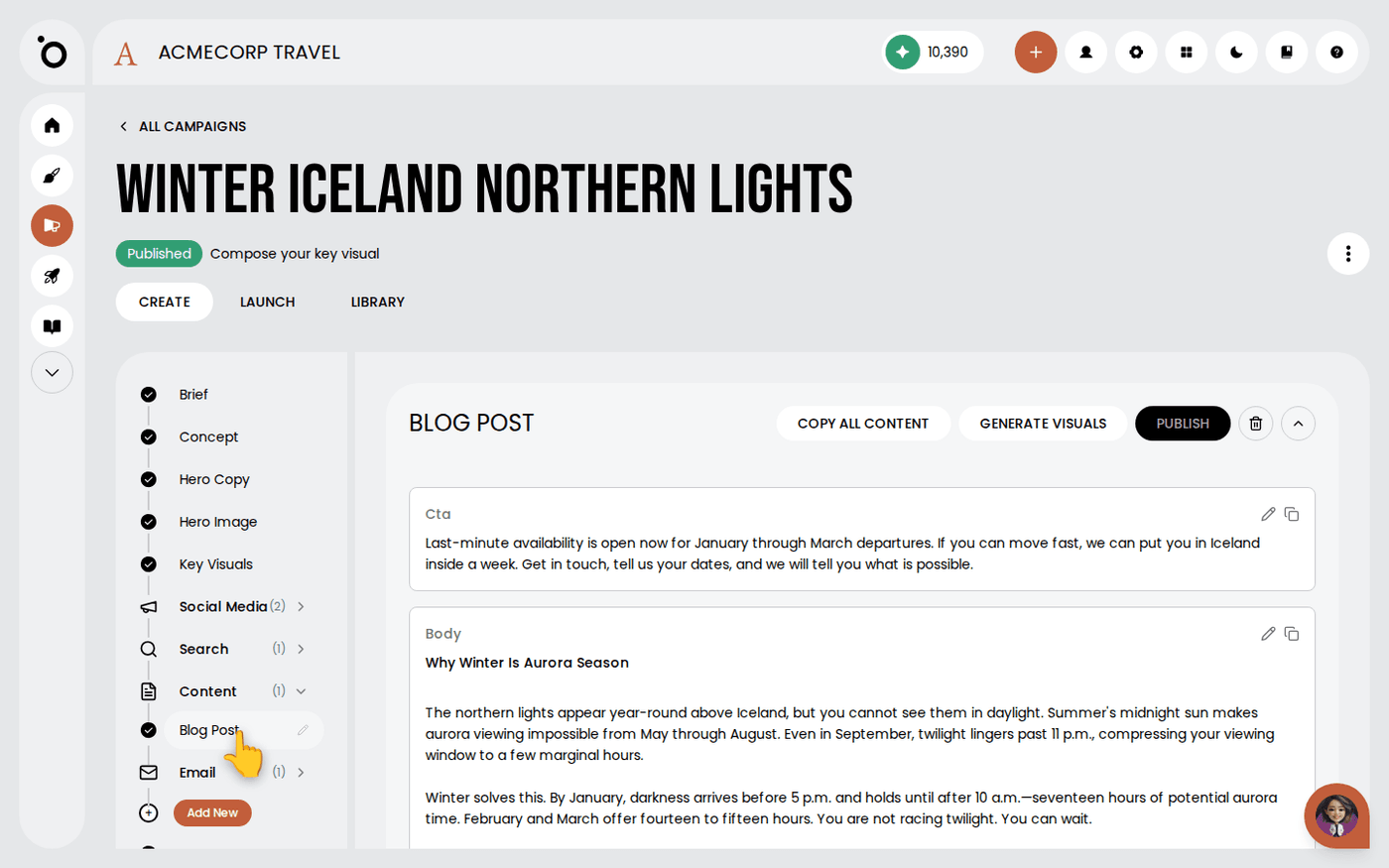
In short: Open the campaign → Add New → Add New Tactic → Blog Post → Generate Content. Edit with the pencil, then press Copy All Content.
Long-form is where a campaign's thinking gets room, and where it is easiest to drift off the brief. A content tactic writes the article from the same brief as everything else in the campaign. The argument stays consistent.
What comes back is a full article, not an outline. About four minutes.
Add the tactic
Open the campaign and press Add New, then Add New Tactic. In the Create Content dialogue, choose Blog Post. Add instructions if you want a particular angle, then press Generate Content. The tactic appears as a Blog Post tab while it writes.
Read it as an editor, not a proofreader
The first pass is about whether the argument is right for the campaign, not whether the sentences are. Start with the Strategic Rationale at the bottom. It says what the article was trying to do and for whom.
Check the facts
Long-form invites specifics, and generated specifics are where things go wrong. Check every figure, percentage, seasonal claim and description of a place or service against something you know.
Edit in place
Press the pencil beside a field to change it, then Save. Your edits are kept, so you can leave the article half-done and come back to it.
Take it out
Press Copy All Content to copy the whole article for your website. Each field also has its own copy button if you only want one section.
Search the article for anything your brief ruled out before it goes anywhere. Check spelling conventions too. The copy is generated, not written to your house style.
Last updated 24 September 2026