In short: Use a desktop browser, bring MP4, MOV or WebM, and keep each video under 30 seconds.
Video editing happens in your browser, not on a server. That makes it fast. It also sets a few limits worth knowing before you start.
Use a desktop browser
Sketch Studio, where most video editing starts, is desktop only. Open Protaigé on a laptop or desktop computer, not a phone or tablet.
Keep it short
A video is at most 30 seconds long. The page length fits itself to your clips, from one second up to that limit. Social formats fit comfortably.
Bring the right files
Upload video as MP4, MOV or WebM. Upload audio as MP3, WAV, AAC or M4A.
Expect an MP4 back
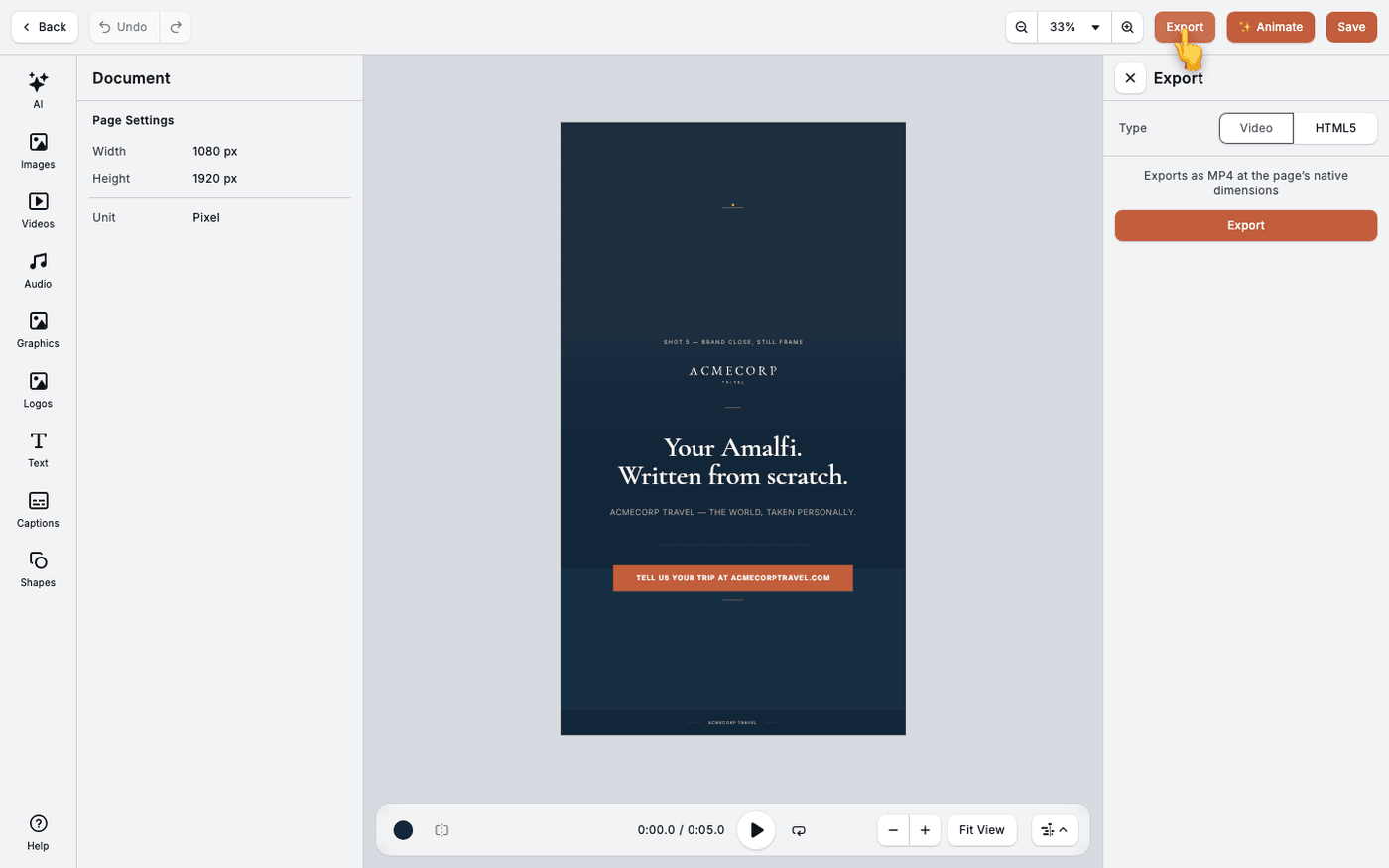
Export produces an MP4 at the same size as your design. Every platform accepts it. Save renders the video too, so a save takes a moment.
Know the one browser that cannot export
Chrome on Linux ships without the H.264 encoder that export needs. Import and preview work, but the export fails. Use Firefox on Linux instead. Protaigé warns you when you open the editor in a browser that cannot encode.
Check these once and the video editor holds no surprises. Open the timeline tutorial next.
Last updated 1 September 2026