In short: Sketch Studio → say the format in your brief → pick the sizes in the Channels field. If it is a designed thing at a fixed size, Sketch can make it.
Many people think Sketch is only for social posts. It is not. The same brief can come back as a poster, a pitch deck, a landing page or an email.
It helps to think in two questions. What shape is the piece? What sizes do you need it in? You say the shape in your brief. You pick the sizes in the Channels field.
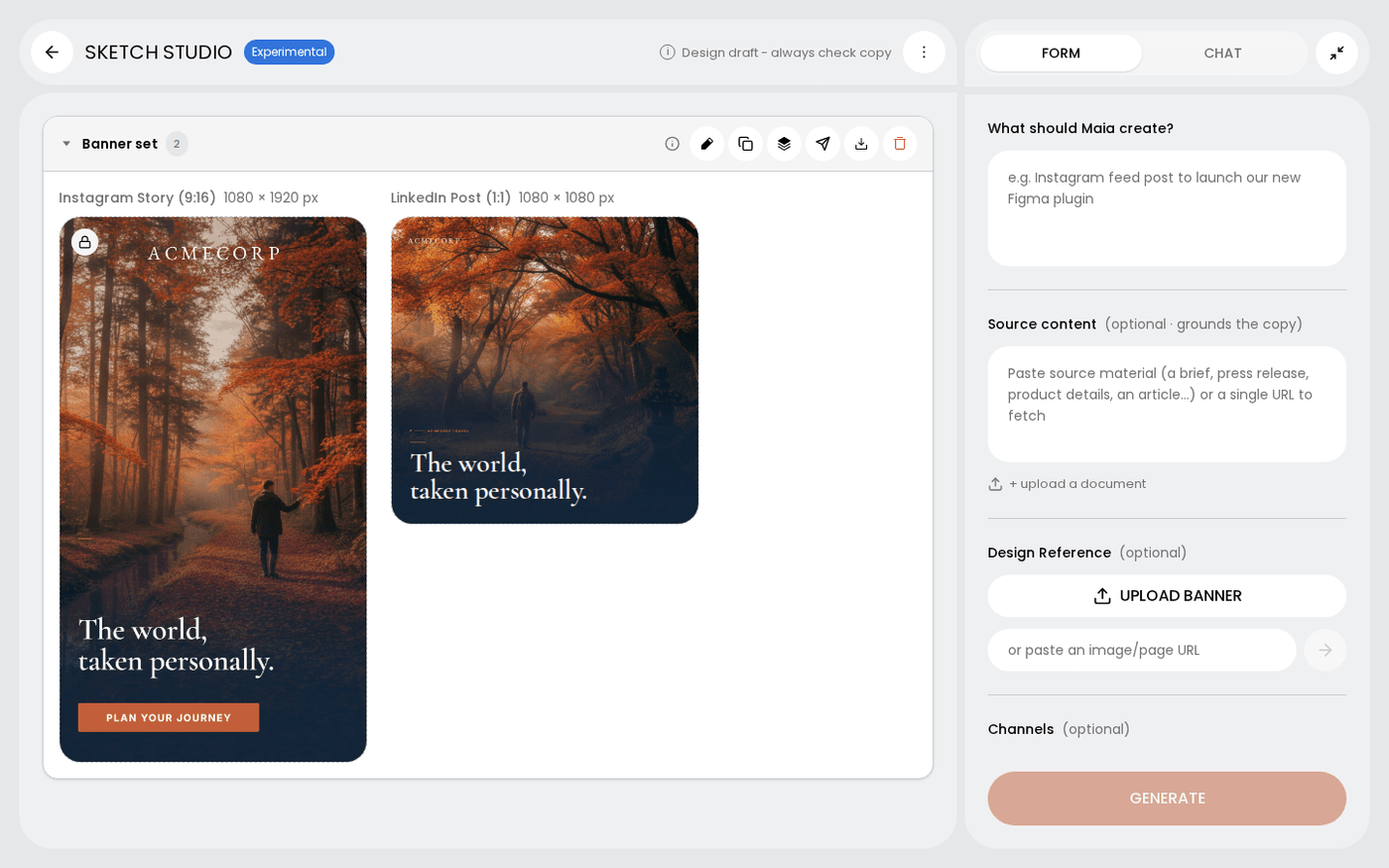
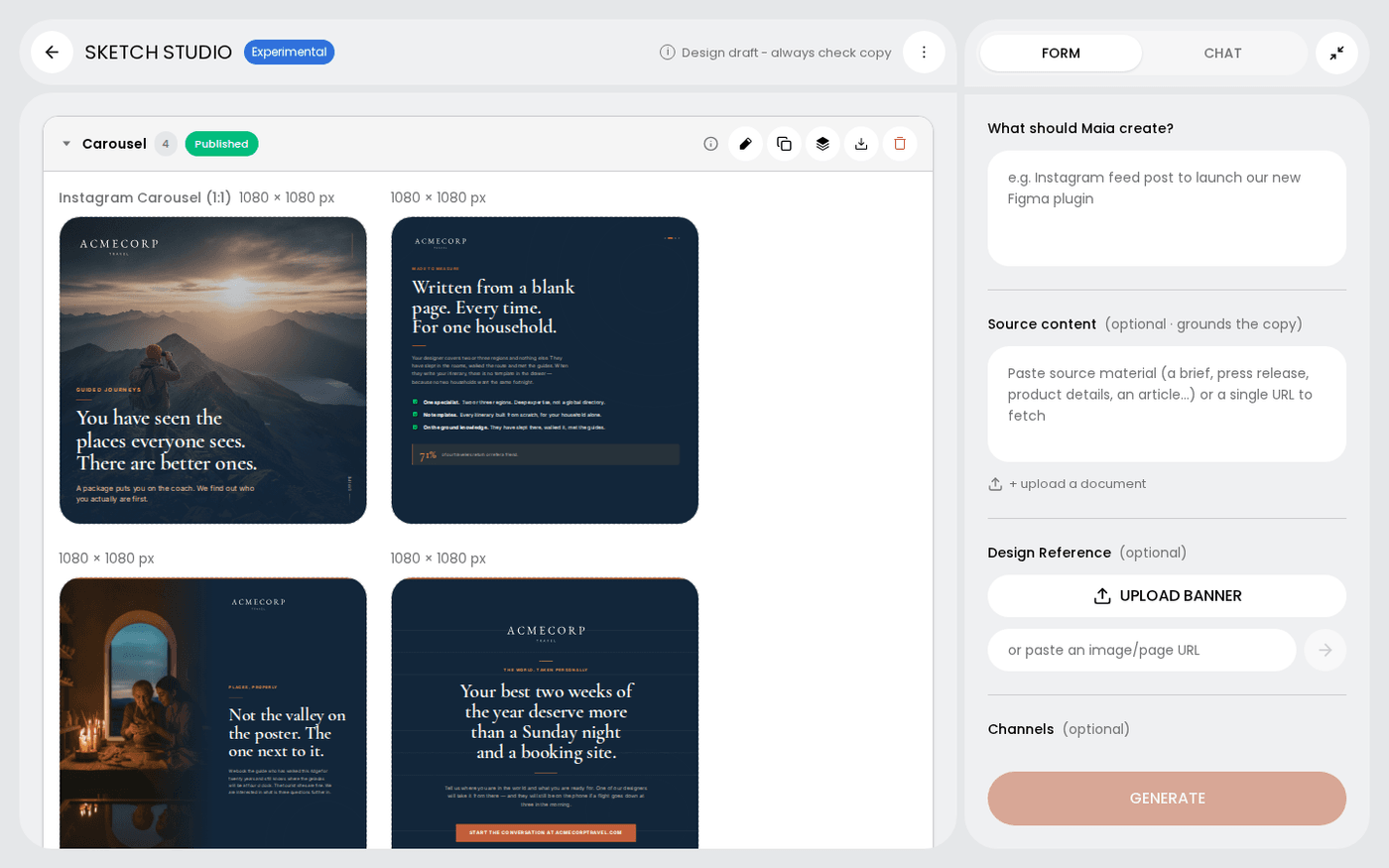
Ask for one design, or a set
A single post is one design. A carousel, a deck or a story is a set. Each frame does one job, and the set reads as one piece. Ask for a number of frames and you get that number.
Ask for a storyboard to plan a video
A storyboard is a set of frames built to move. The frames share one world, palette and cast, and each shot leaves room to animate. It is how a reel starts.
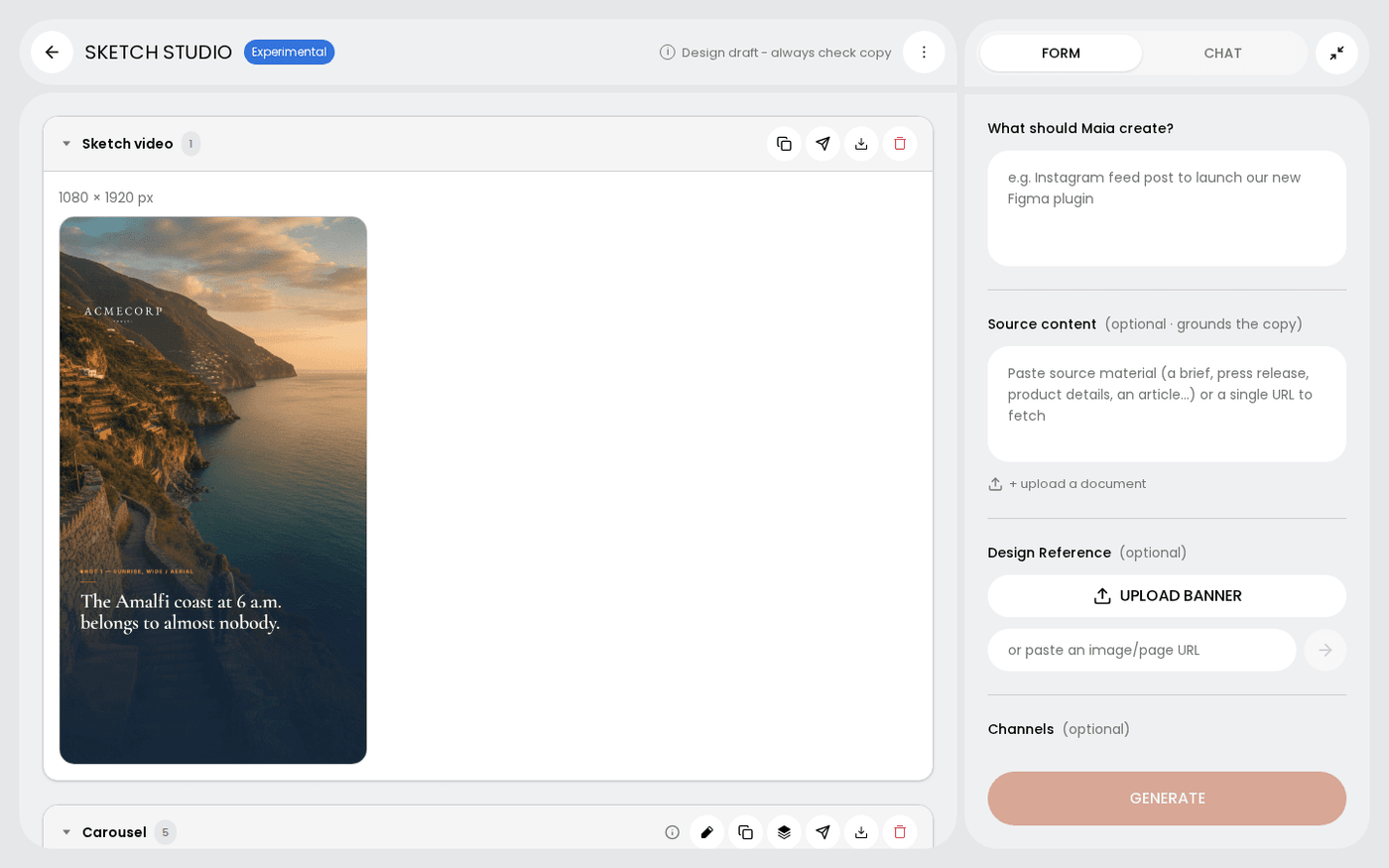
Ask for a landing page or an email
A landing page or an email comes back as one long page of stacked sections, not as separate frames. Both are real web pages. You download them as HTML.
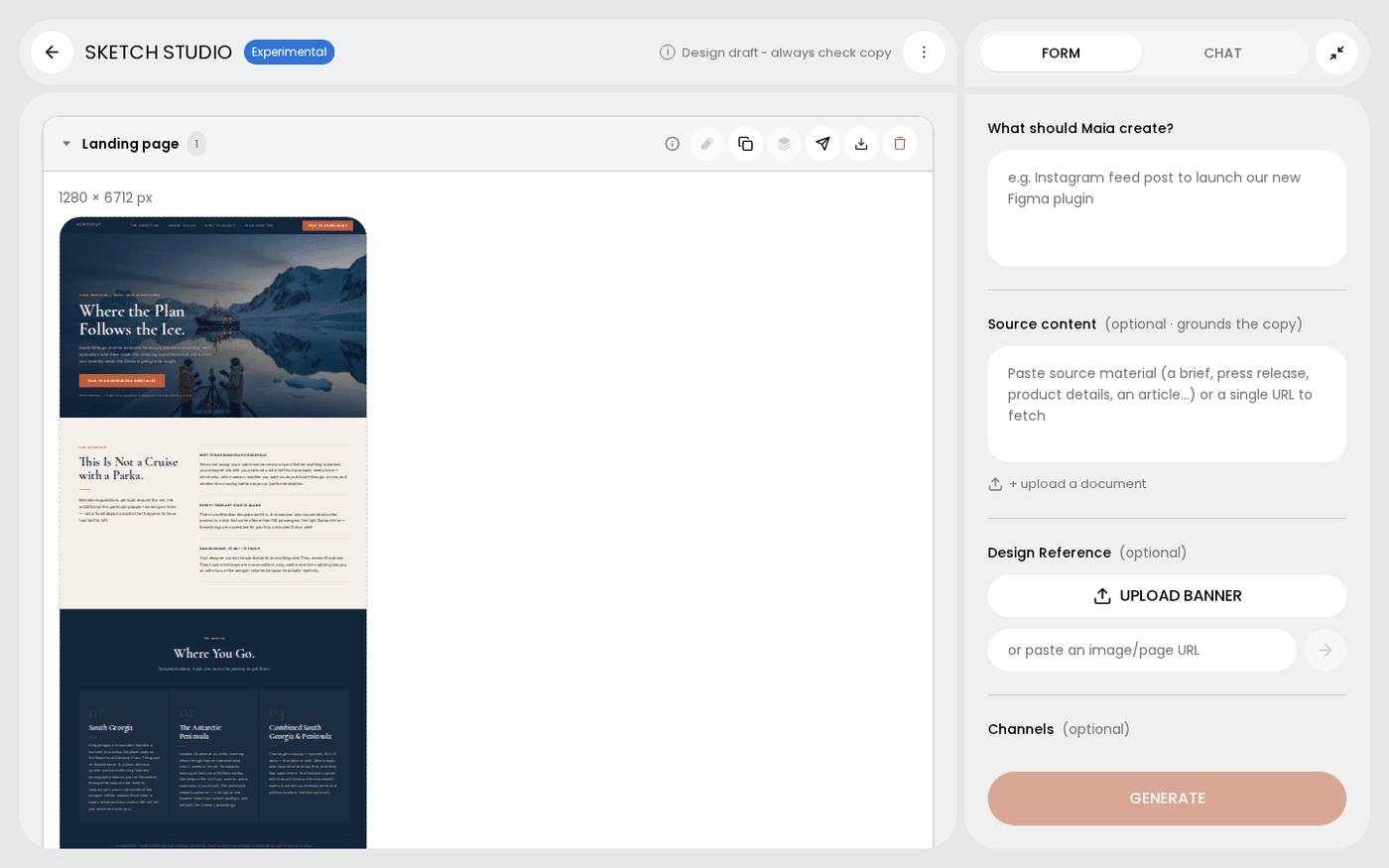
Pick print and out of home sizes
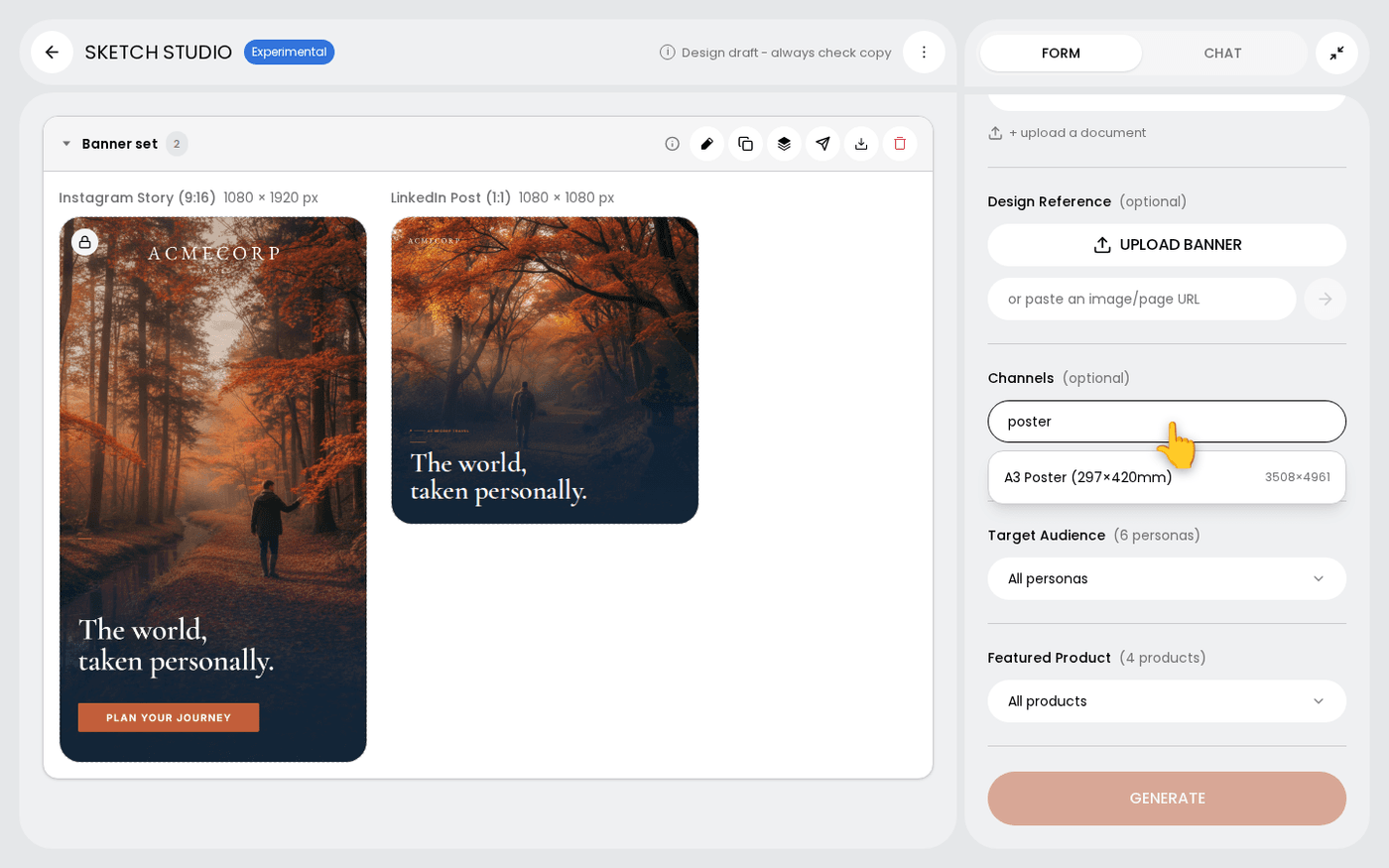
A4 Portrait, A4 Landscape, A3 Poster, A5 Portrait, Flyer, Postcard, Menu and Tri-fold Brochure are all in the Channels list. So are Digital Screen sizes for out of home. Print is not an afterthought.
Pick ad, listing and slide sizes
The Channels list has banner sizes from Leaderboard to Skyscraper. It has marketplace listings for Amazon, Shopify, Etsy and eBay. It has Slide sizes in 16:9 and 4:3.
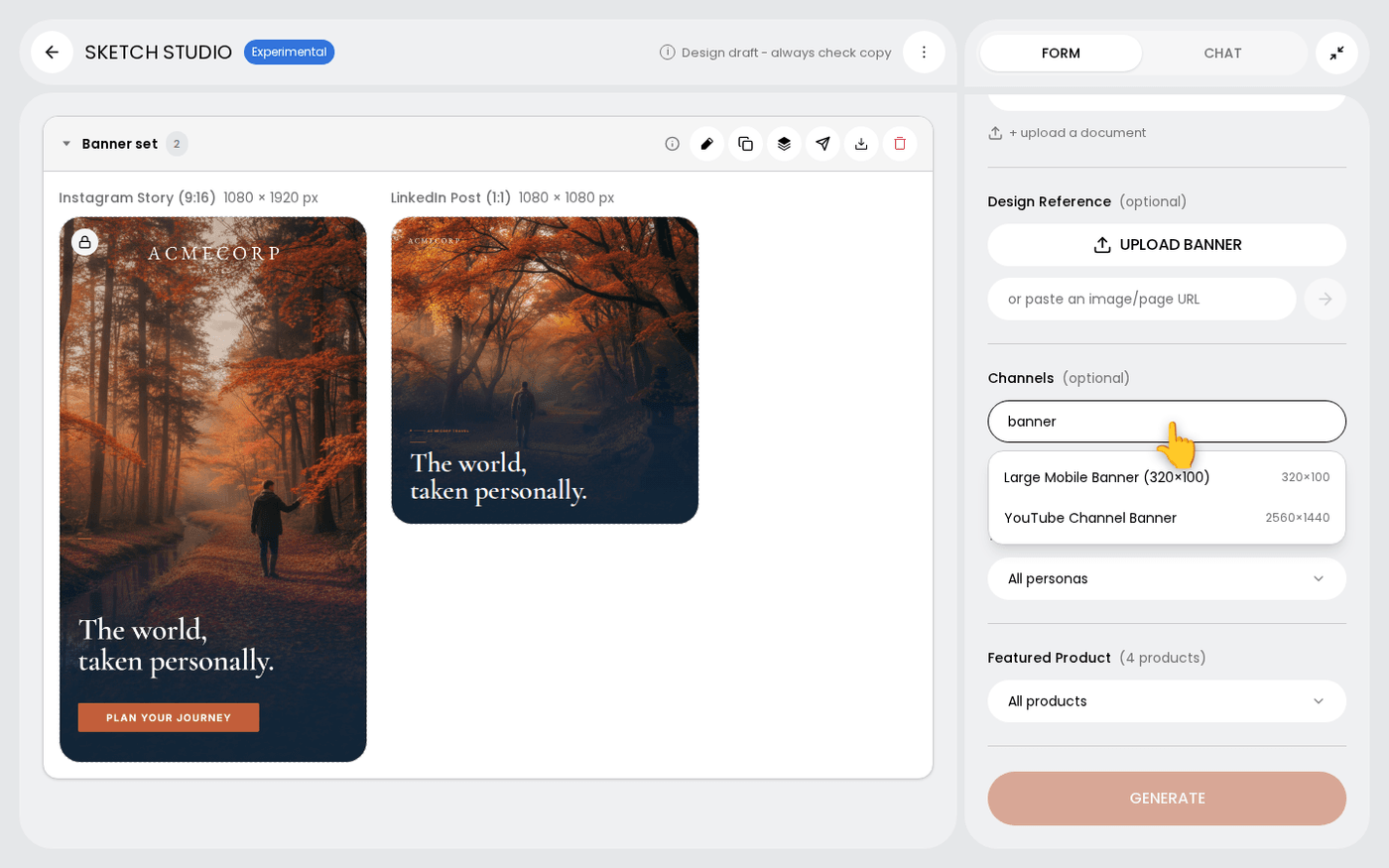
You do not choose a layout. Sketch picks the composition that suits the message, the format and the channel, and builds it in your brand.
Last updated 29 September 2026