
Take a campaign to channel
A campaign is not finished when the assets are. Write the posts, the email and the article from the same brief, then read what they did.
5 walkthroughsabout 22 min end to endEnds with: Copy written per channel, published, and measured
- 1
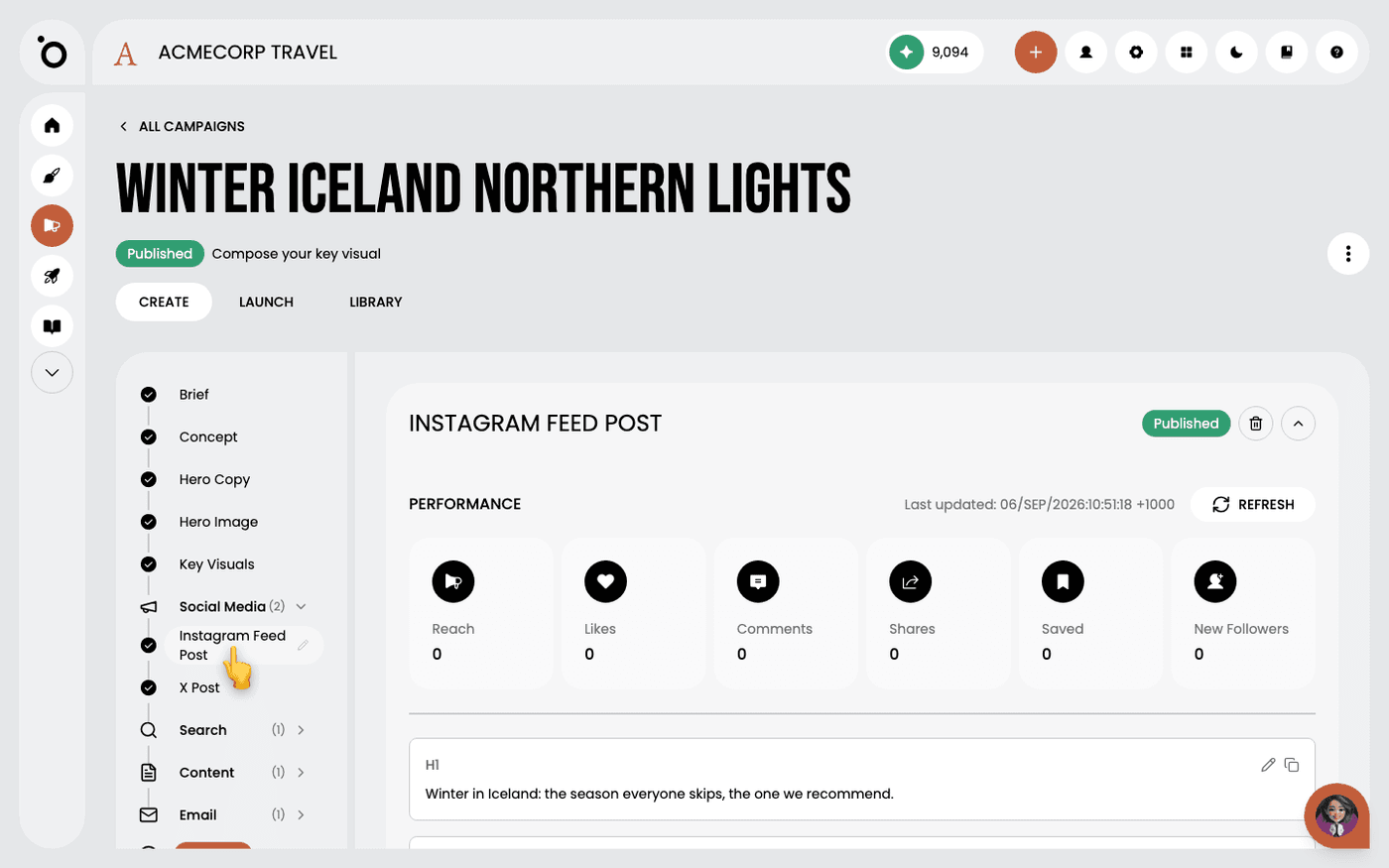 Create social posts in a campaignGet a post written for each social channel from your campaign brief, with the reasoning behind it.
 - 2
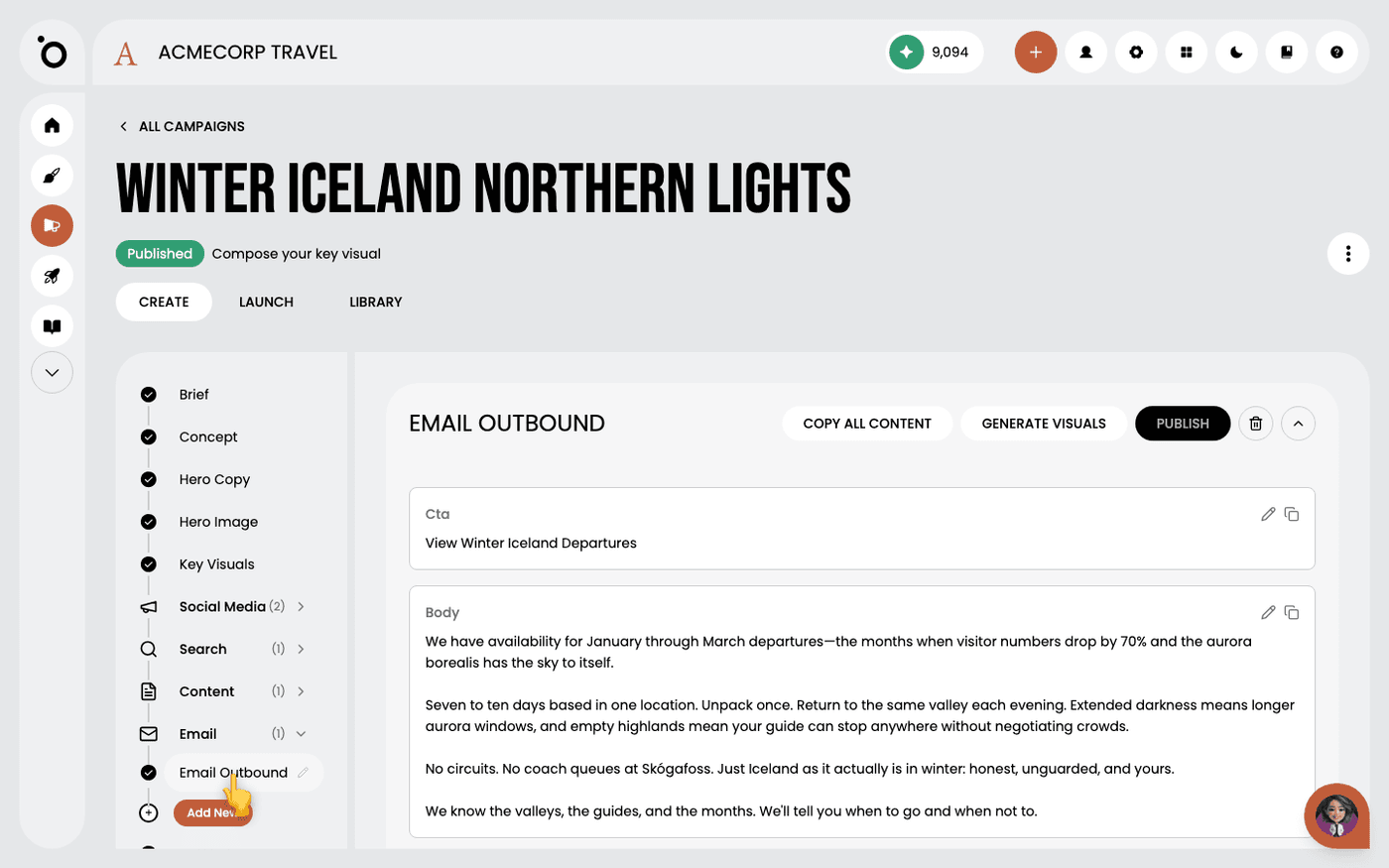 Write campaign emailsGet a whole campaign email written from your brief, ready to edit and paste into your sending tool.
 - 3
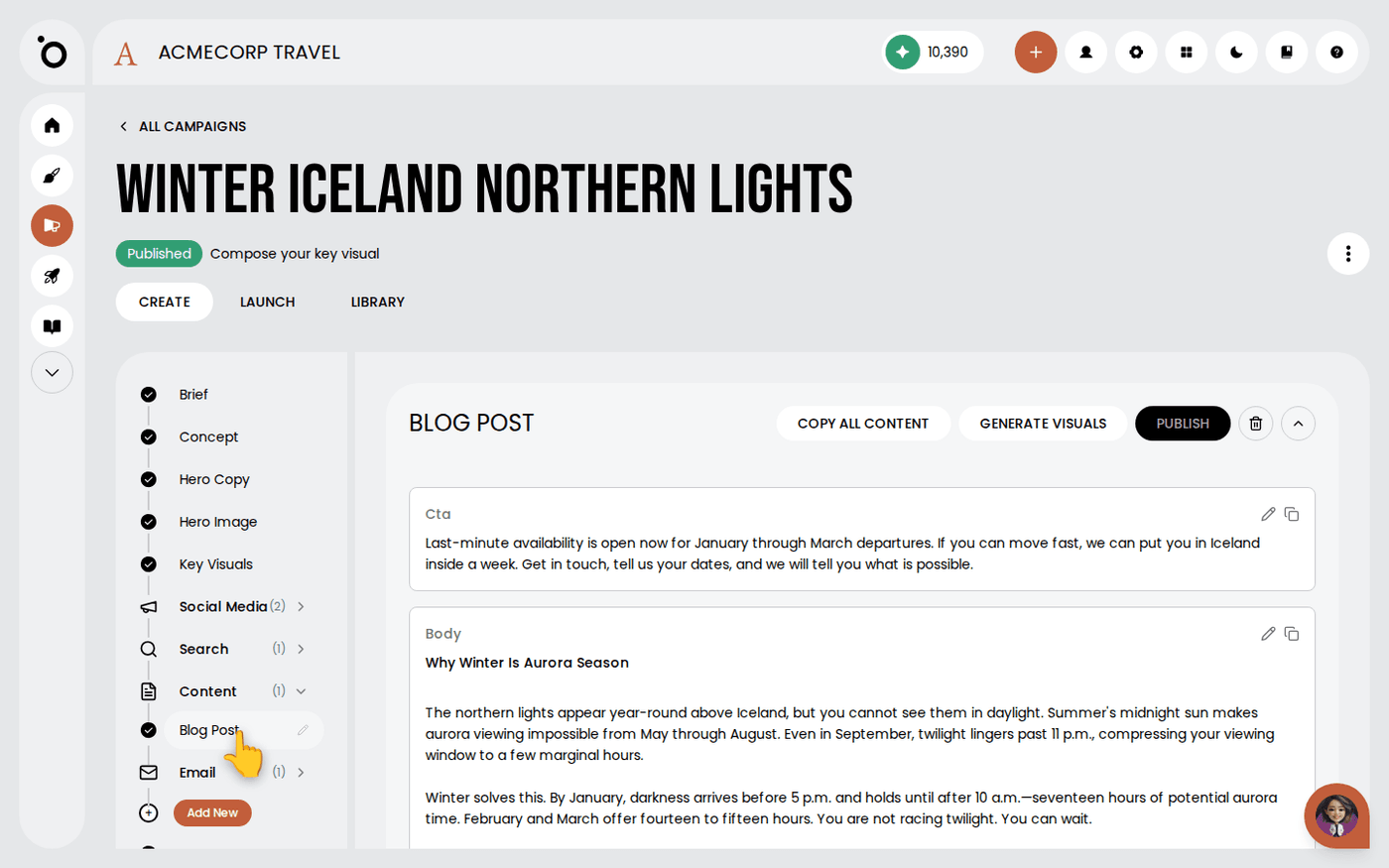 Write long-form content in a campaignGet a full blog post written from your campaign brief, in the same argument as the rest of the campaign.
 - 4
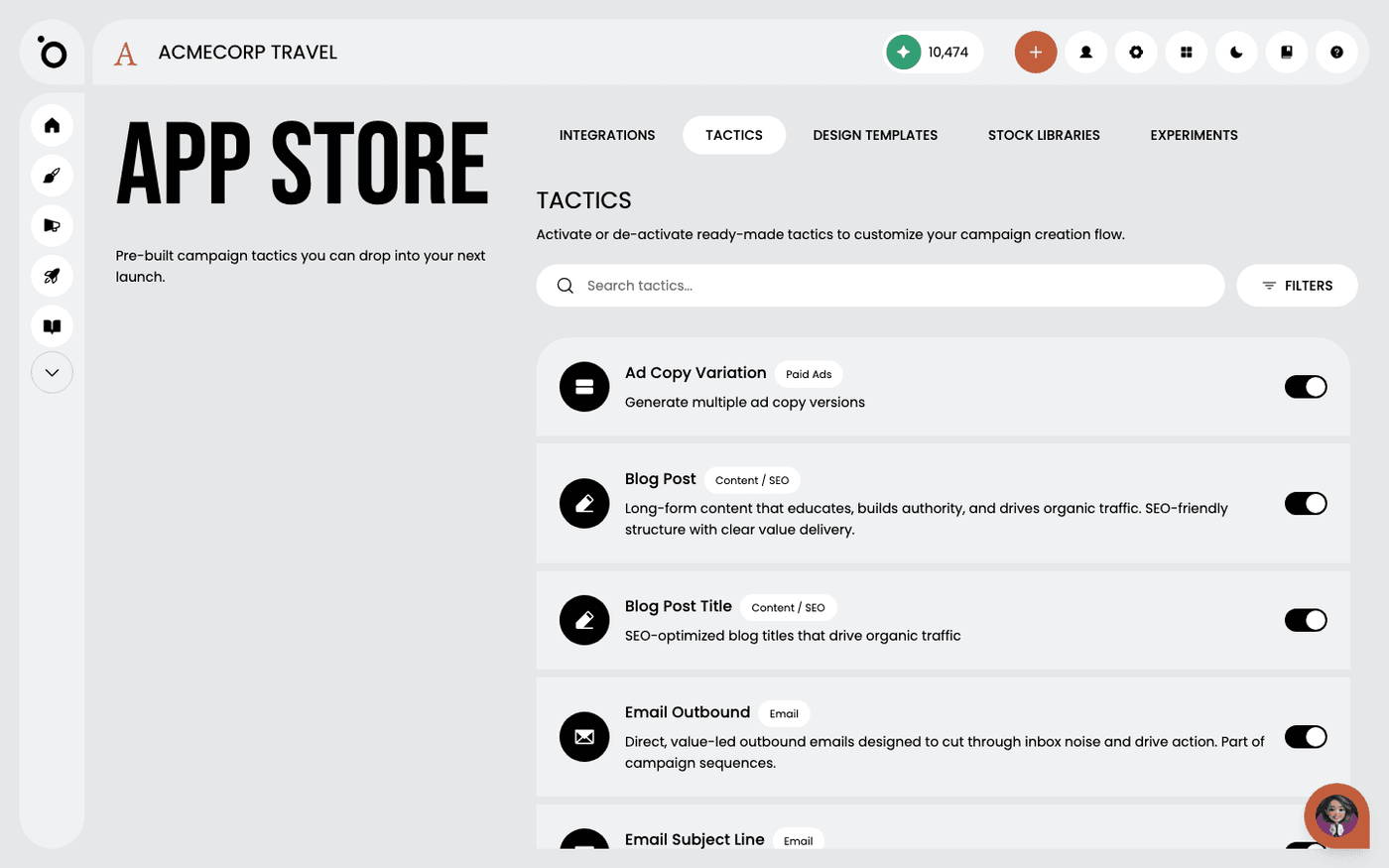 Create Google Ads responsive search adsGet search ads written from your campaign, with the keywords researched for you, and export them ready for Google Ads.
 - 5
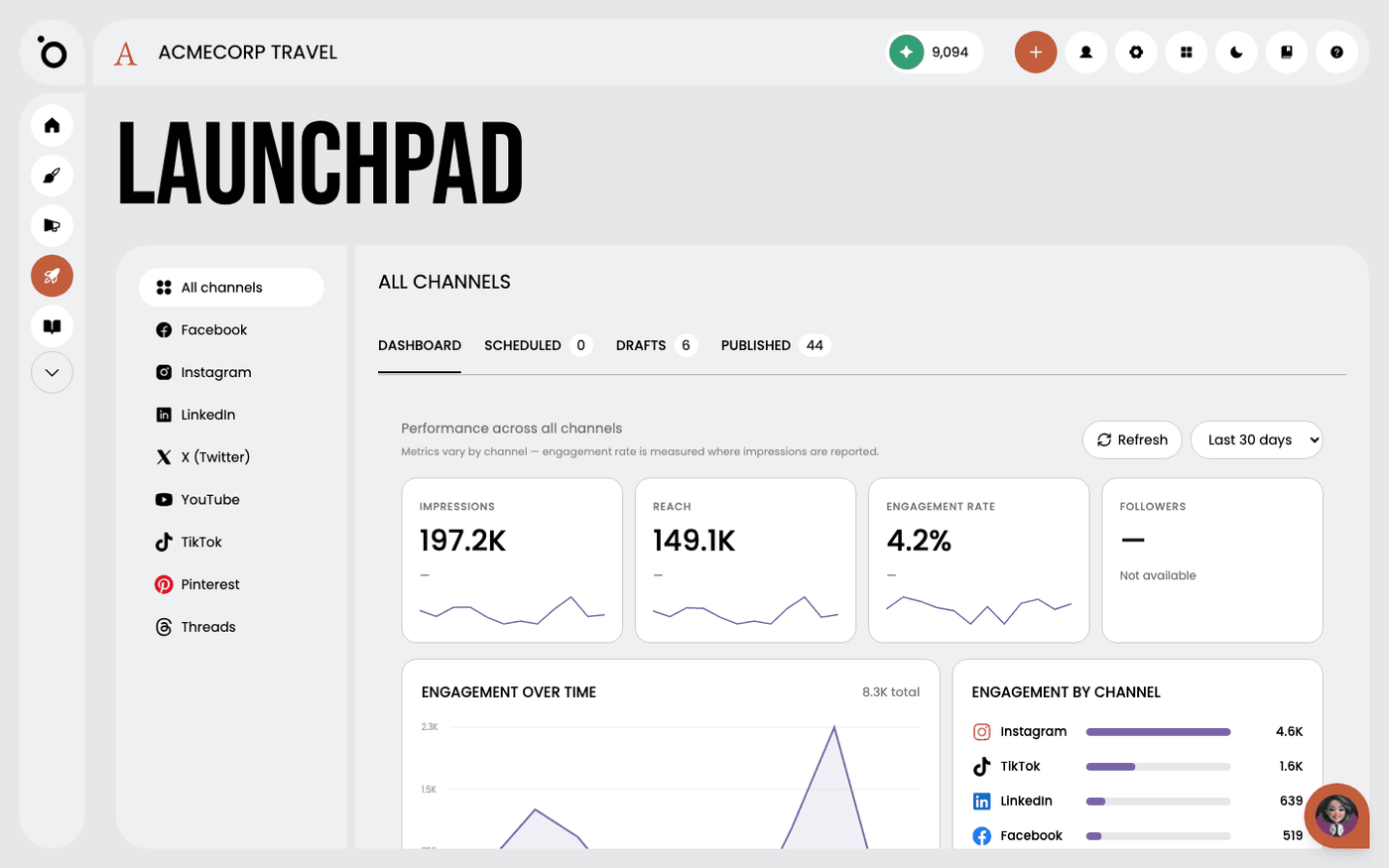 Read your performance in LaunchpadSee everything you have published, scheduled or drafted across every channel, and how each post did, in one place.
Other flows
Different destination, same idea.
Set up Brand DNA10 steps · ends with a Brand DNA complete enough to generate fromCreate a campaign from a brief9 steps · ends with a campaign kit ready to export or publishCreate multiple formats with Sketch7 steps · ends with One idea, published in several placesTurn a design into video11 steps · ends with An MP4 built from a design you already signed offCreate branded design kits7 steps · ends with Your own templates driving the outputSet up Maia across your channels7 steps · ends with Maia reachable from email, Slack, WhatsApp and your calendar