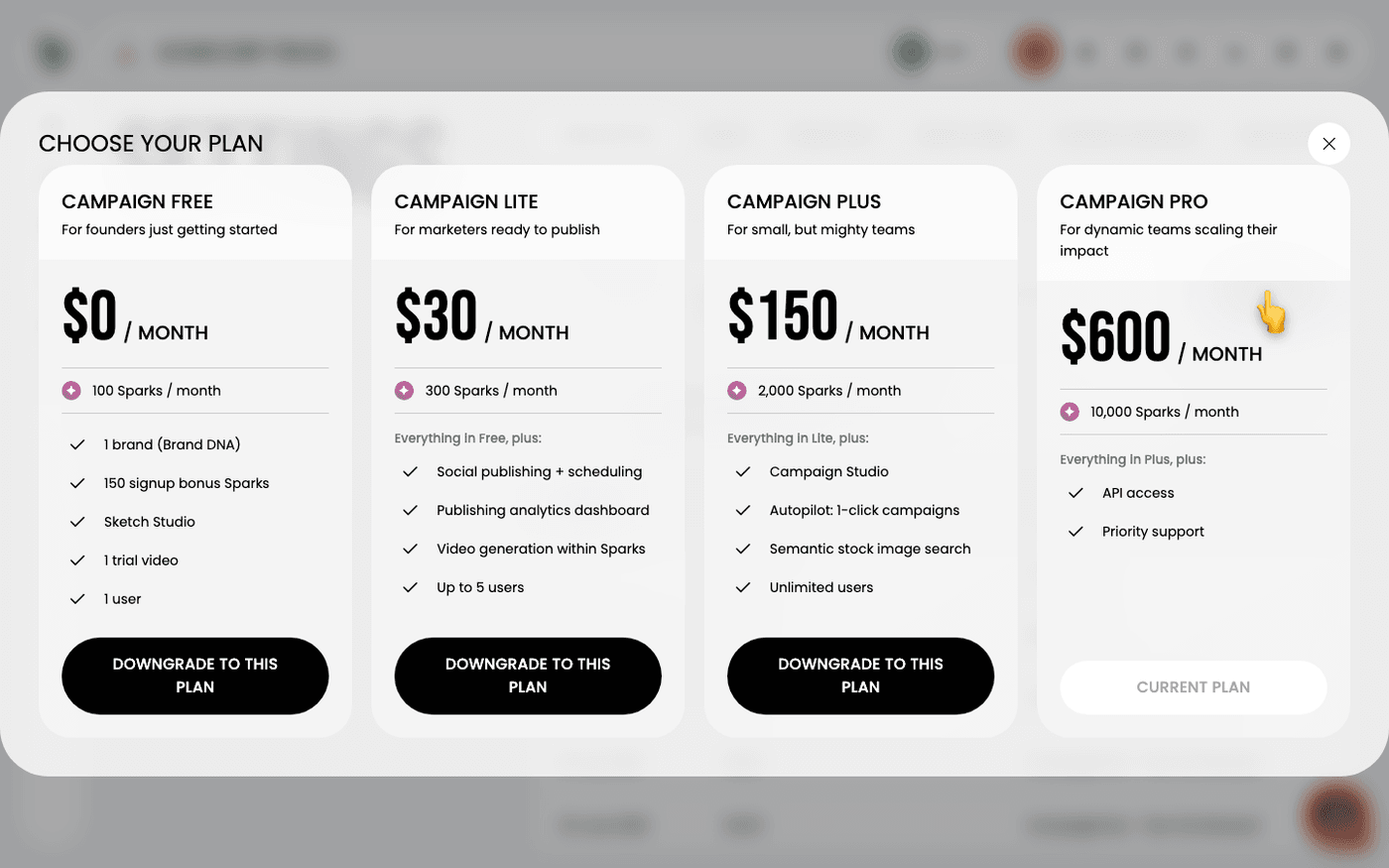
In short: Settings, Subscription. Changing tier happens here; cancelling and invoices are in the Stripe portal.
Changing tier happens in Protaigé itself. It used to be handled by the Stripe portal, which set its own timing and wording, so the confirmation you read and the change that happened were not always written by the same people. The portal still holds cancellation, payment details and invoices.
Open the plans dialog
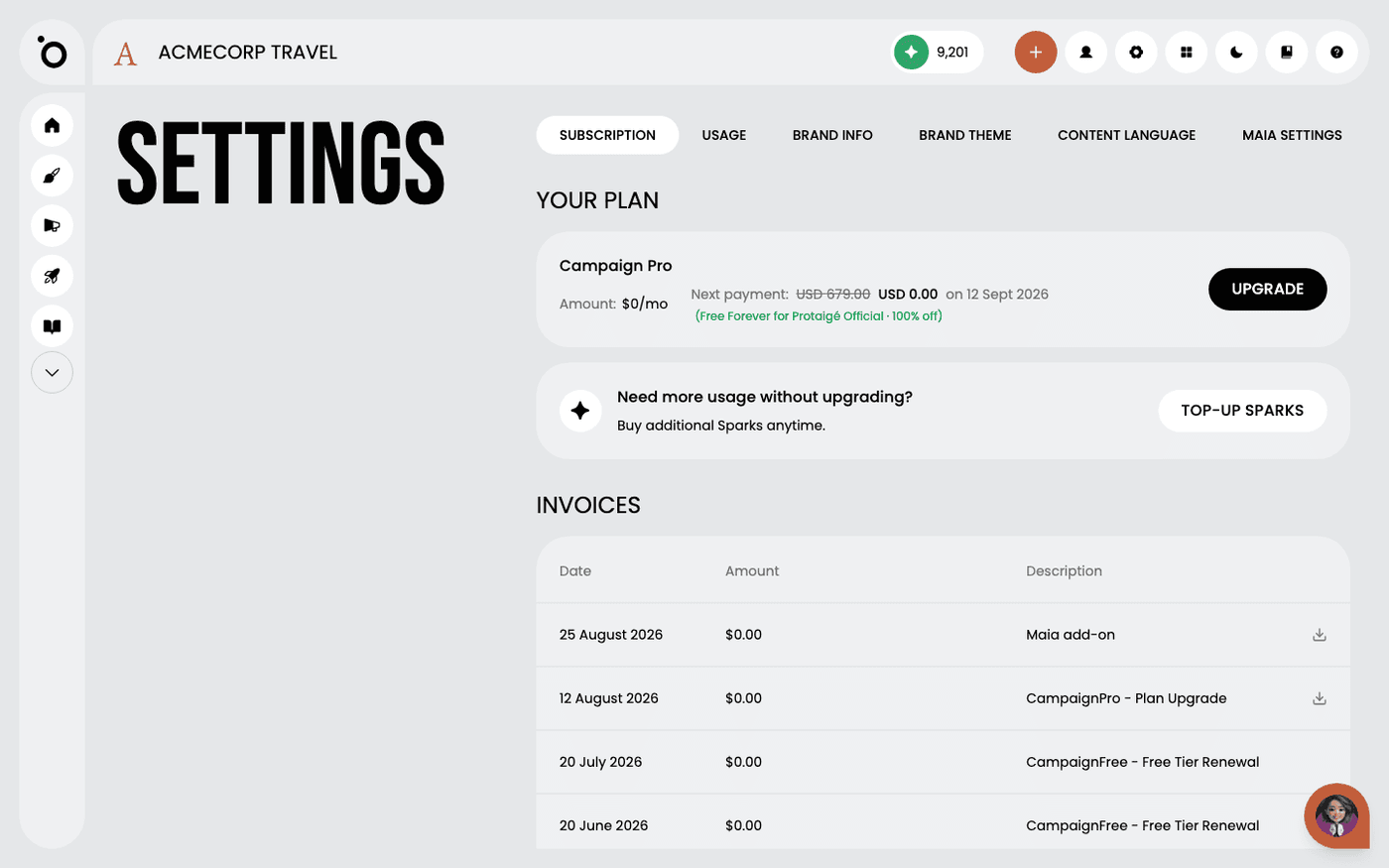
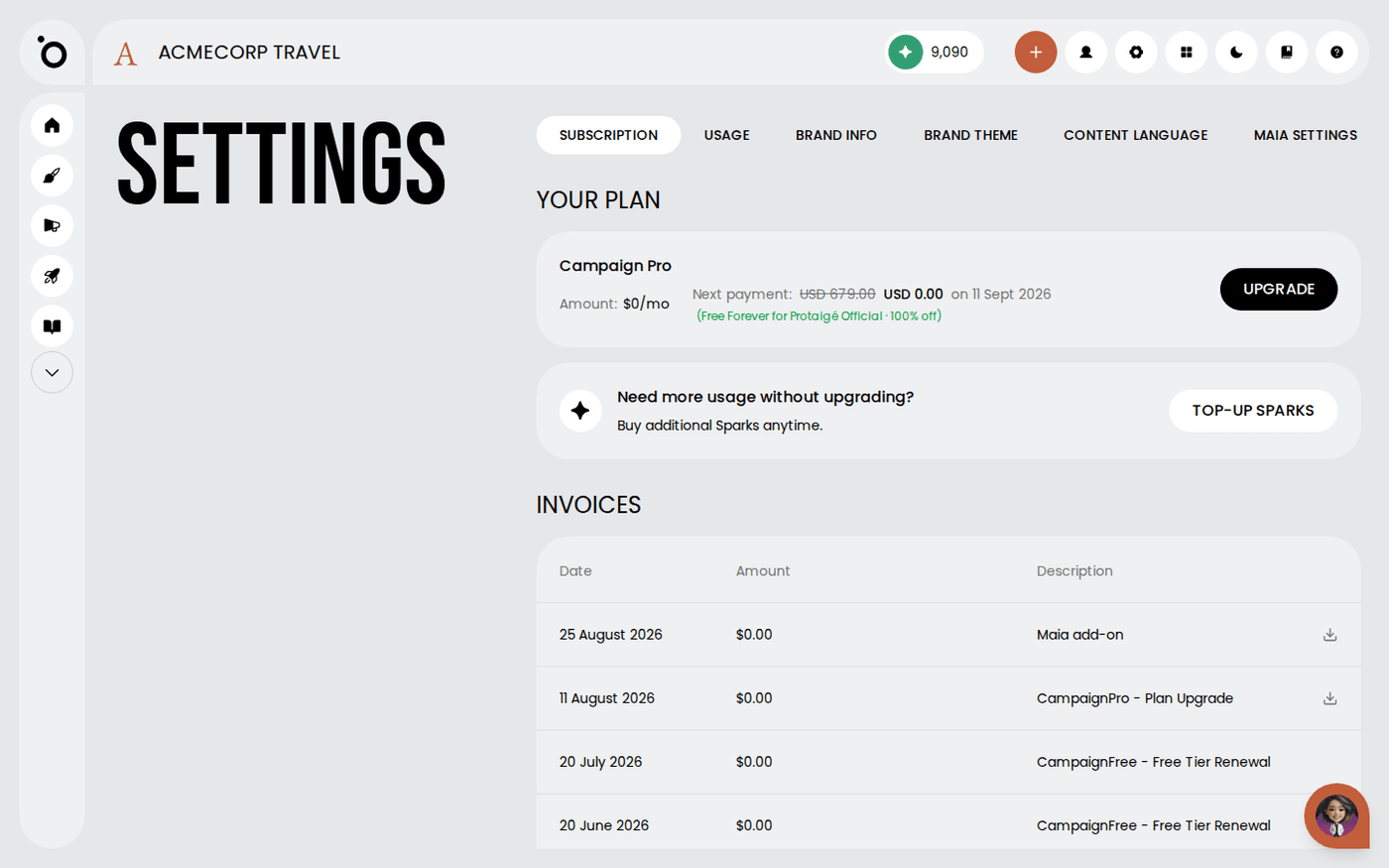
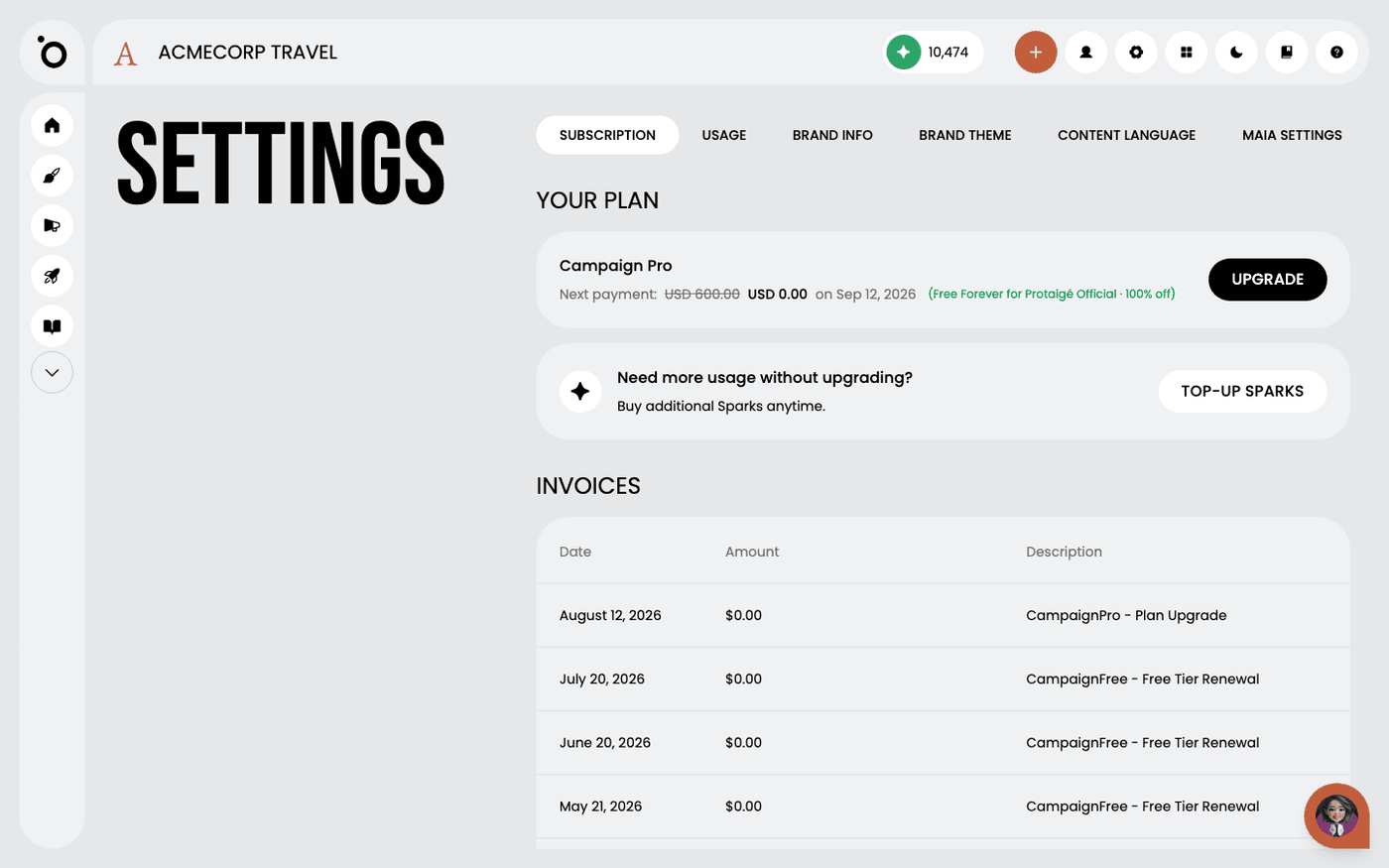
Upgrade on the Subscription tab opens the plans dialog. Pick the tier and confirm, and the change is made and priced in one place.
Change tier
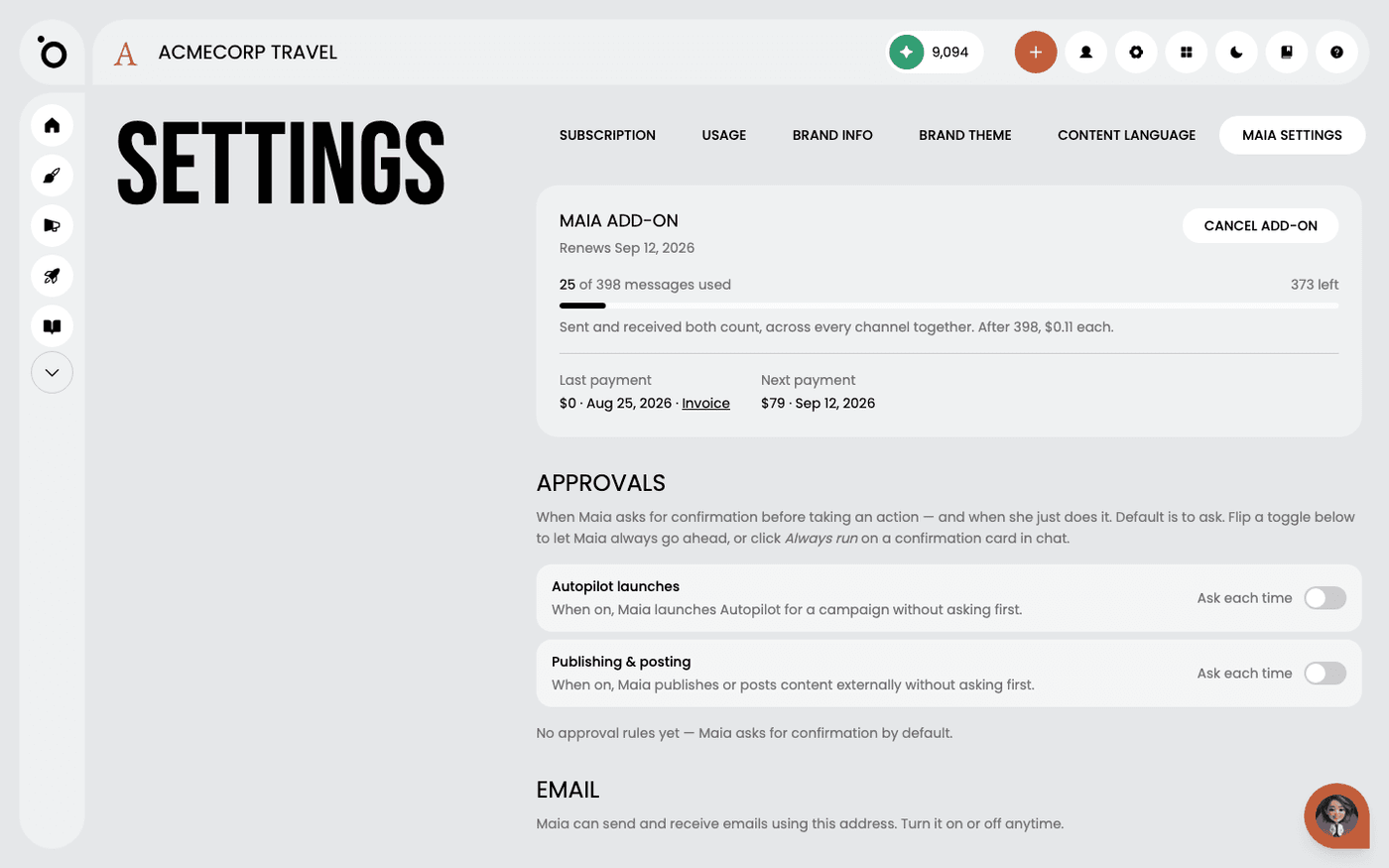
Moving up applies straight away. Moving down takes effect at the end of the period you have paid for, and is labelled a downgrade rather than a cancellation, because you keep an account either way. If you have the Maia add-on it is repriced onto the new tier at the same moment rather than being left on the old one.
Cancel if you need to
Cancelling is still the Stripe portal's job, reached from the same tab. Your work stays where it is. What changes is access to the features your plan covered.
Invoices and payment details live in the Stripe portal, and recent invoices are also listed on the Subscription tab, the Maia add-on among them if you have it.
Last updated 1 September 2026