In short: Read the title in the header → Key Visual Editor, Creative Editor, Sketch Editor or Edit landing page. No title and a timeline means the video editor.
Protaigé has five places where you edit a design. Each does a different job, so the buttons differ. If you cannot find a tool, check which editor you are in first.
Four of them show a title in the header. The video editor shows none. You know it by the timeline along the bottom.
Key Visual Editor
Opens from a campaign group. Here you design the parent visual that every banner in the group is generated from. The header has Save Draft and Generate Banners. Generate Banners applies your design across the whole set.
Creative Editor
Opens on a single campaign banner. Same tools, one output, and a single Save button. Use it to fix one asset without regenerating the set.
Sketch Editor
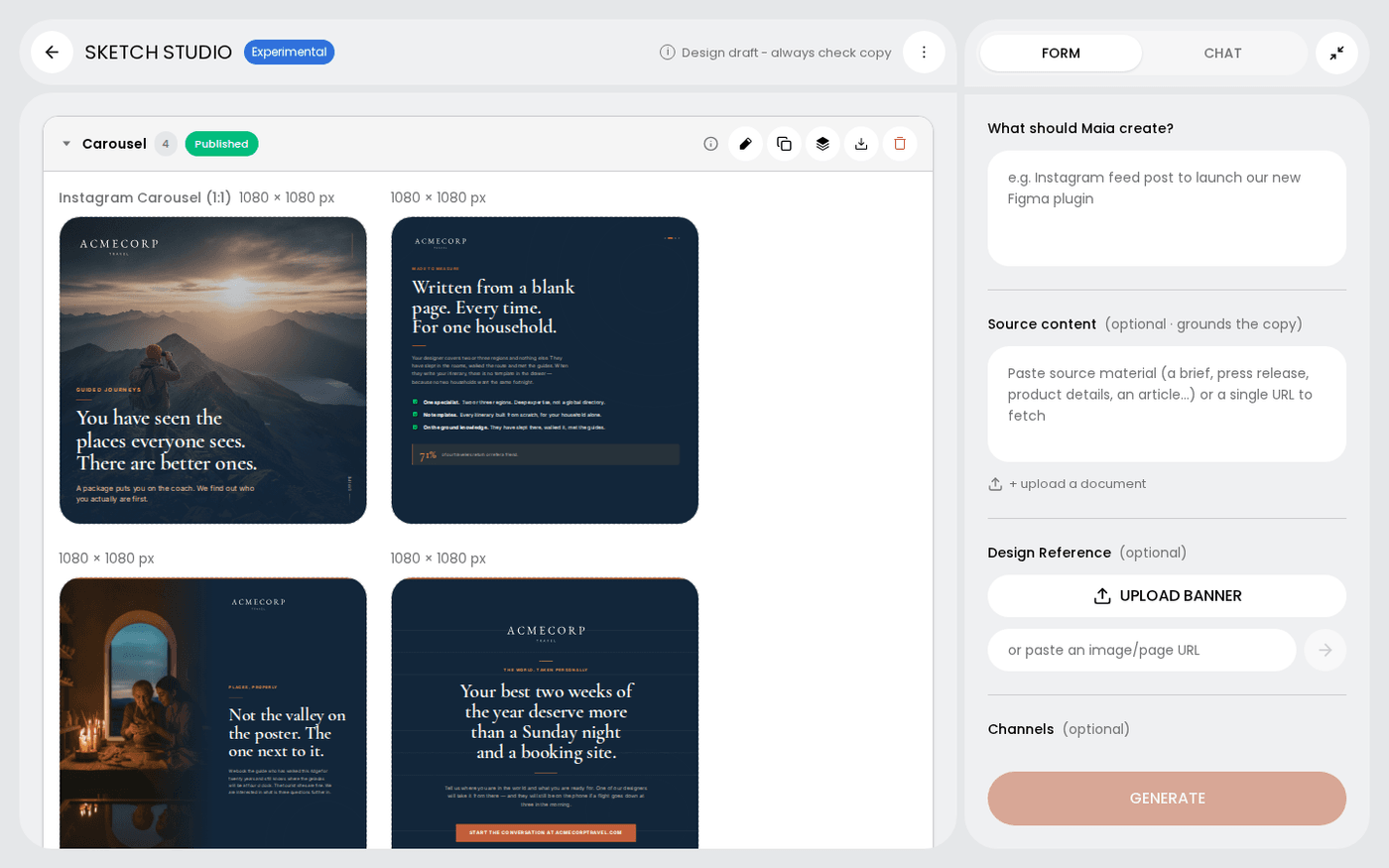
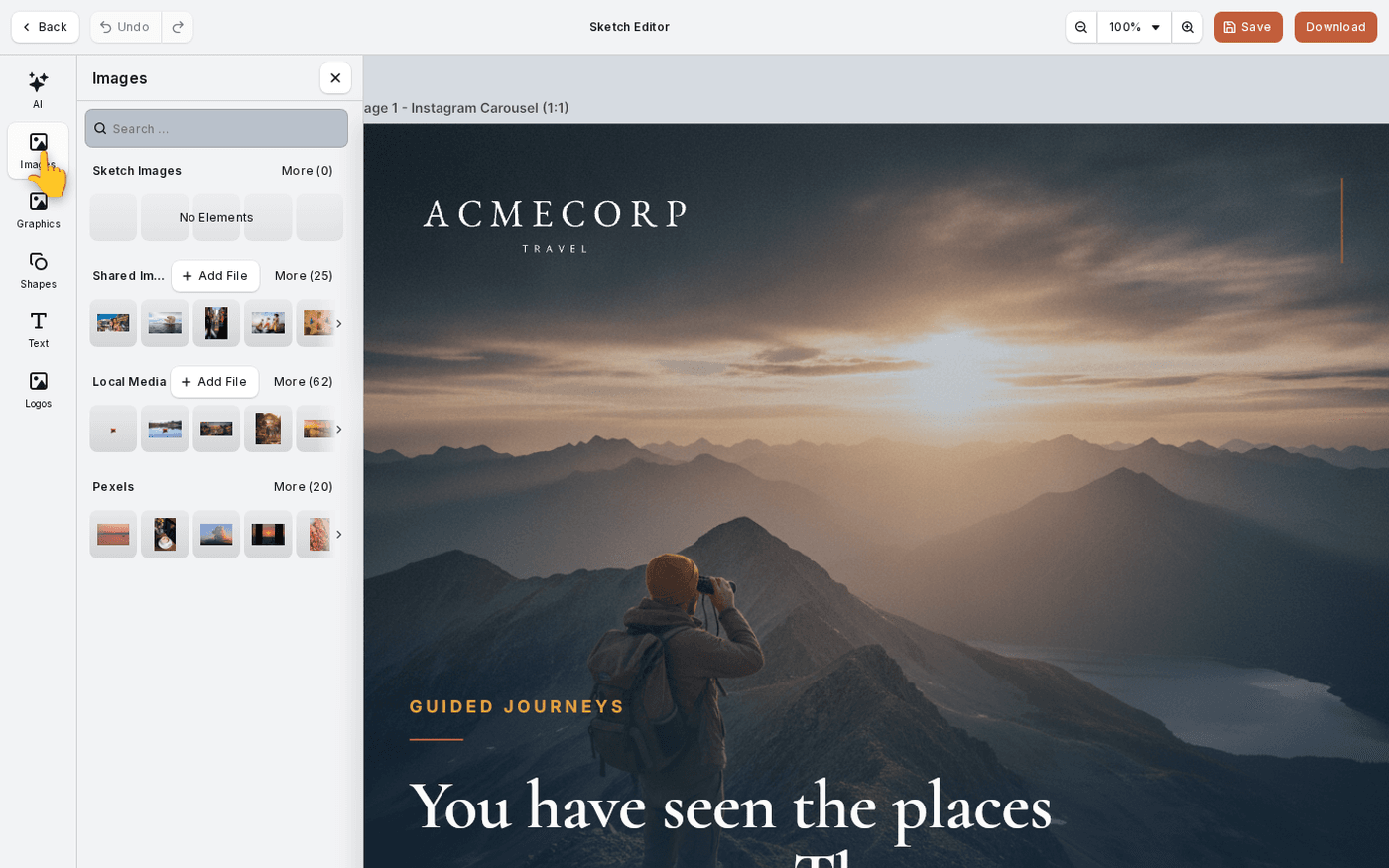
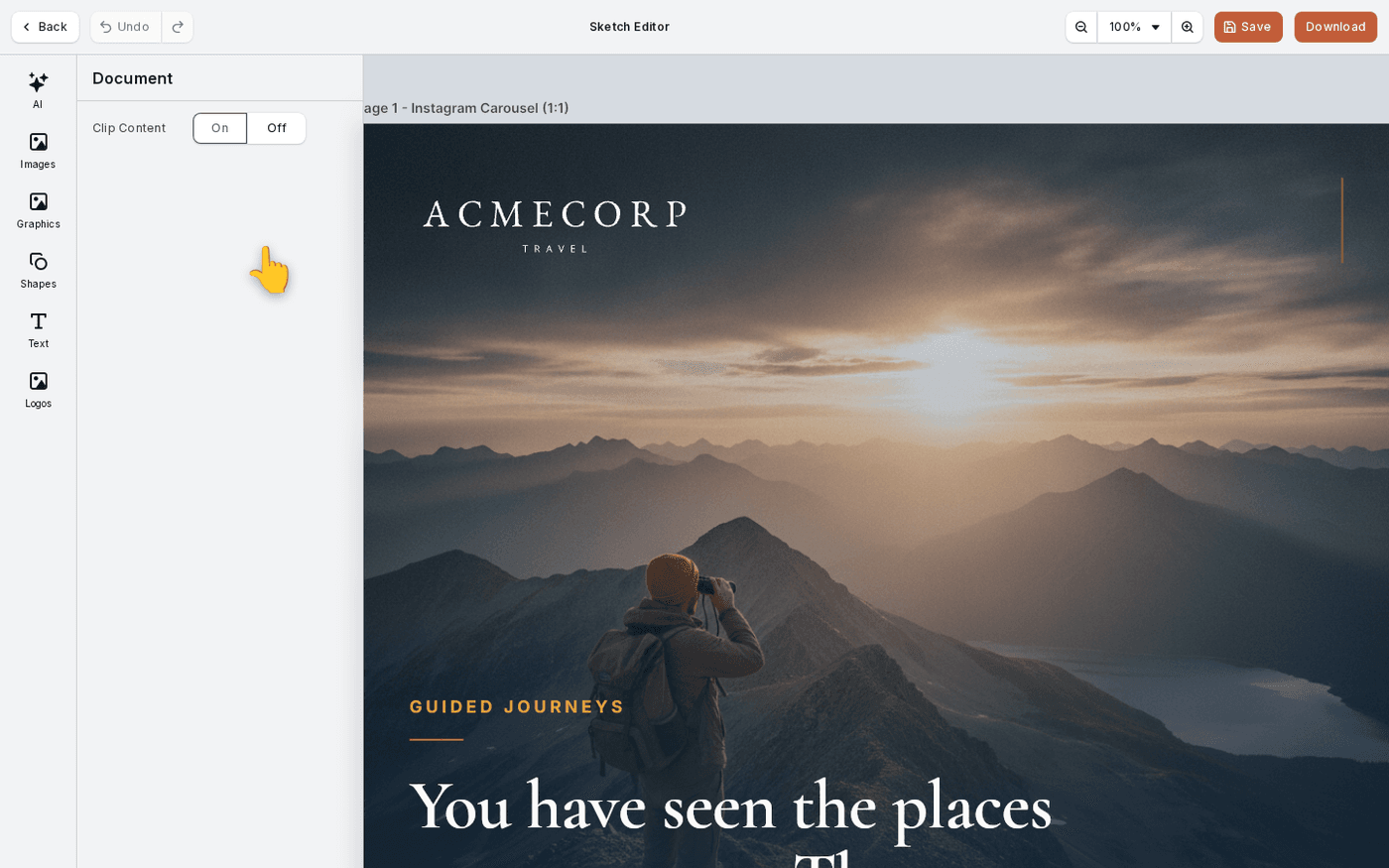
Opens when you press the pencil on a frame in Sketch Studio. The header reads Sketch Editor. Its buttons are Save and Download. There is no Generate Banners here, because a Sketch frame has no set behind it. The dock down the left holds AI, Images, Graphics, Shapes, Text and Logos.
The HTML editor, for landing pages and emails
Landing pages and emails are web pages, not images, so the pencil opens a different editor for them. The header reads Edit landing page or Edit email, with an HTML tag next to it. Desktop, Tablet and Mobile tabs sit in the centre. The right panel has Maia, Style and Layers. Save as new version keeps the old version too.
The video editor
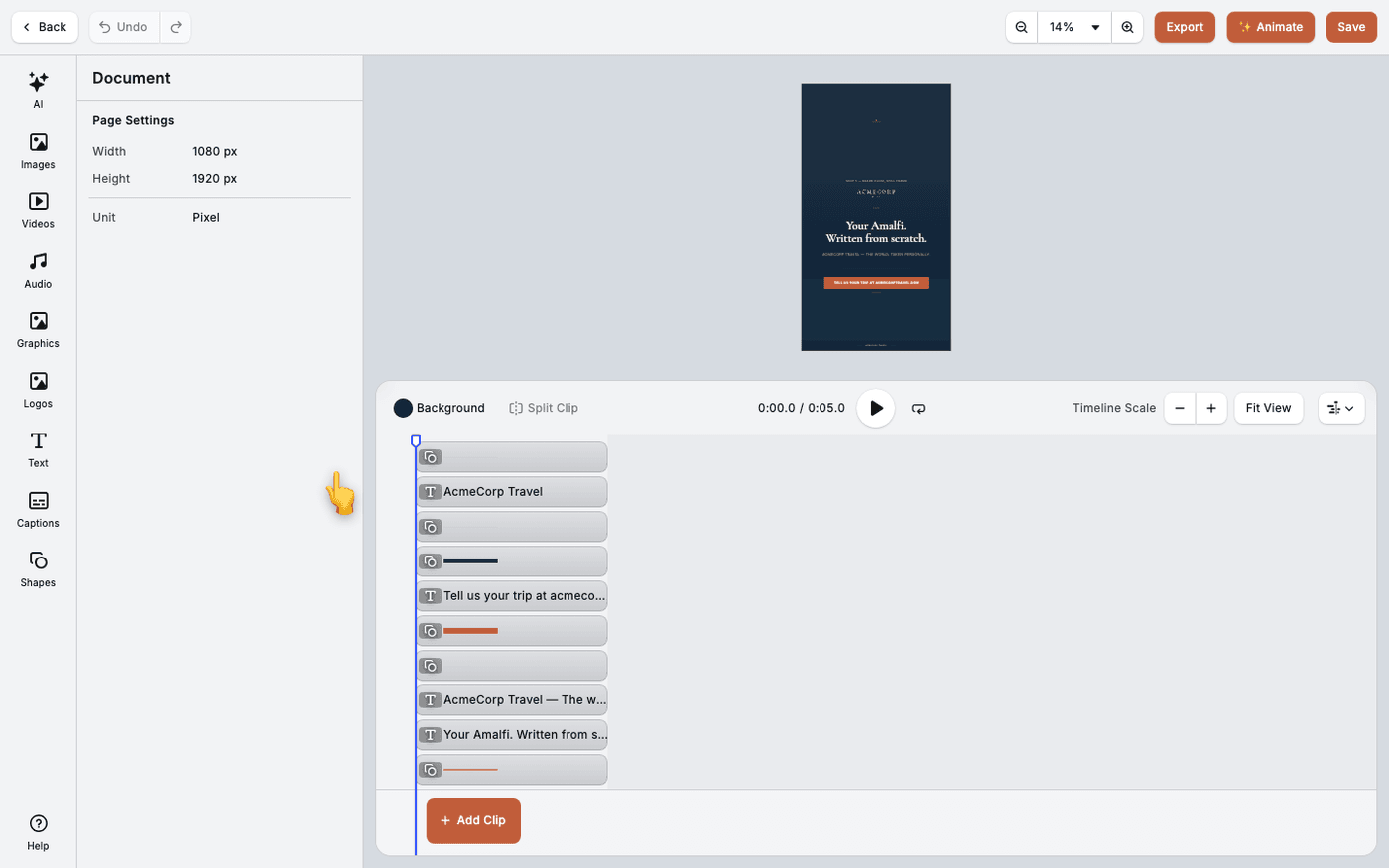
Opens from Create video on a campaign visual or a Sketch frame. It adds a timeline along the bottom, Videos and Audio in the dock, and Export and ✨ Animate beside Save. The page size is fixed to the design it came from.
The tools follow the editor
Captions, Trim and ✨ Animate exist only in the video editor. Generate Banners exists only in the Key Visual Editor. Download exists only in the Sketch Editor. Device tabs exist only in the HTML editor.
If a tool is missing, this editor does not offer it. Go back and open the design in the editor that does.
Last updated 29 September 2026