
Set up Brand DNA
Everything Protaigé needs before it can make anything that looks like you. Do this once and every campaign after it inherits the lot.
10 walkthroughsabout 36 min end to endEnds with: A Brand DNA complete enough to generate from
- 1
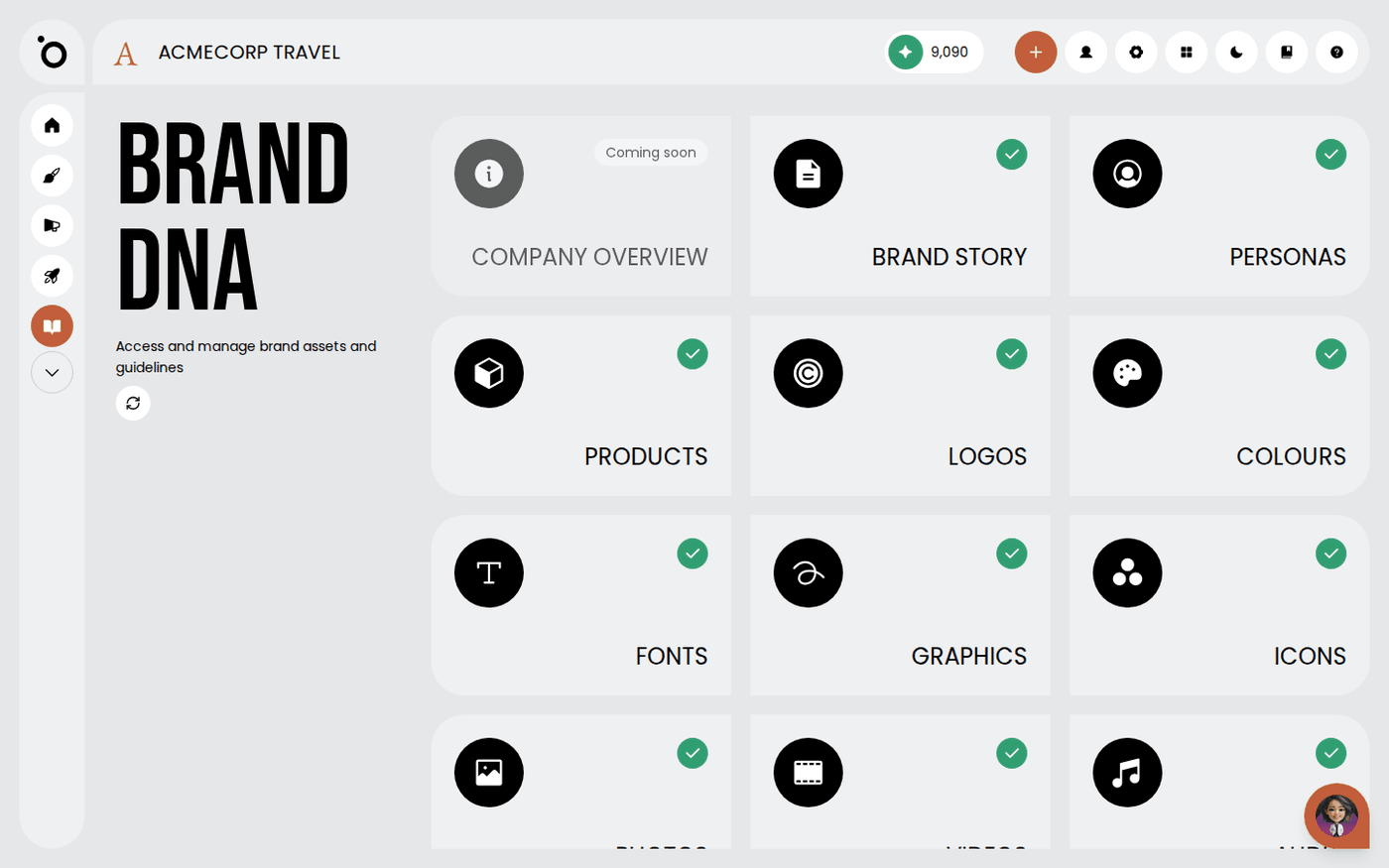 Brand DNA: your brand’s home baseFill in Brand DNA once, and every campaign, sketch and image Protaigé makes for you starts from your brand.
 - 2
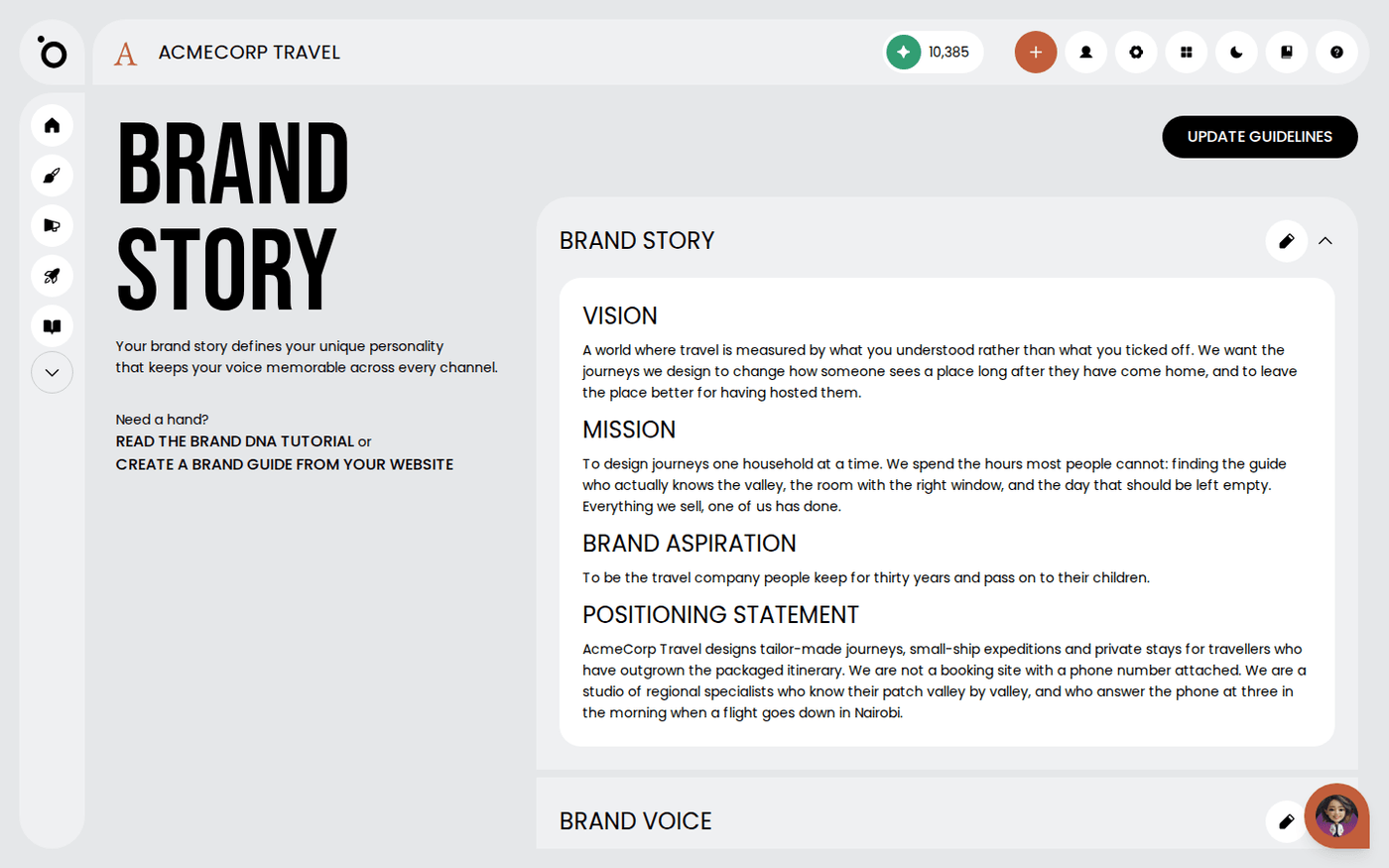 Import your brand story from a PDFUpload the brand guidelines you already have, and Protaigé fills in your story, voice and values for you.
 - 3
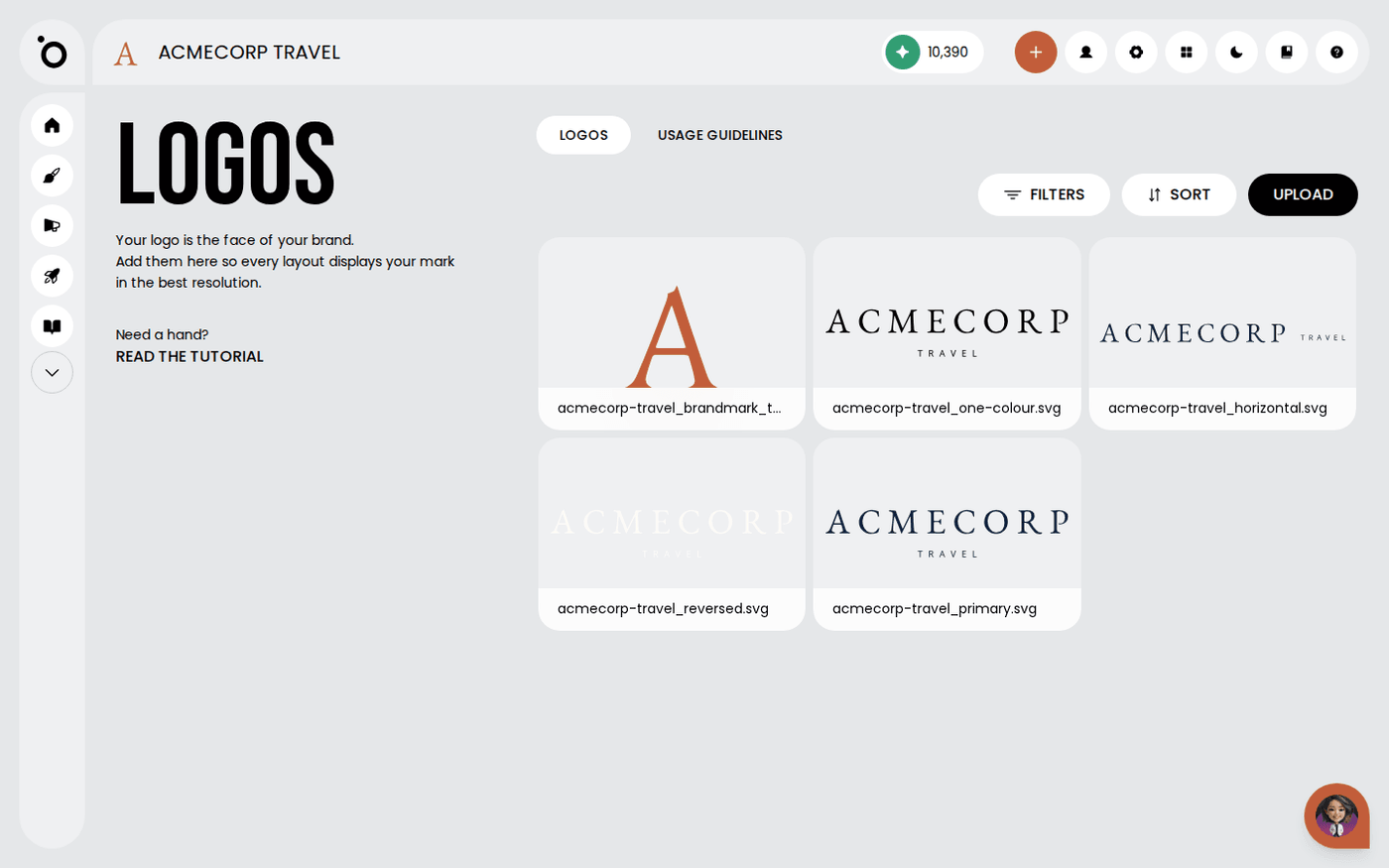 Set up your logosUpload every version of your logo so layouts always use the right one.
 - 4
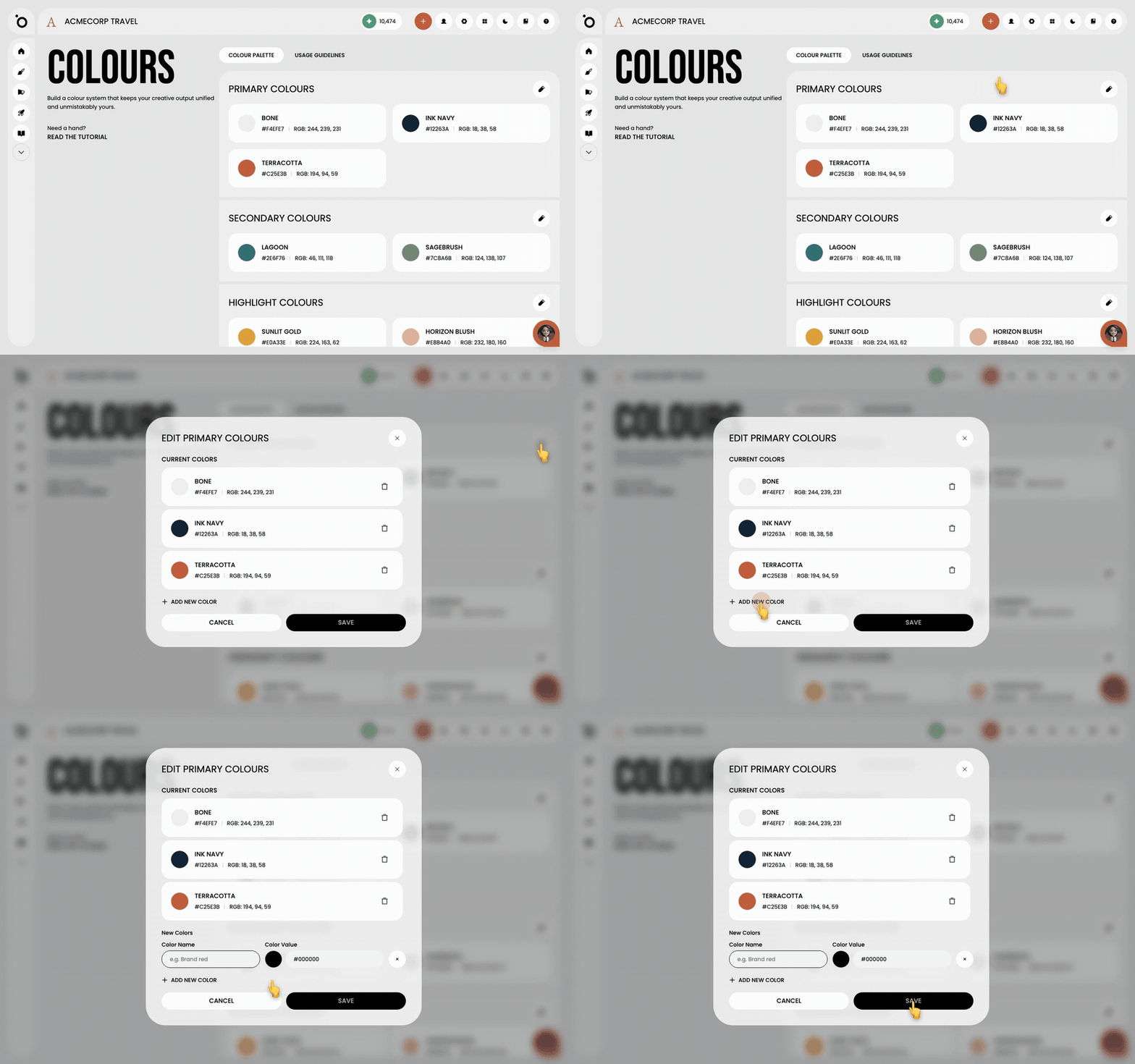 Set your brand coloursSet your primary, secondary and highlight colours once, and every campaign, sketch and design kit uses them.
 - 5
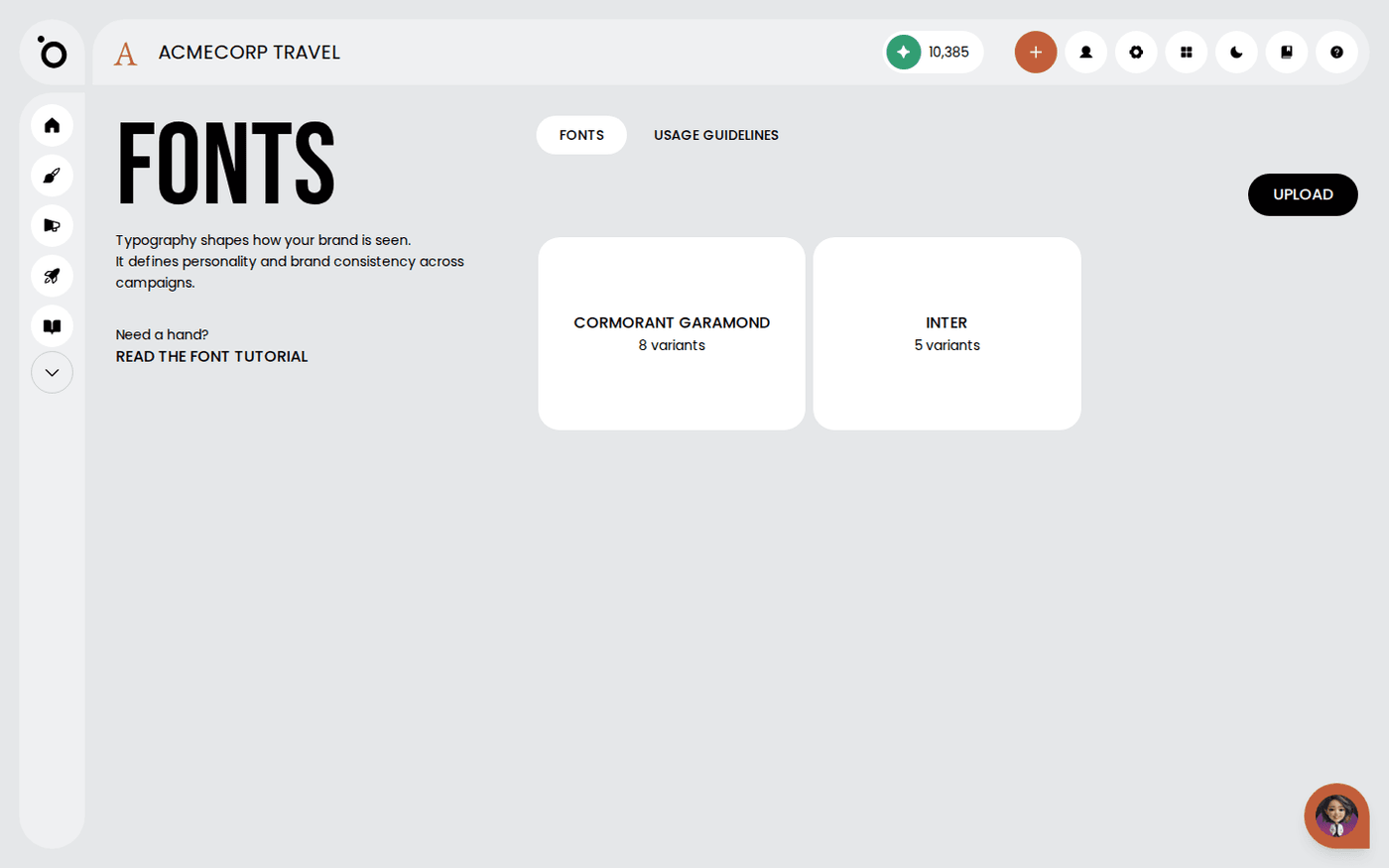 Set your brand fontsUpload your fonts and say what each one is for, so every campaign uses the right type.
 - 6
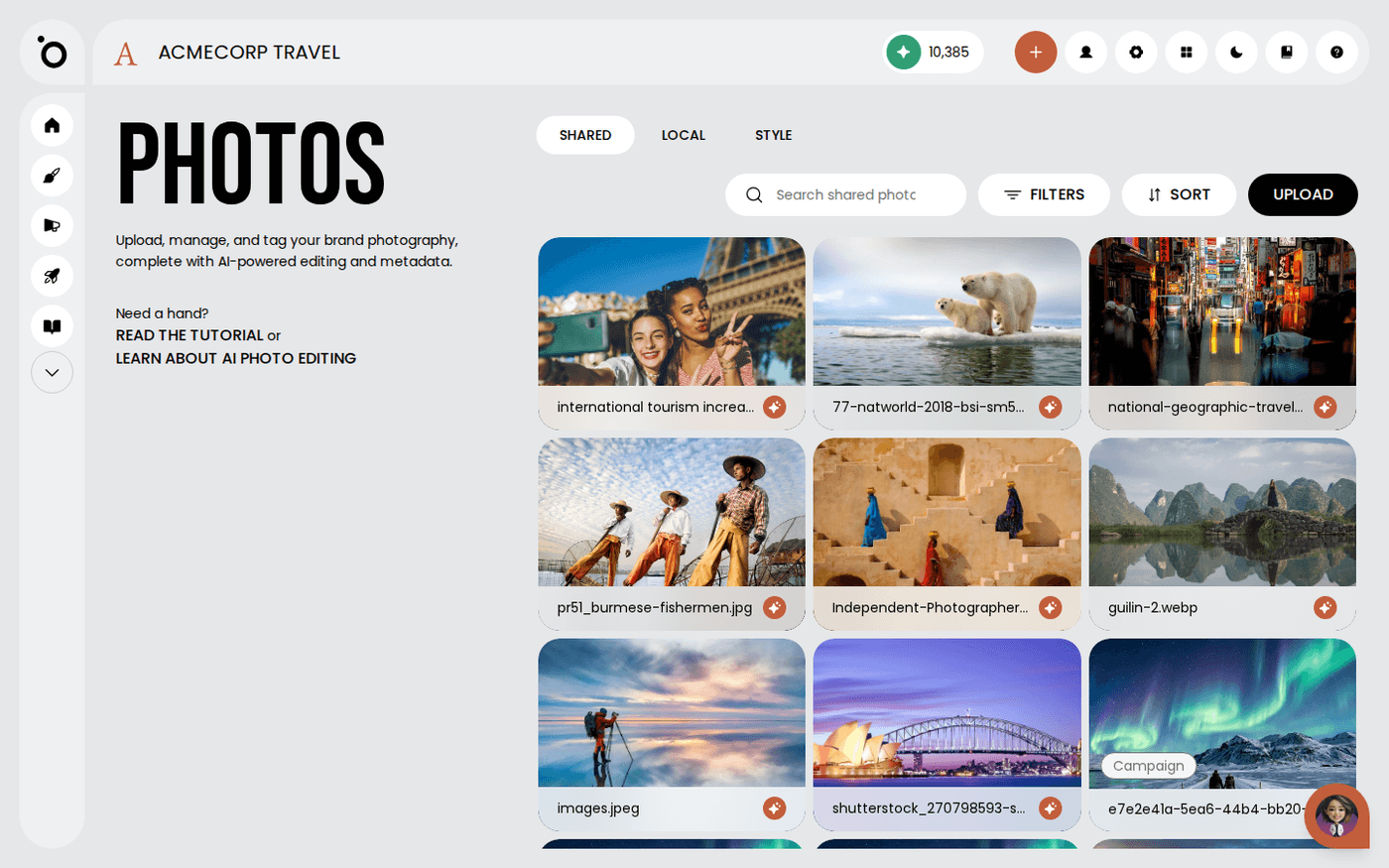 Manage your photo libraryPut your own photos into Protaigé so everything it makes for you uses your photography, not stock.
 - 7
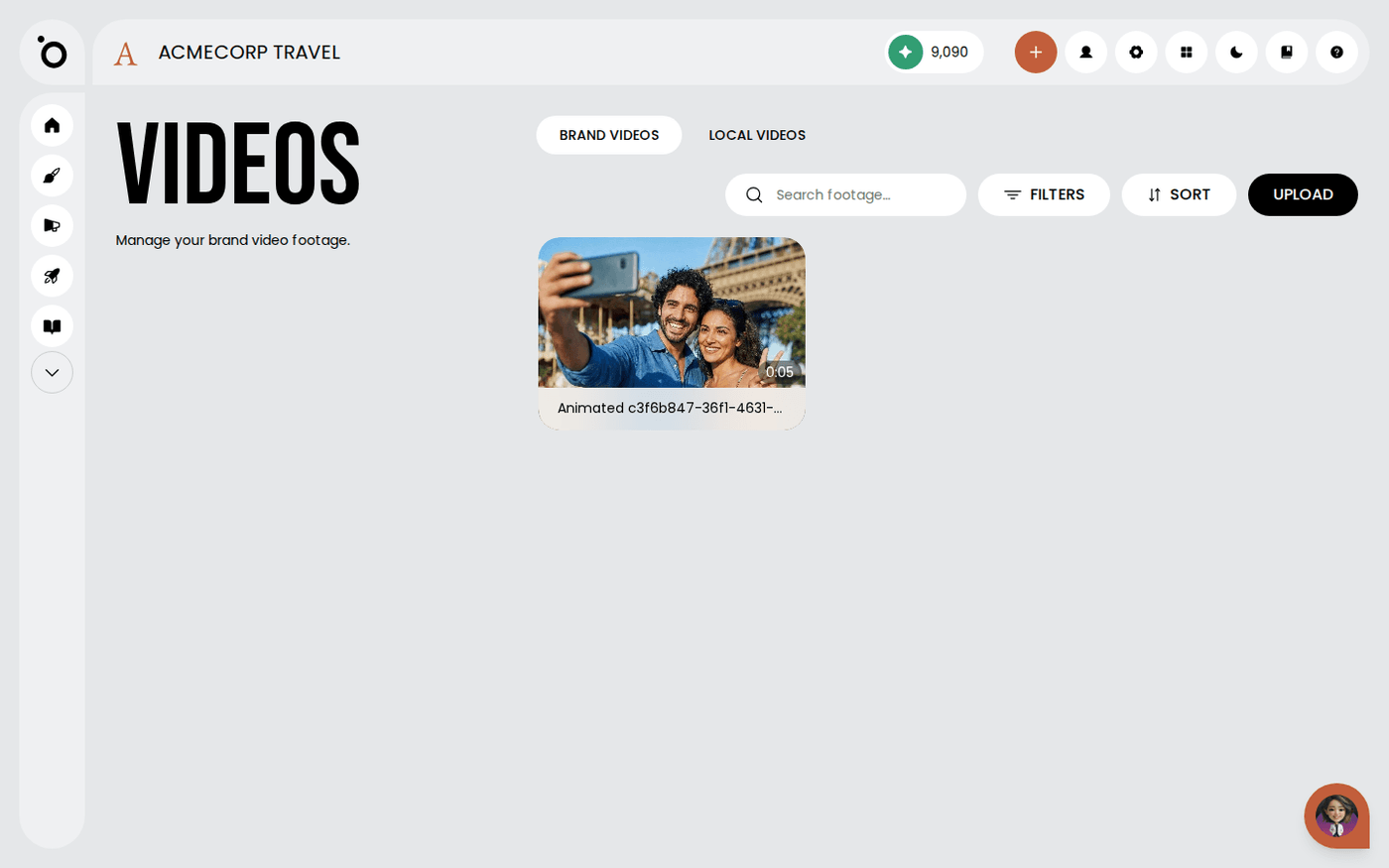 Manage your video libraryPut your footage into Protaigé, and keep the brand's clips separate from your own work in progress.
 - 8
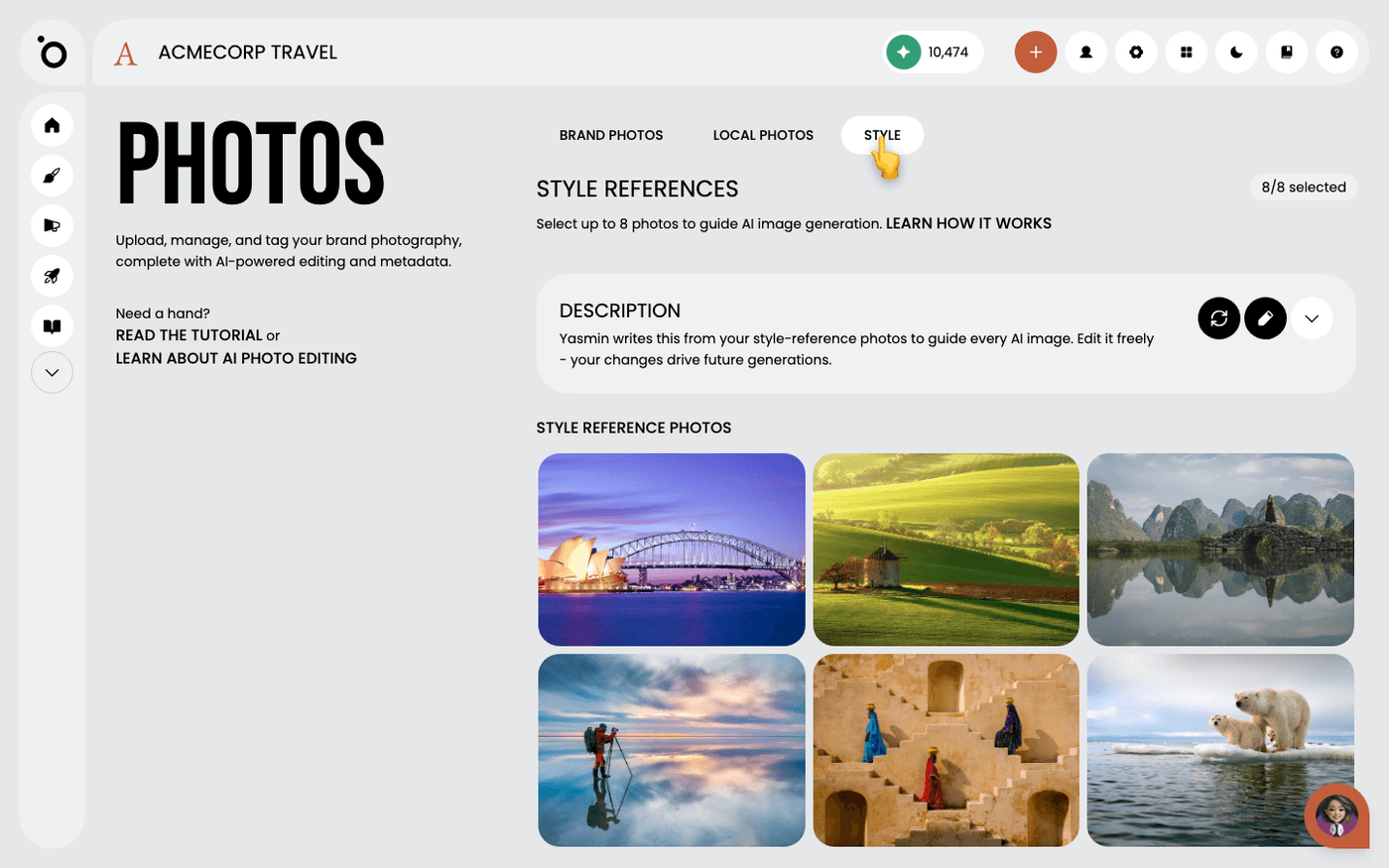 Edit your photography style descriptionTell Protaigé in words how your images should look, and change what it wrote when it gets your brand wrong.
 - 9
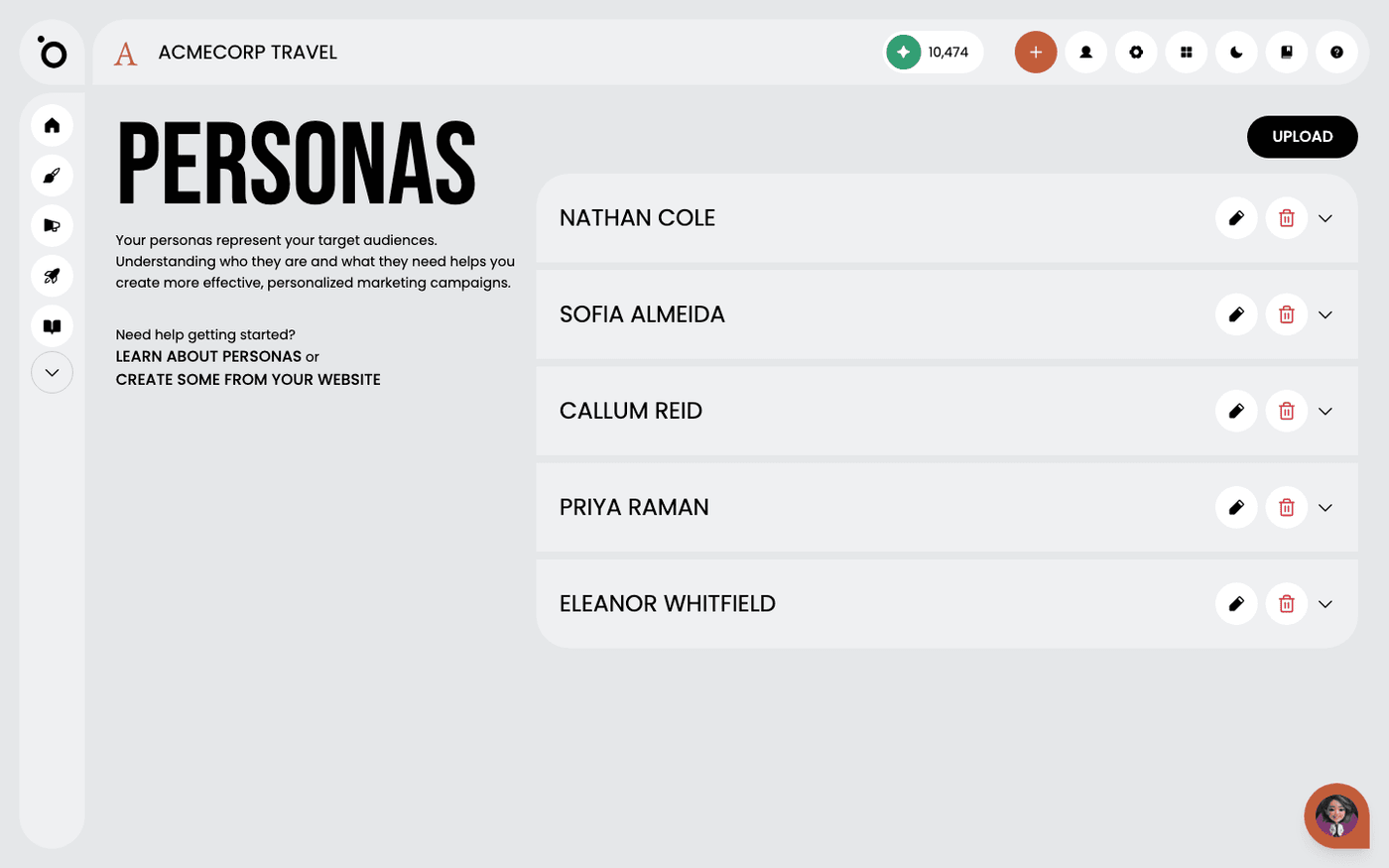 Add persona profilesTell Protaigé who you sell to, so every campaign speaks to a real audience instead of everyone.
 - 10
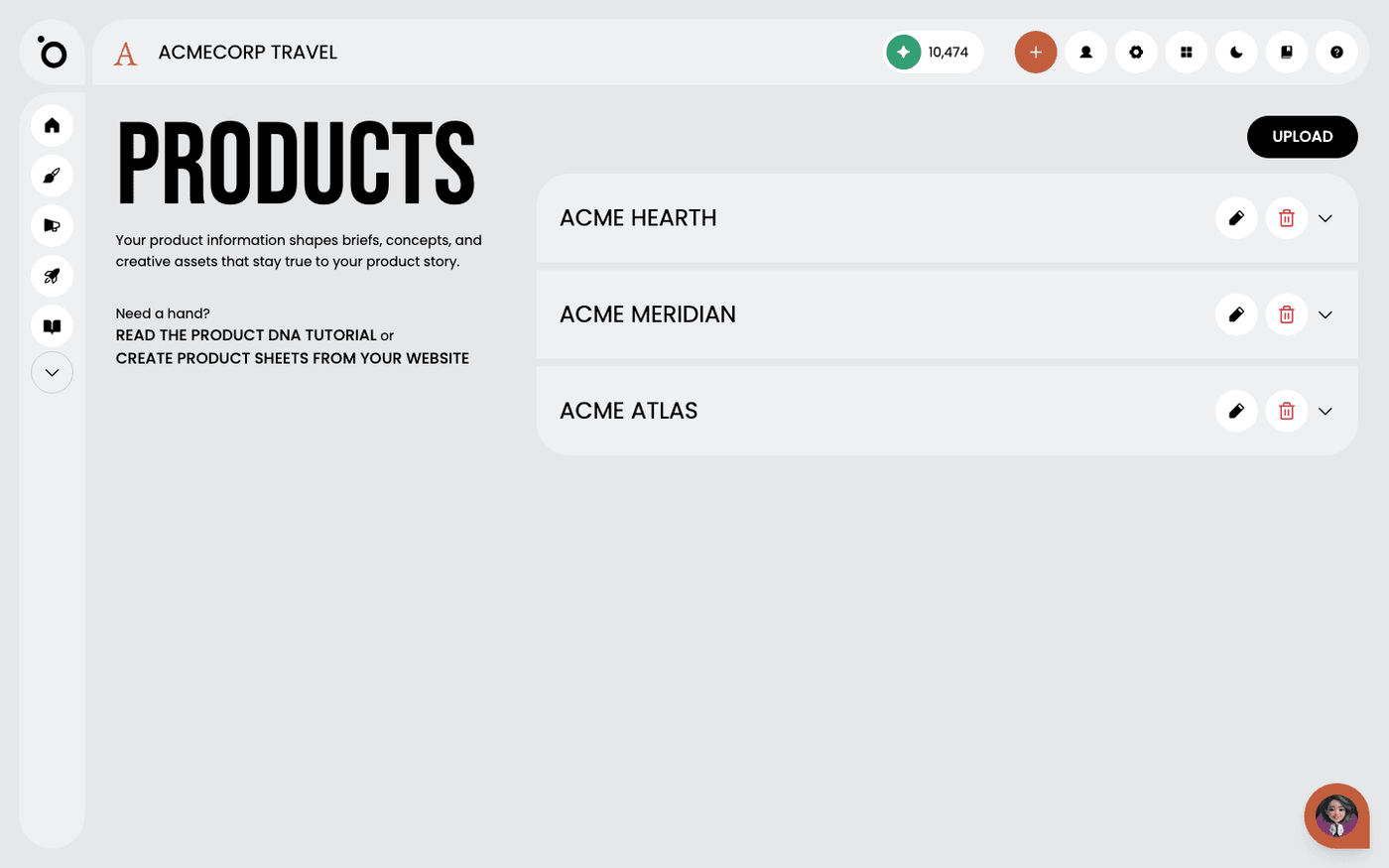 Add your products and servicesTell Protaigé what you sell, so your campaigns talk about your products and not your company in general.
Other flows
Different destination, same idea.
Create a campaign from a brief9 steps · ends with a campaign kit ready to export or publishTake a campaign to channel5 steps · ends with Copy written per channel, published, and measuredCreate multiple formats with Sketch7 steps · ends with One idea, published in several placesTurn a design into video11 steps · ends with An MP4 built from a design you already signed offCreate branded design kits7 steps · ends with Your own templates driving the outputSet up Maia across your channels7 steps · ends with Maia reachable from email, Slack, WhatsApp and your calendar