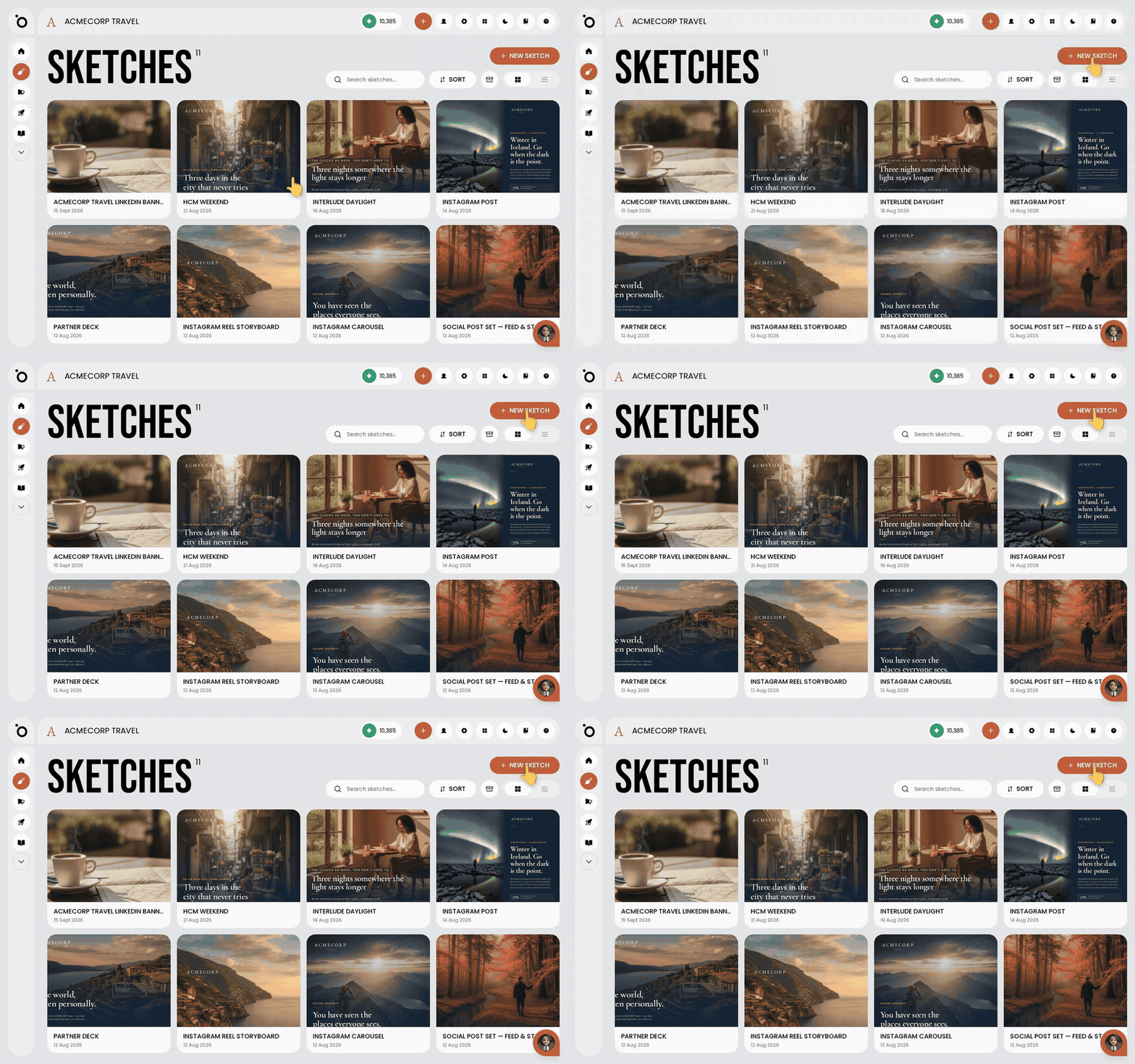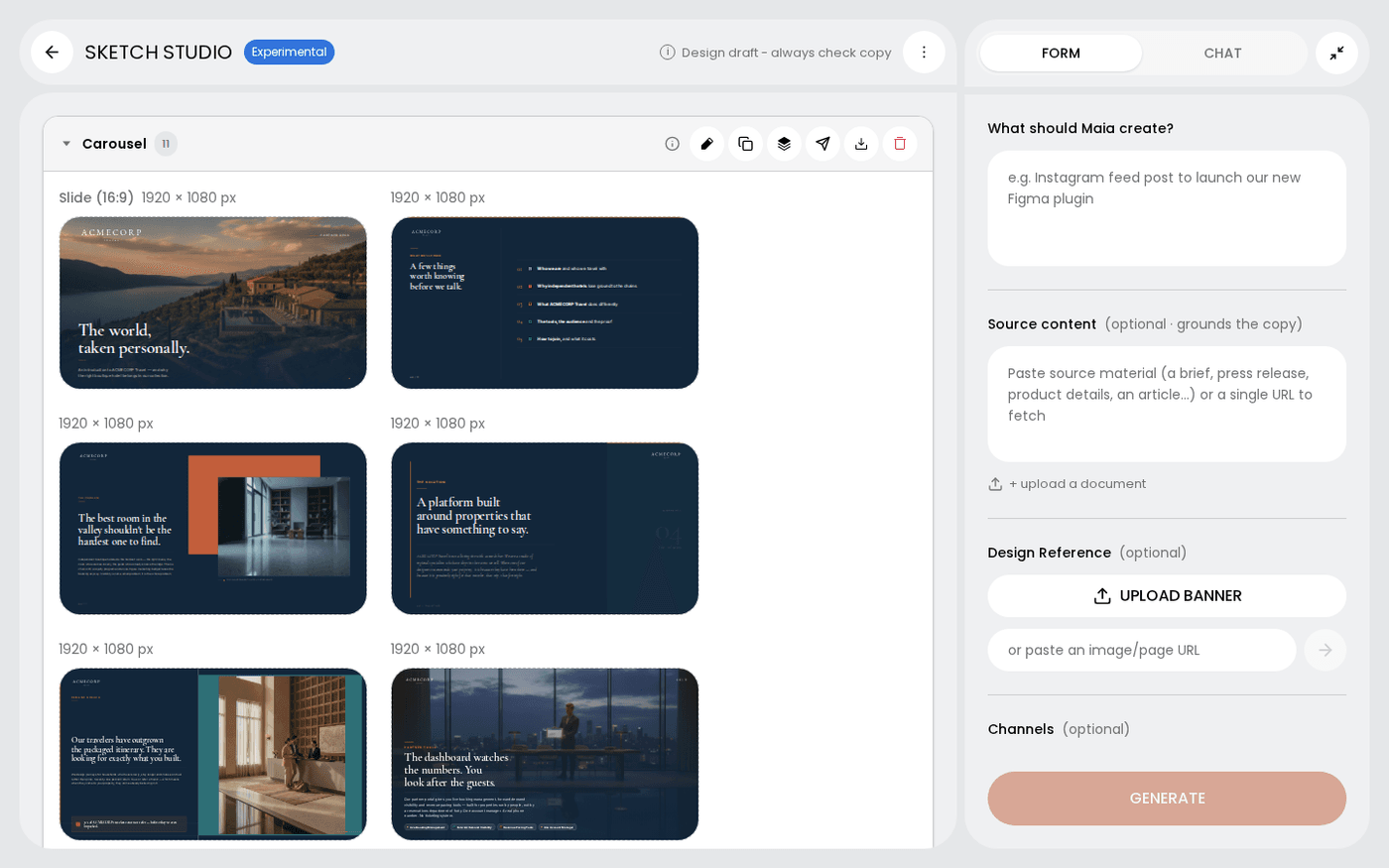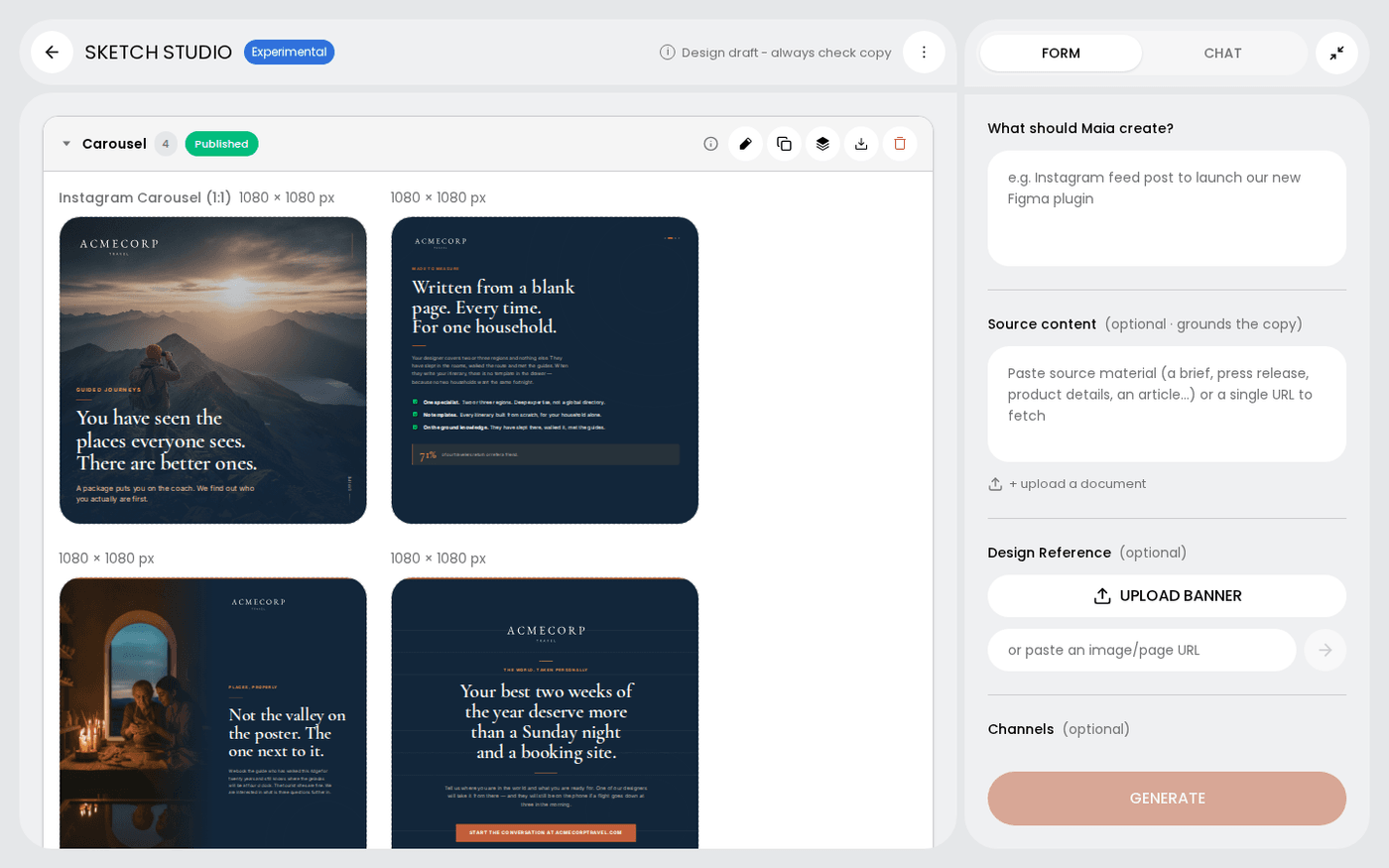
In short: Sketch Studio → chat for changes across the set, or hover a frame → pencil to change one frame yourself.
There are two ways to change a sketch. You can ask Maia in chat, or you can open a frame and change it yourself. Pick the right one and you save time.
Ask Maia in chat for anything broad
Type what you want in the chat panel, for example "make it warmer", "cut the copy" or "try a different opening". Use chat when the change affects more than one frame, or when you would rather describe the result than do it.
Open a frame to change it yourself
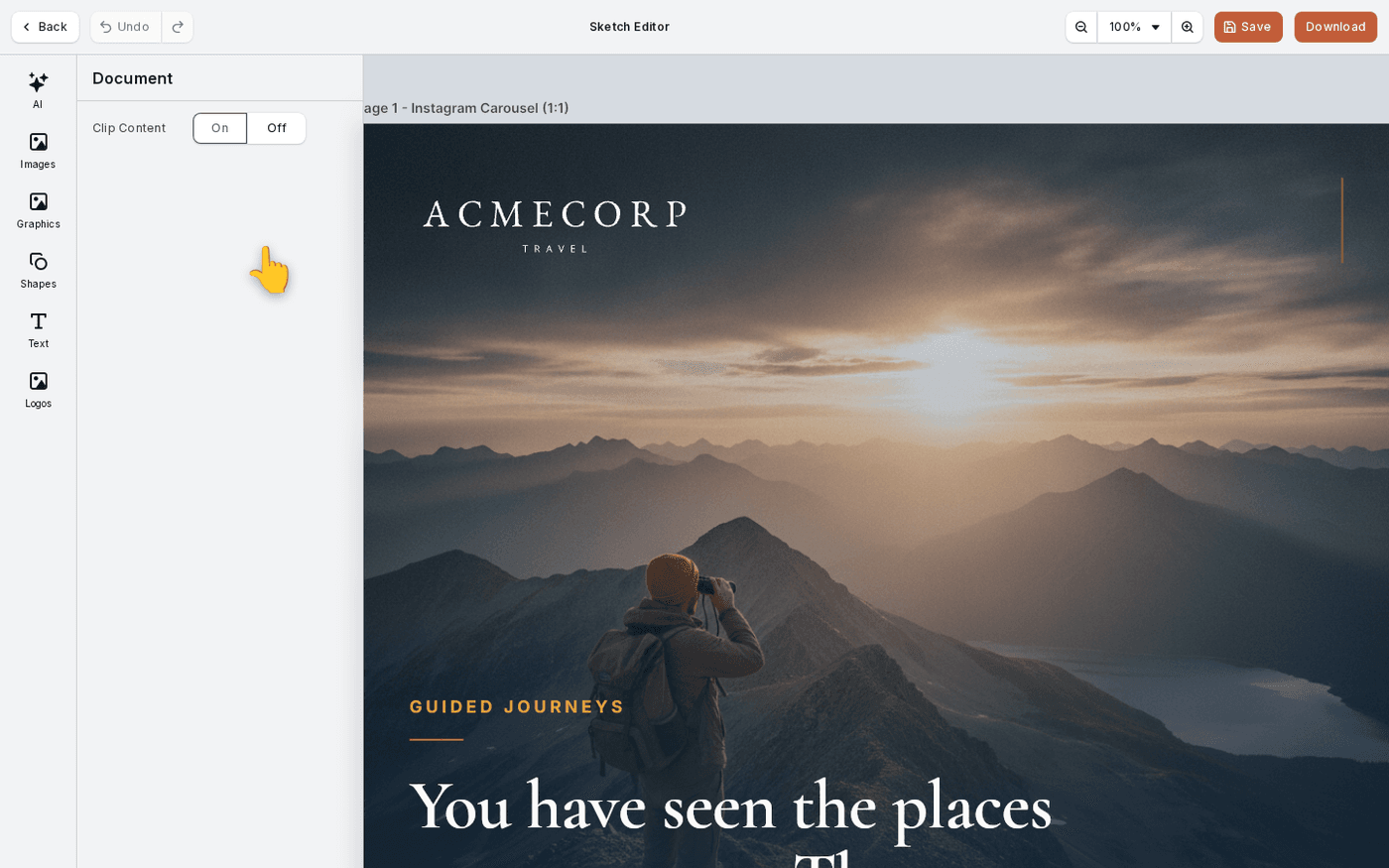
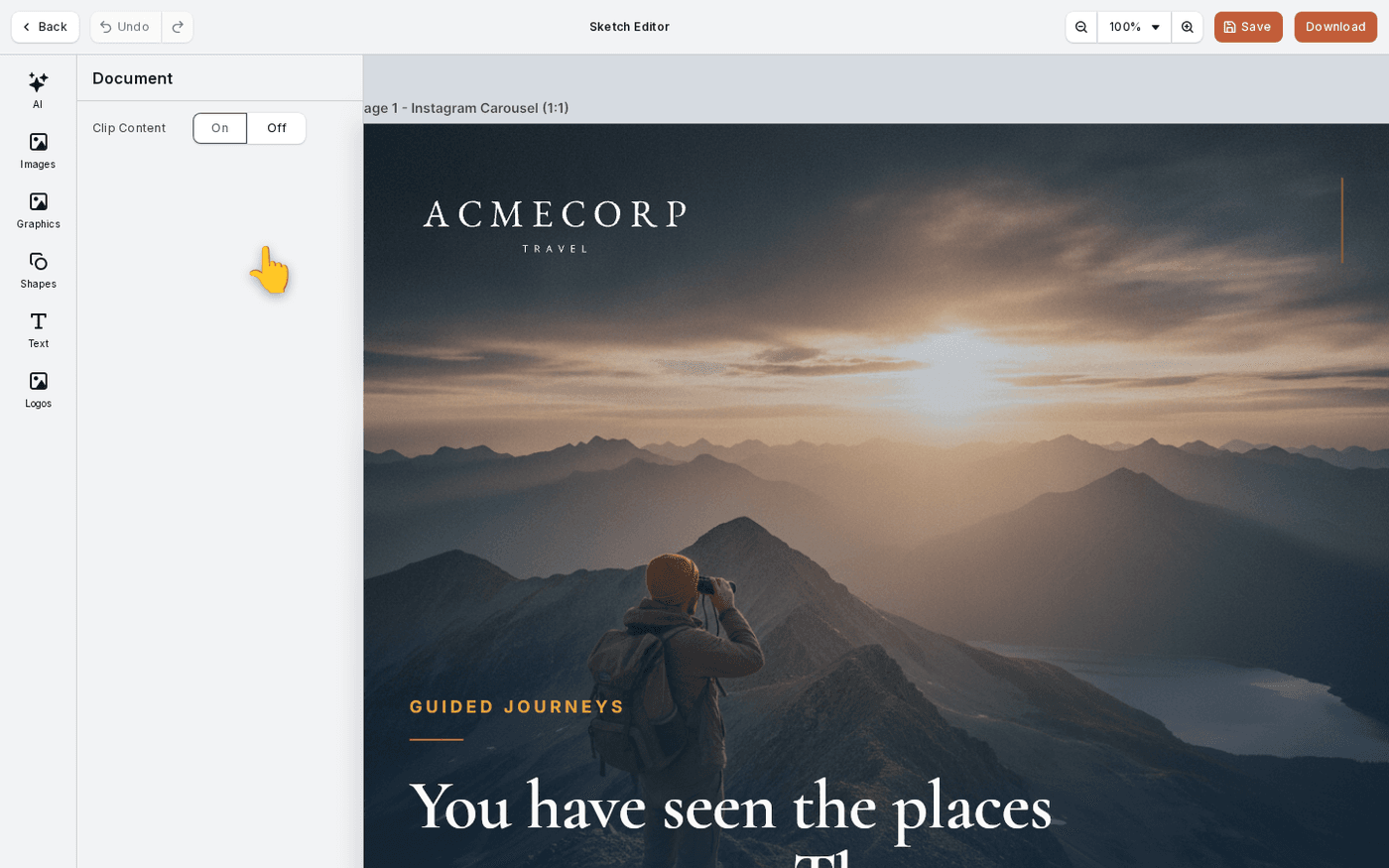
Hover a frame and press the pencil. The frame opens in the editor with every element still editable. Move the type, swap a photo or fix a line. Use the editor for small fixes.
Keep everything on brand
Frames open as real, editable elements, not flattened pictures. Your fonts, colours and logo stay as they are while you edit.
Edit a landing page or email
A landing page or email frame opens in the HTML editor instead. Press the same pencil. You can change words, colours and images there, or ask Maia in the Maia tab.
Go back to an earlier version
After Maia has edited a frame, its three-dots menu gains Version history. Open it to see earlier versions and put one back on the canvas.
Small copy fixes are faster in the editor. Changes of direction are faster in chat.
Last updated 6 October 2026