Use AI photos and cloned kits to create variations


TL;DR
Create a AI image in Photo DNA → Clone campaign Key Visual → Replace the image → Generate banners → Approve and download your new campaign variation
Creating image variations is an efficient way to adapt your campaign for different markets, segments, or audiences without rebuilding from scratch. In Protaigé, you can combine AI photo editing with campaign cloning to localise imagery while preserving the strategic and design decisions of your original campaign.
Start by editing or generating new photos with AI to reflect local context or audience diversity. Then, clone your existing kit to create a campaign variation that uses these updated visuals. This approach ensures every version remains true to your brand’s voice and layout rules while giving you the flexibility to tailor visuals for specific audiences or regions.


A step-by-step guide
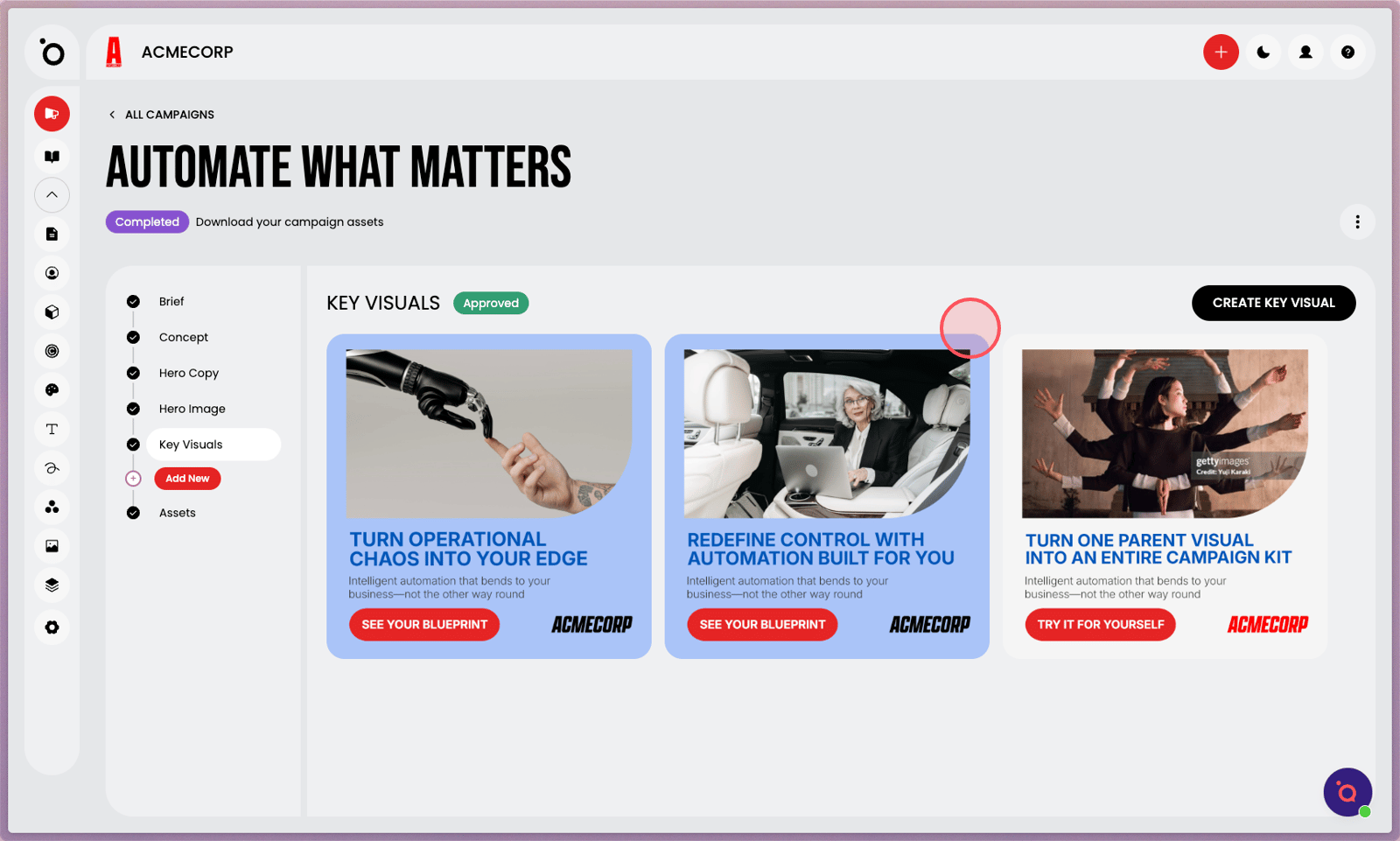
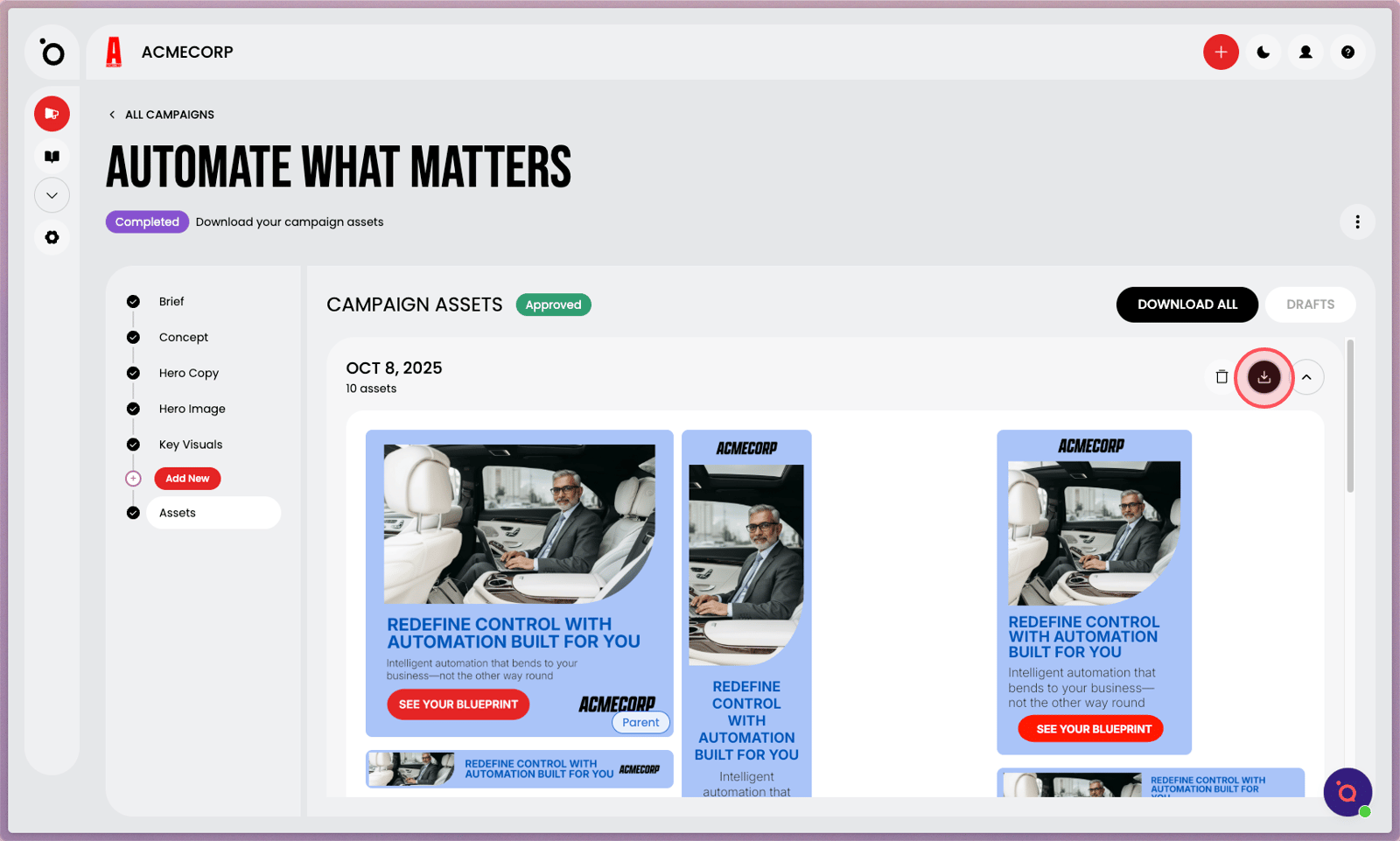
1. Imagine you want to create a targeted version of this campaign for India.
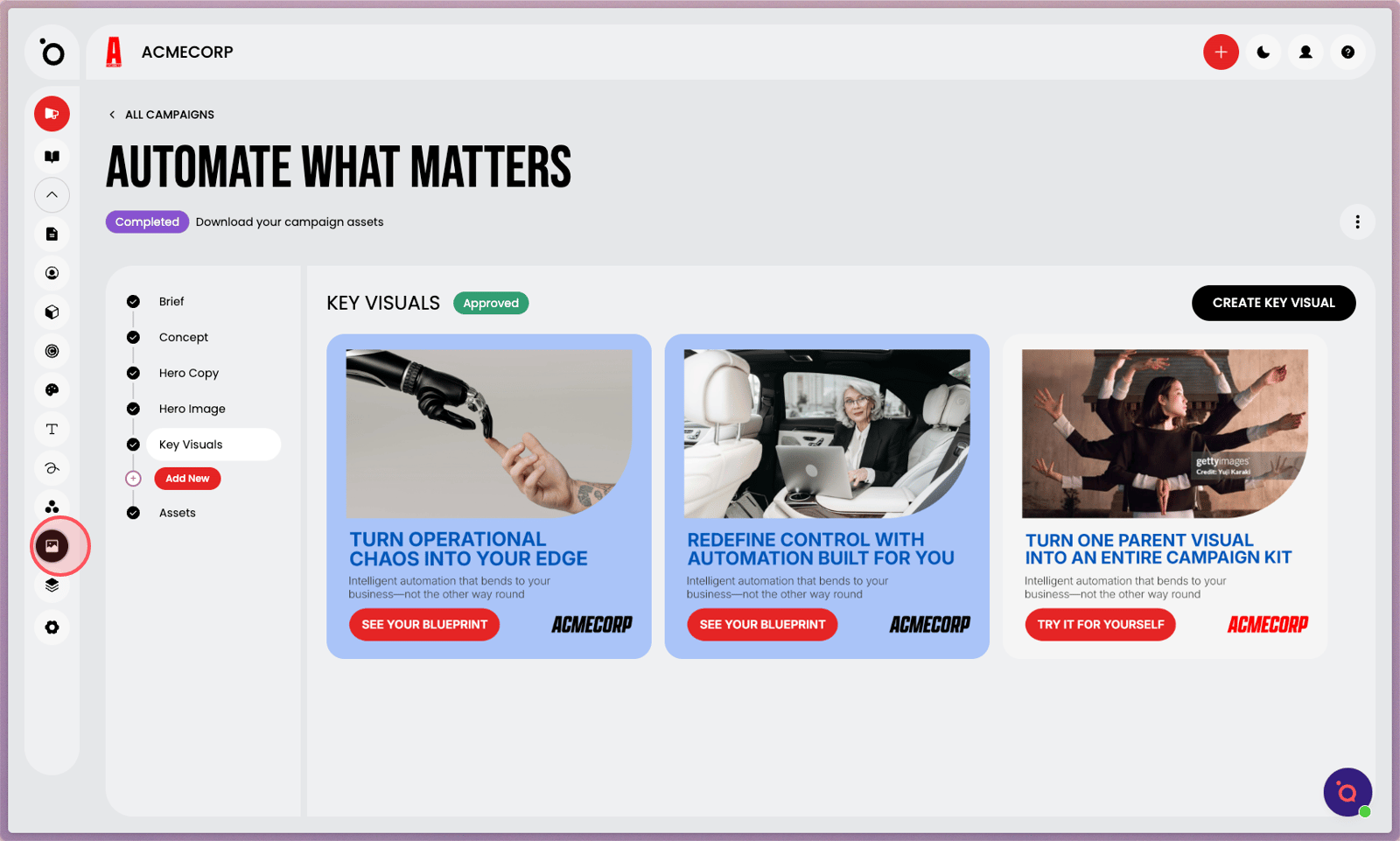
2. Head over to our AI tool in Photo DNA.
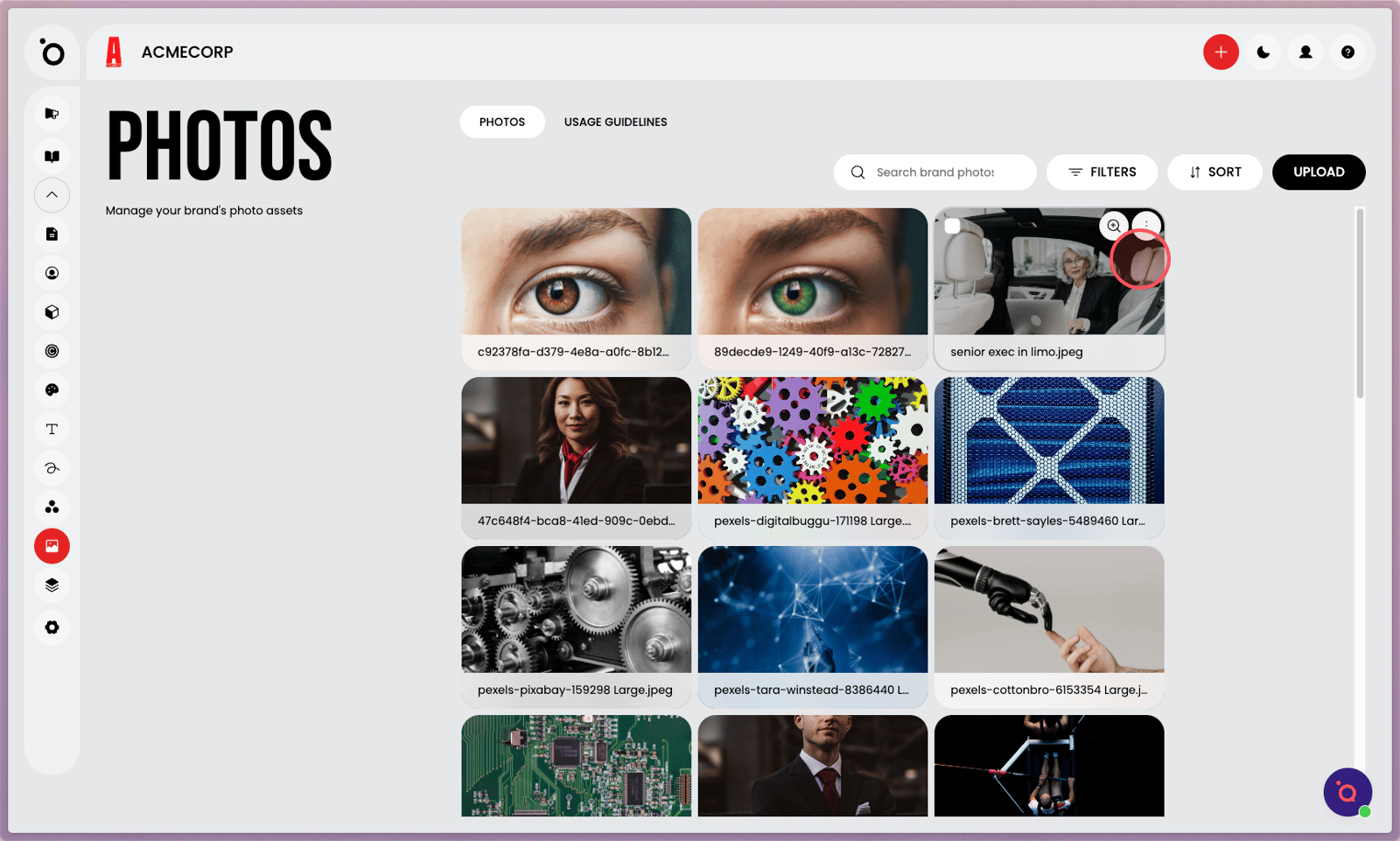
3. Find your campaign Hero Image.
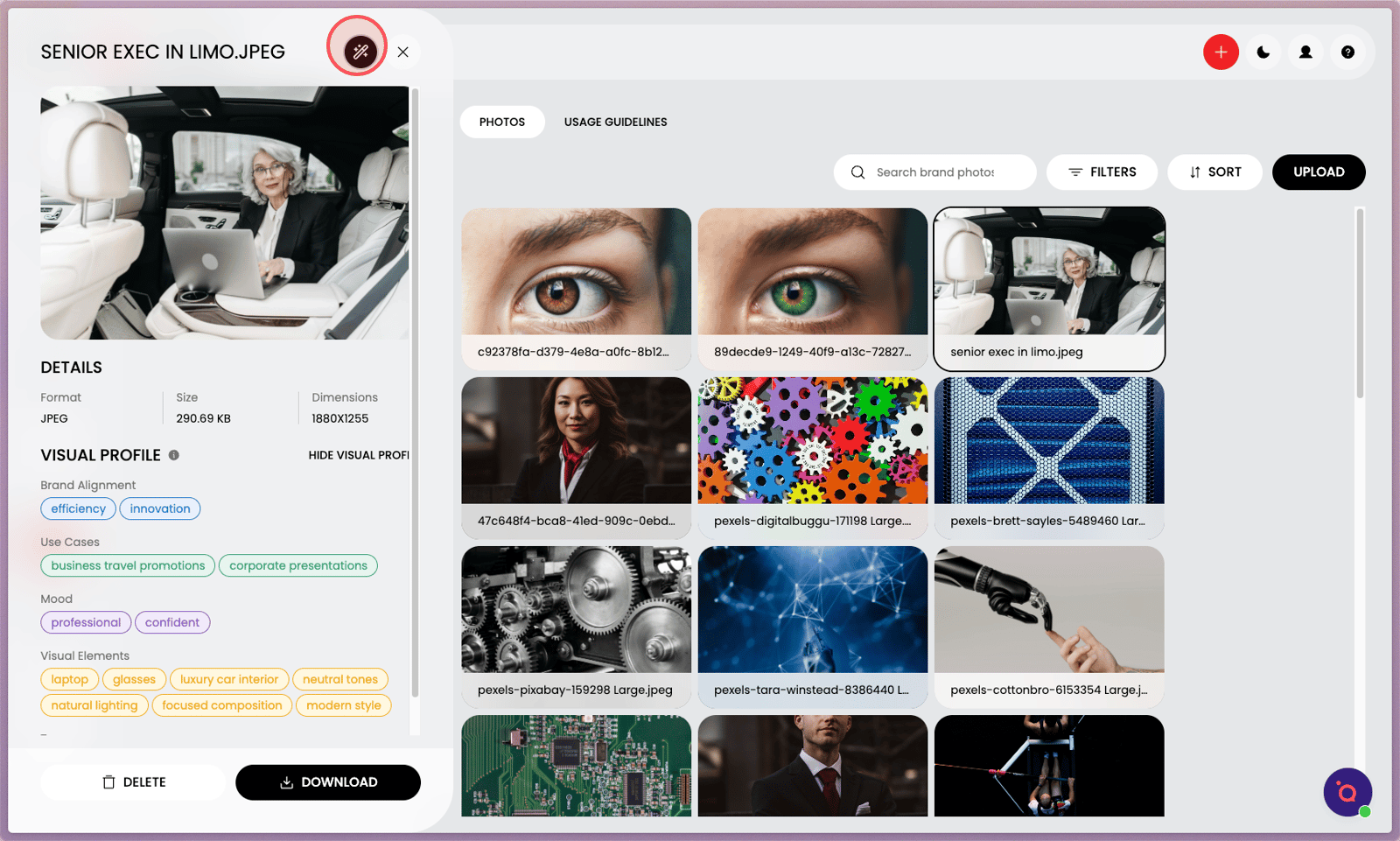
4. Select the AI Magic Wand to generate a localised version of this image.
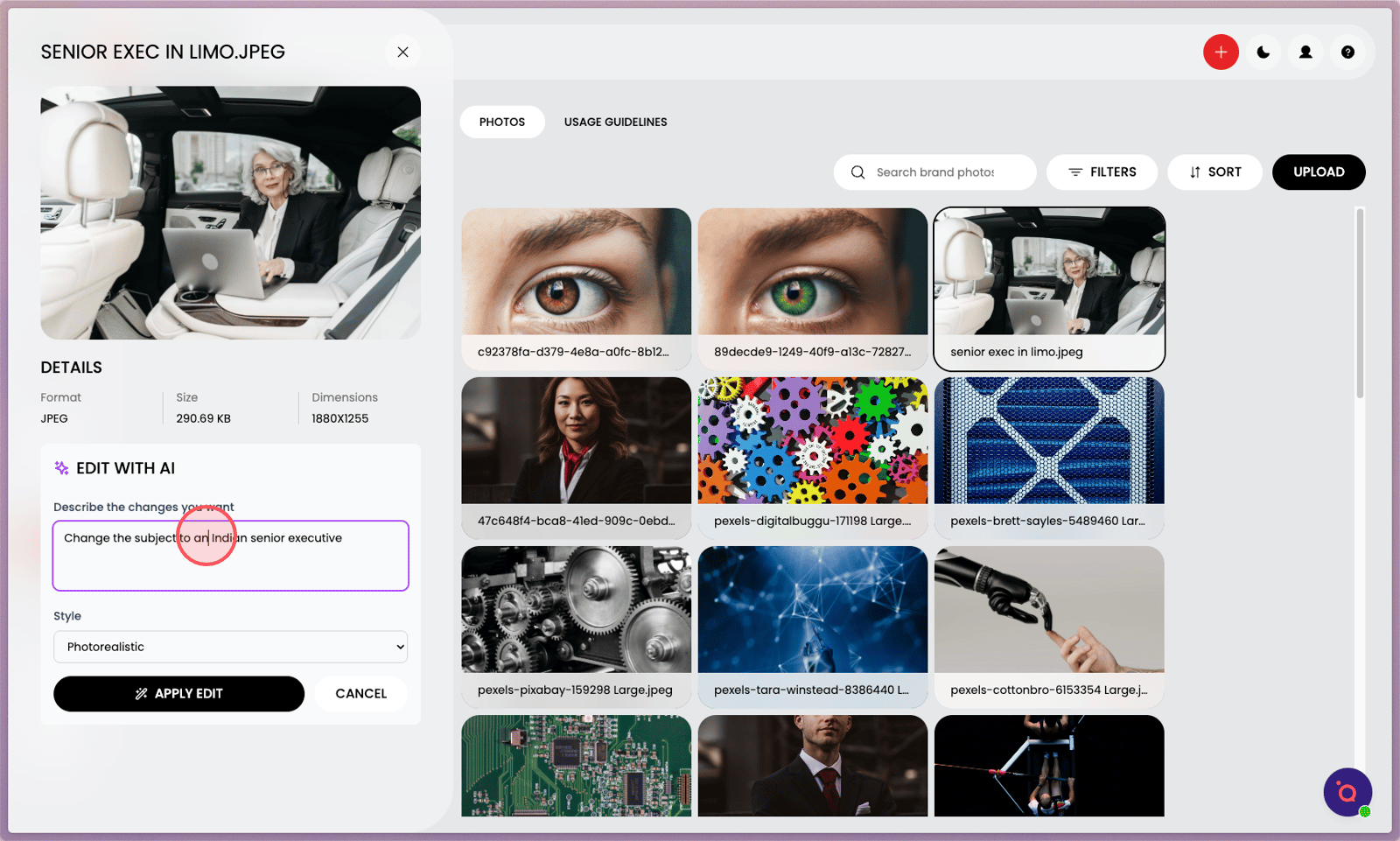
5. Add your prompt.
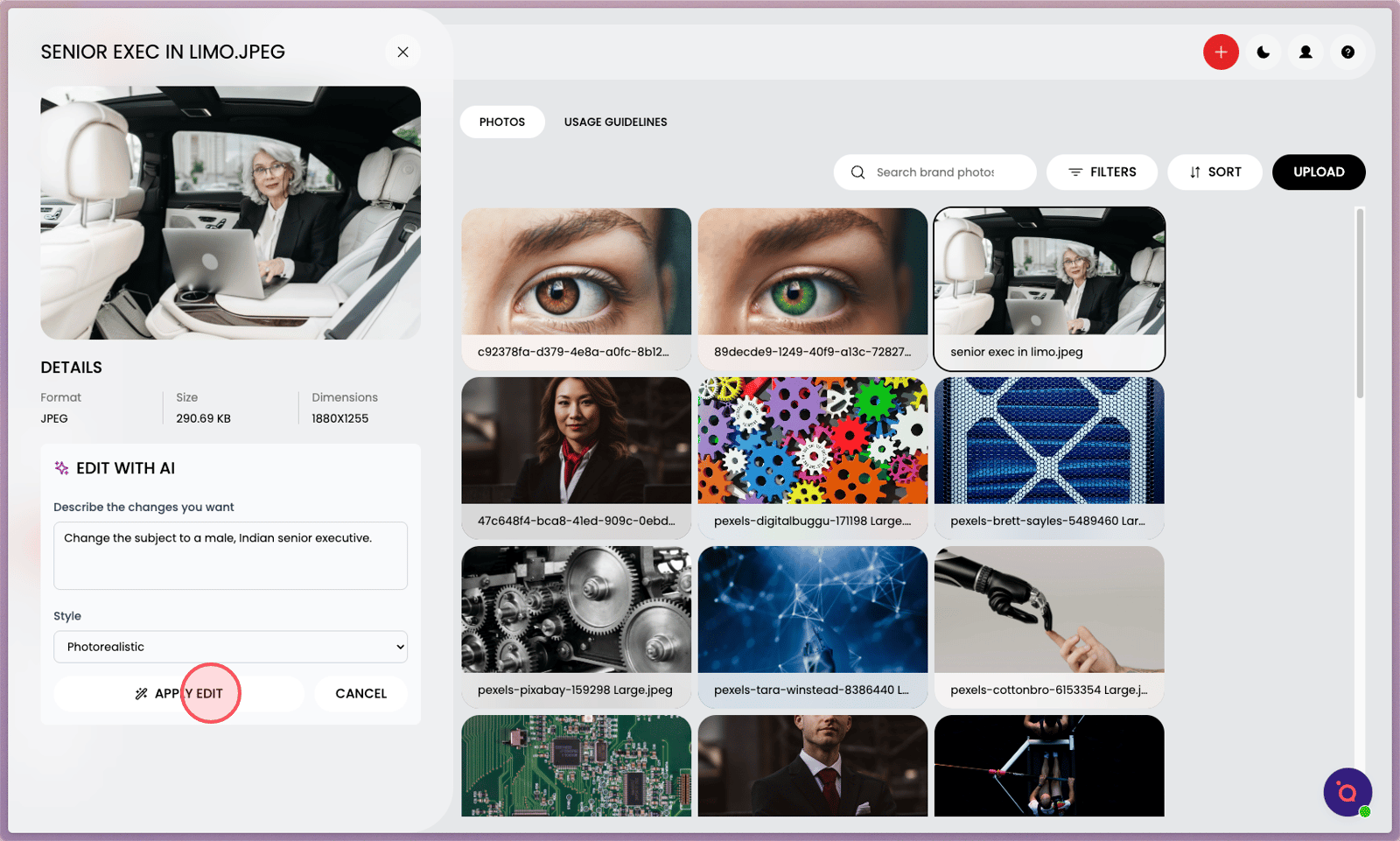
6. Click APPLY.
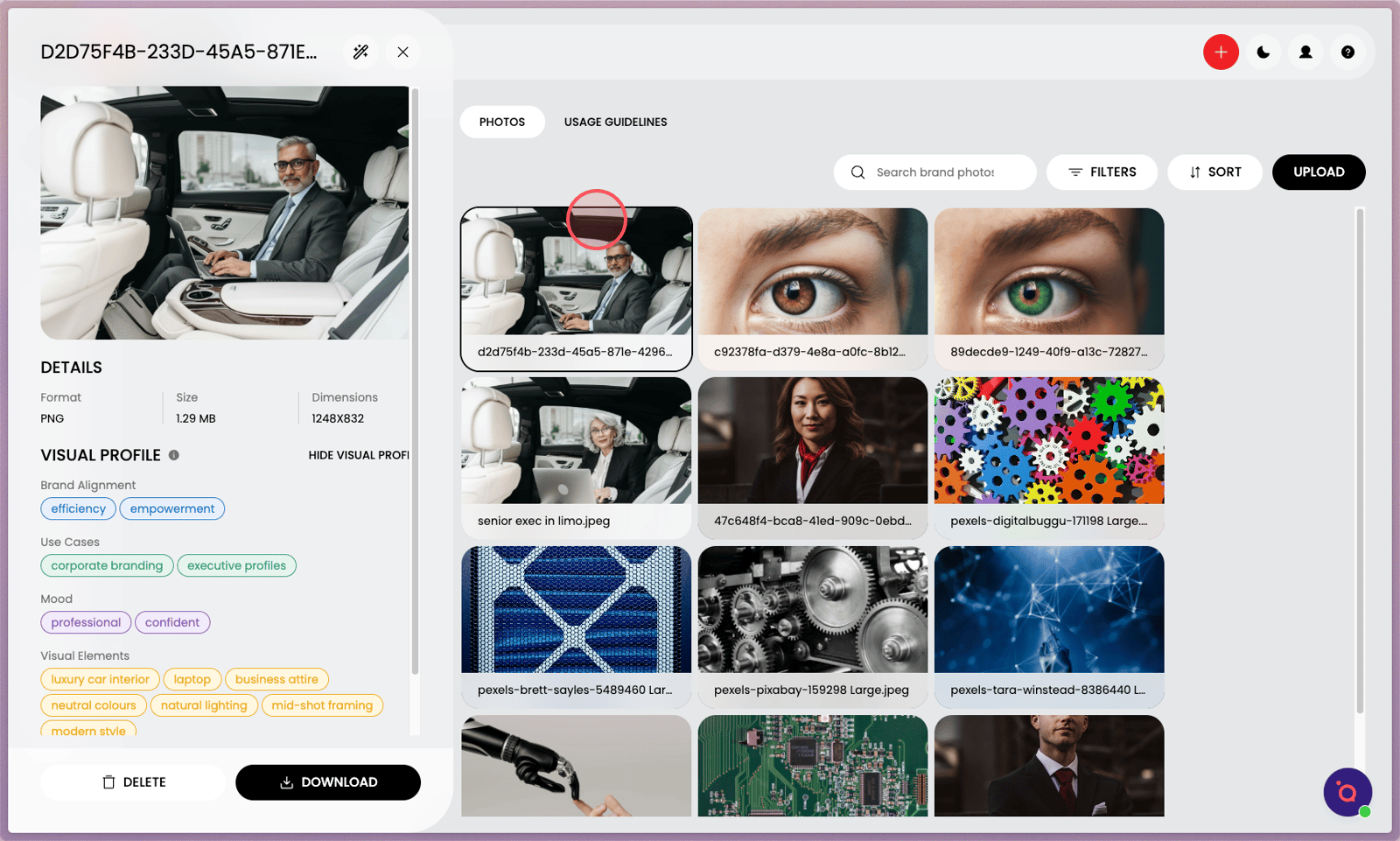
7. Your new AI-generated hero image will appear in the gallery after a few moments.
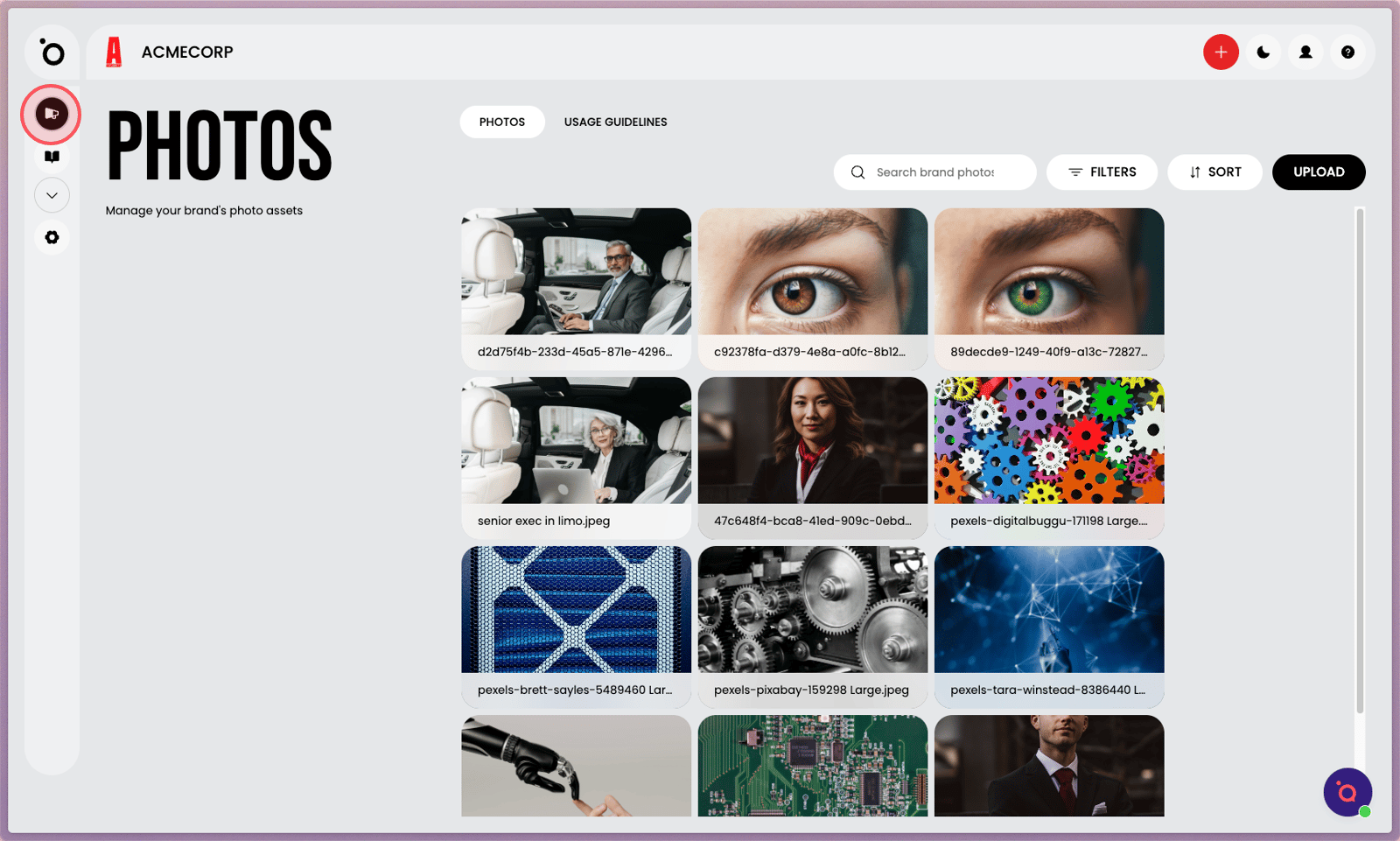
8. Head back to your Campaign dashboard.
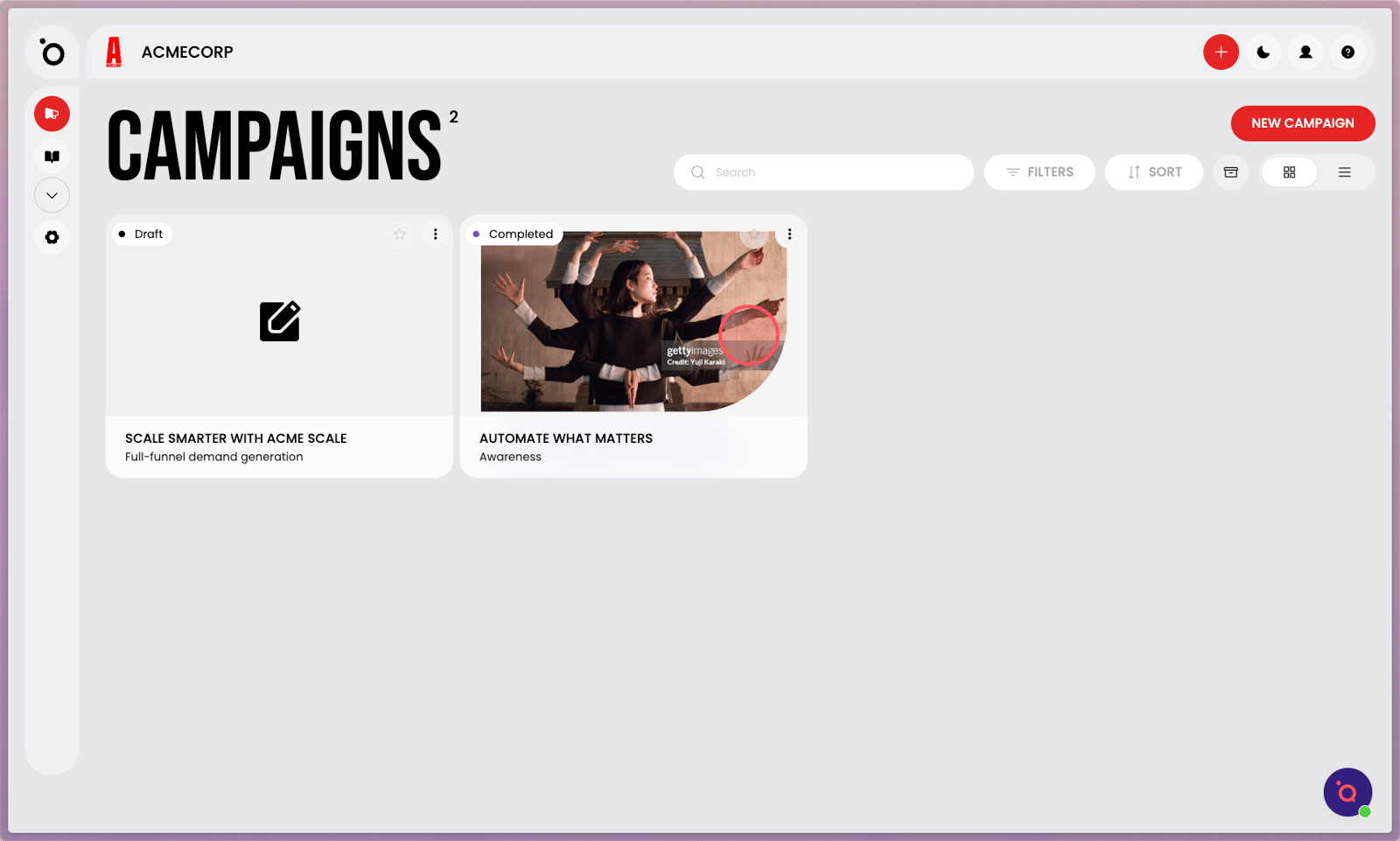
9. Open up your active campaign.
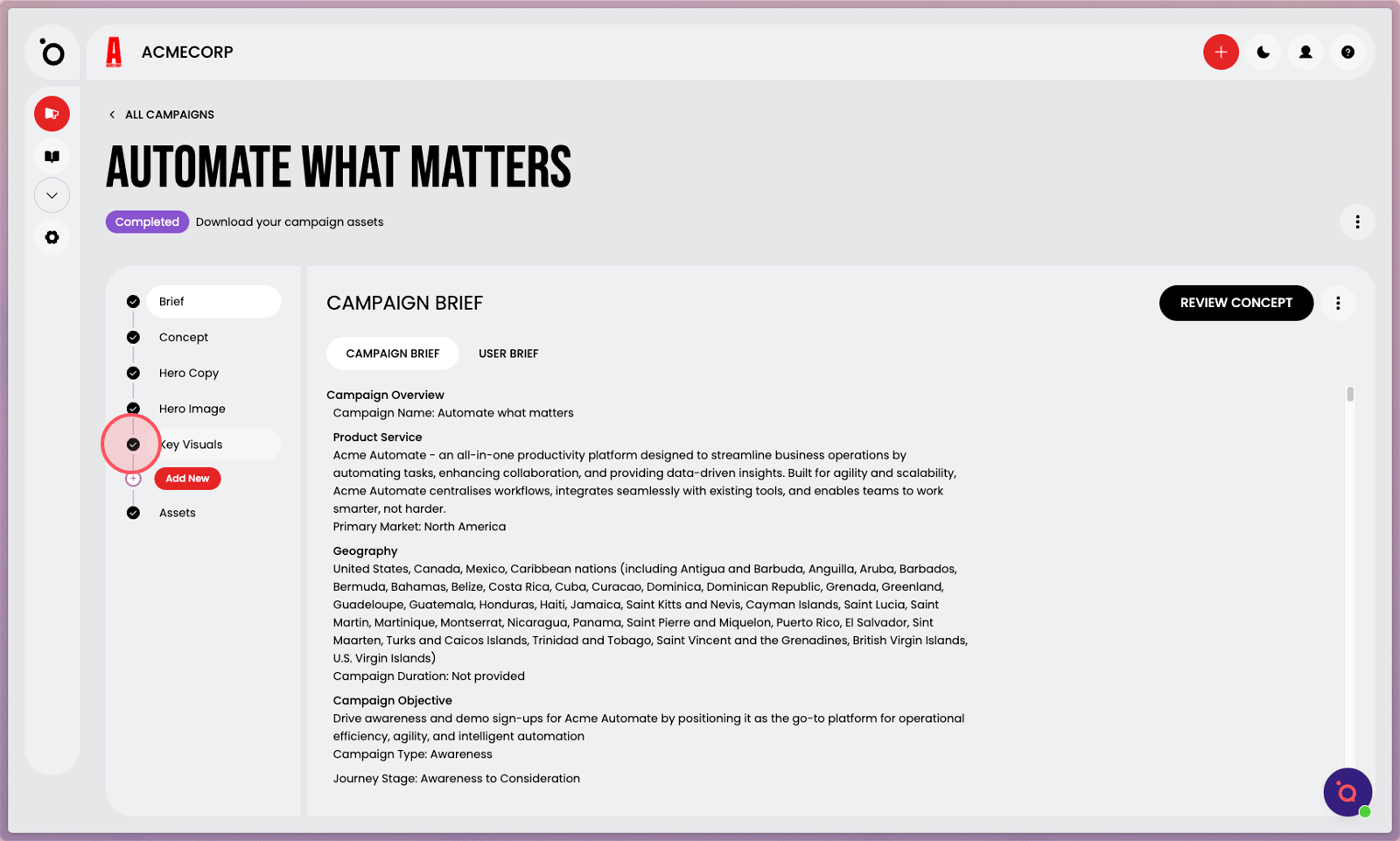
10. Navigate to Key Visuals.
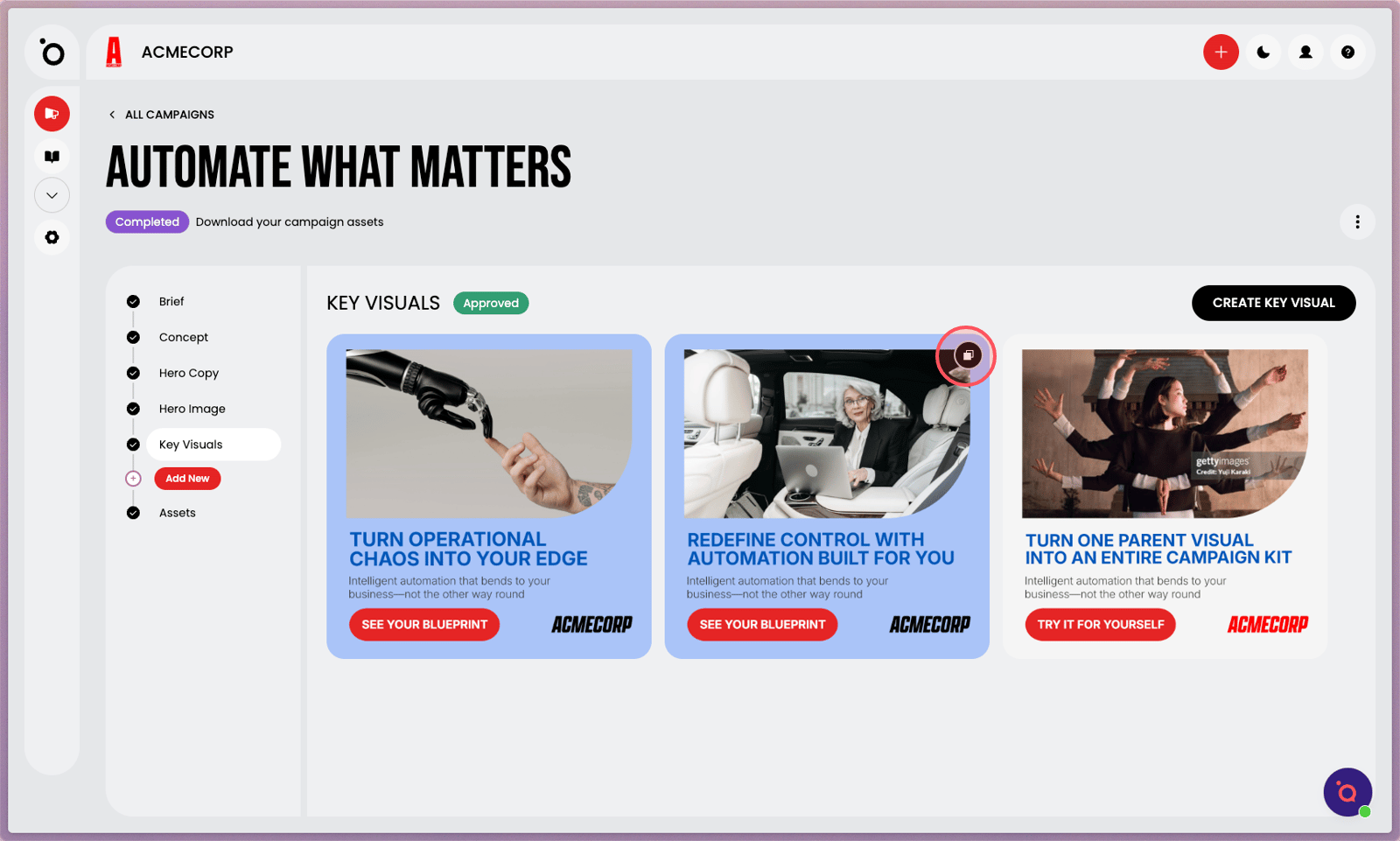
11. Click Clone to instantly generate a new kit, preserving all your approved edits.
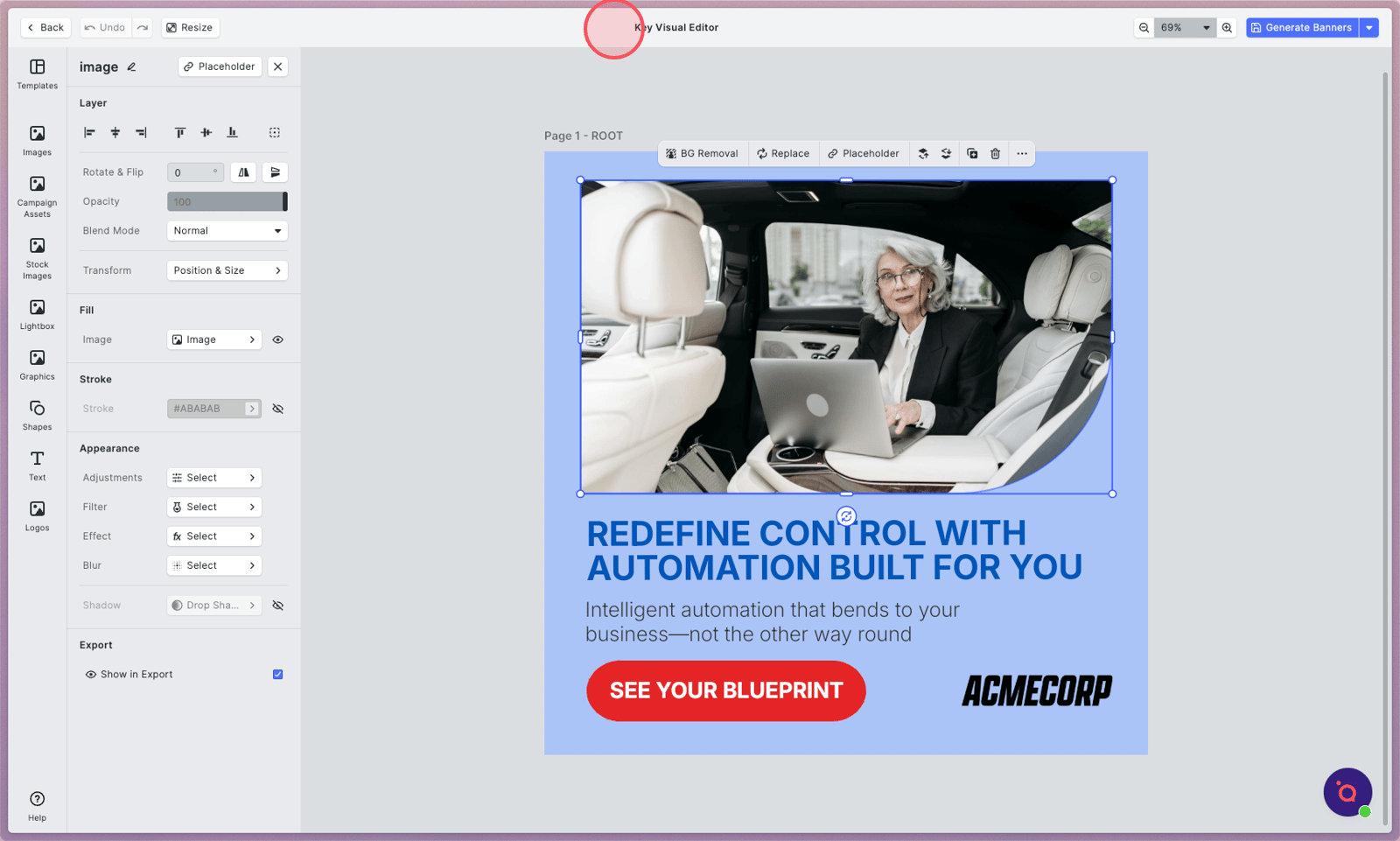
12. The cloned Key Visual will launch in the editor.
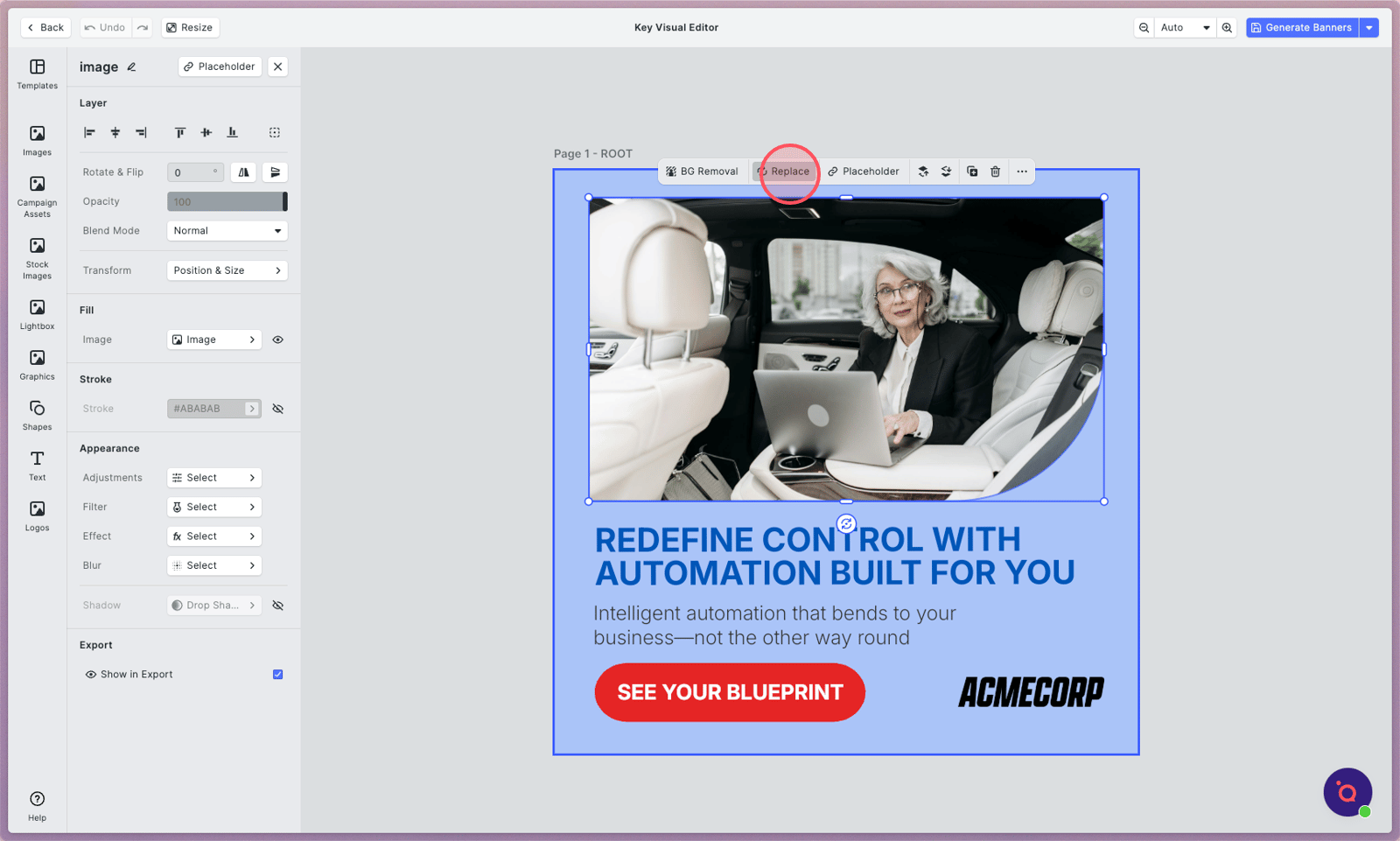
13. Click Replace image.
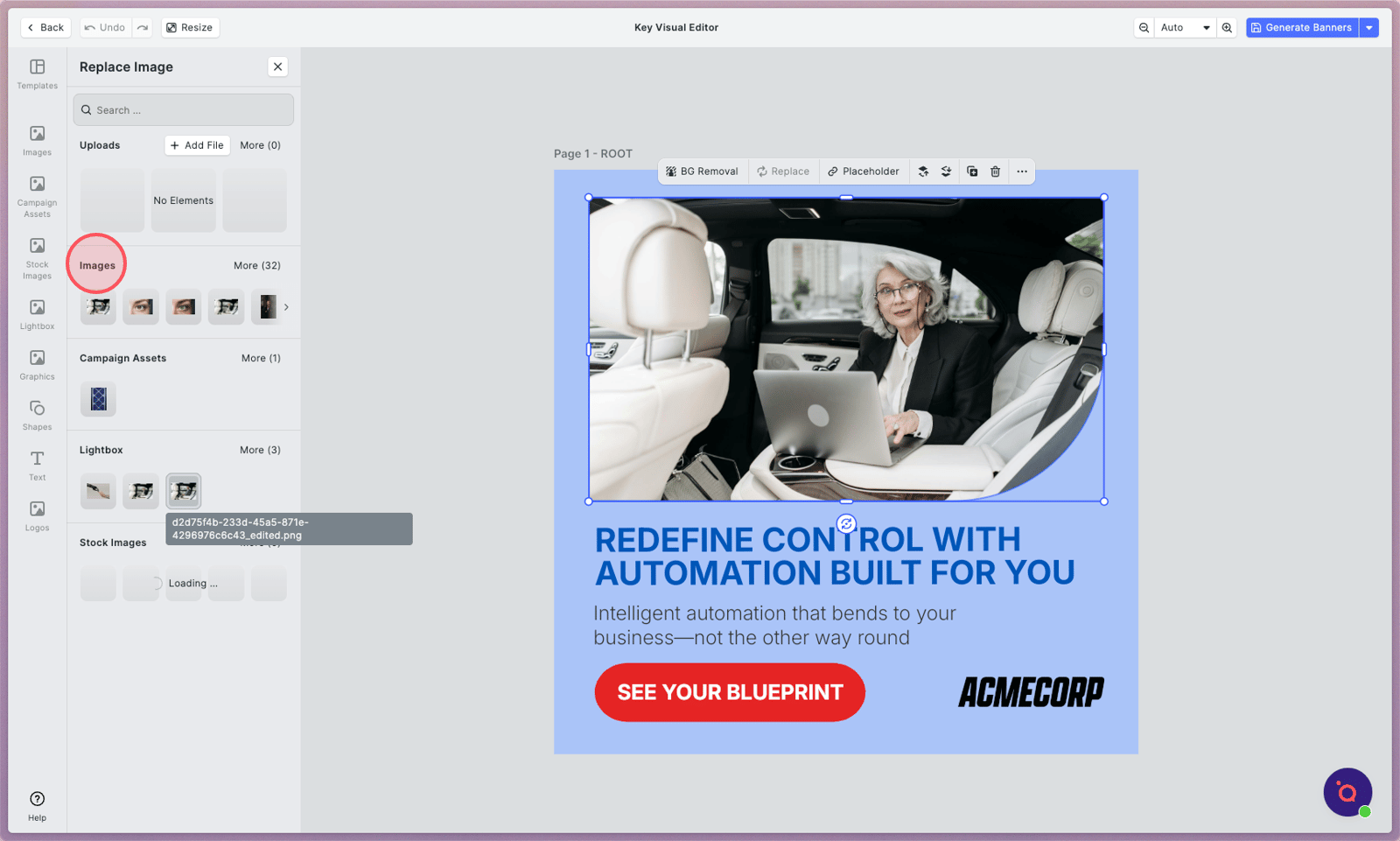
14. Your AI-generated image will be in your Brand Library. Select to swap it over.
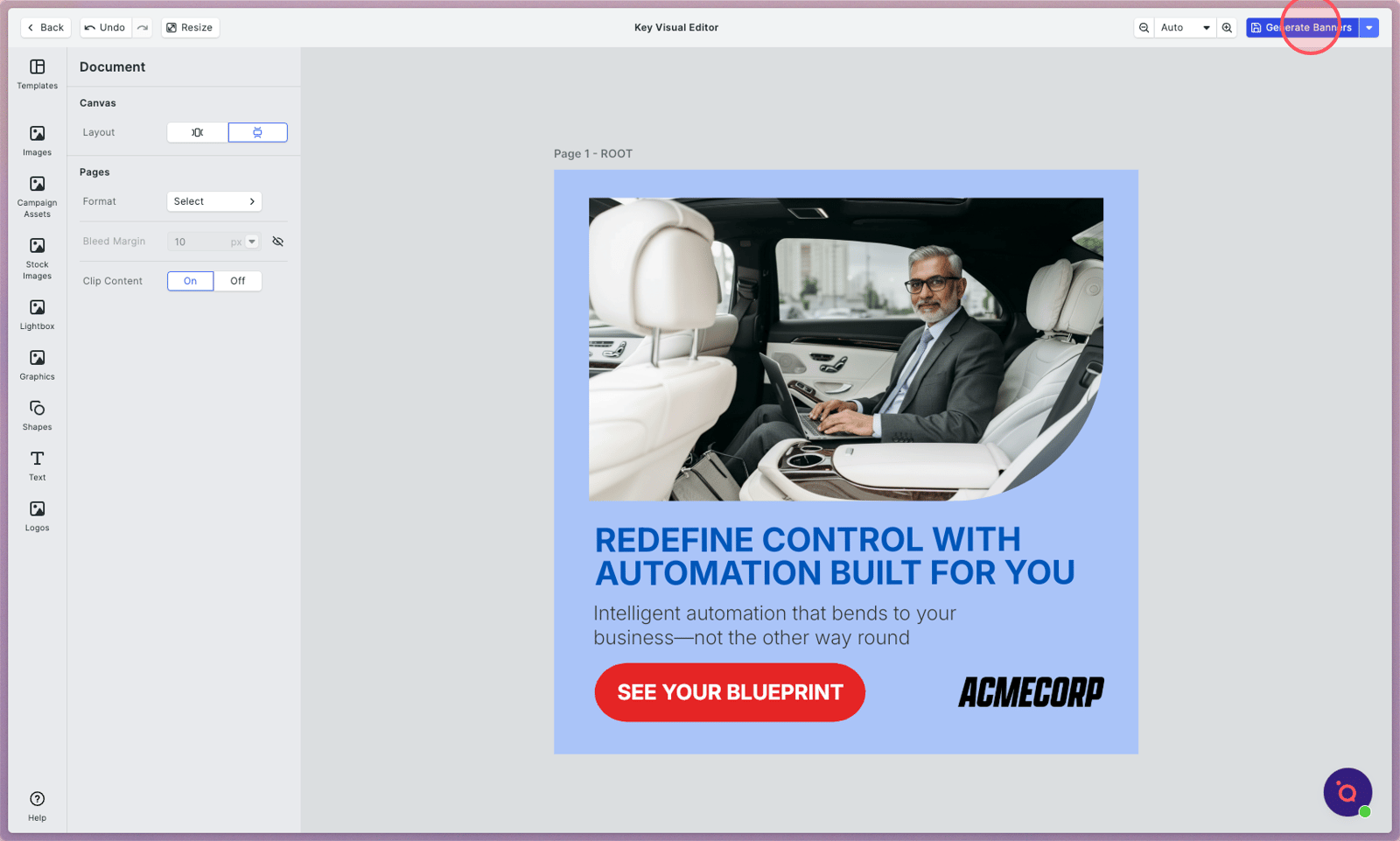
15. Tap Generate Banners to instantly deploy this update across your entire campaign kit.
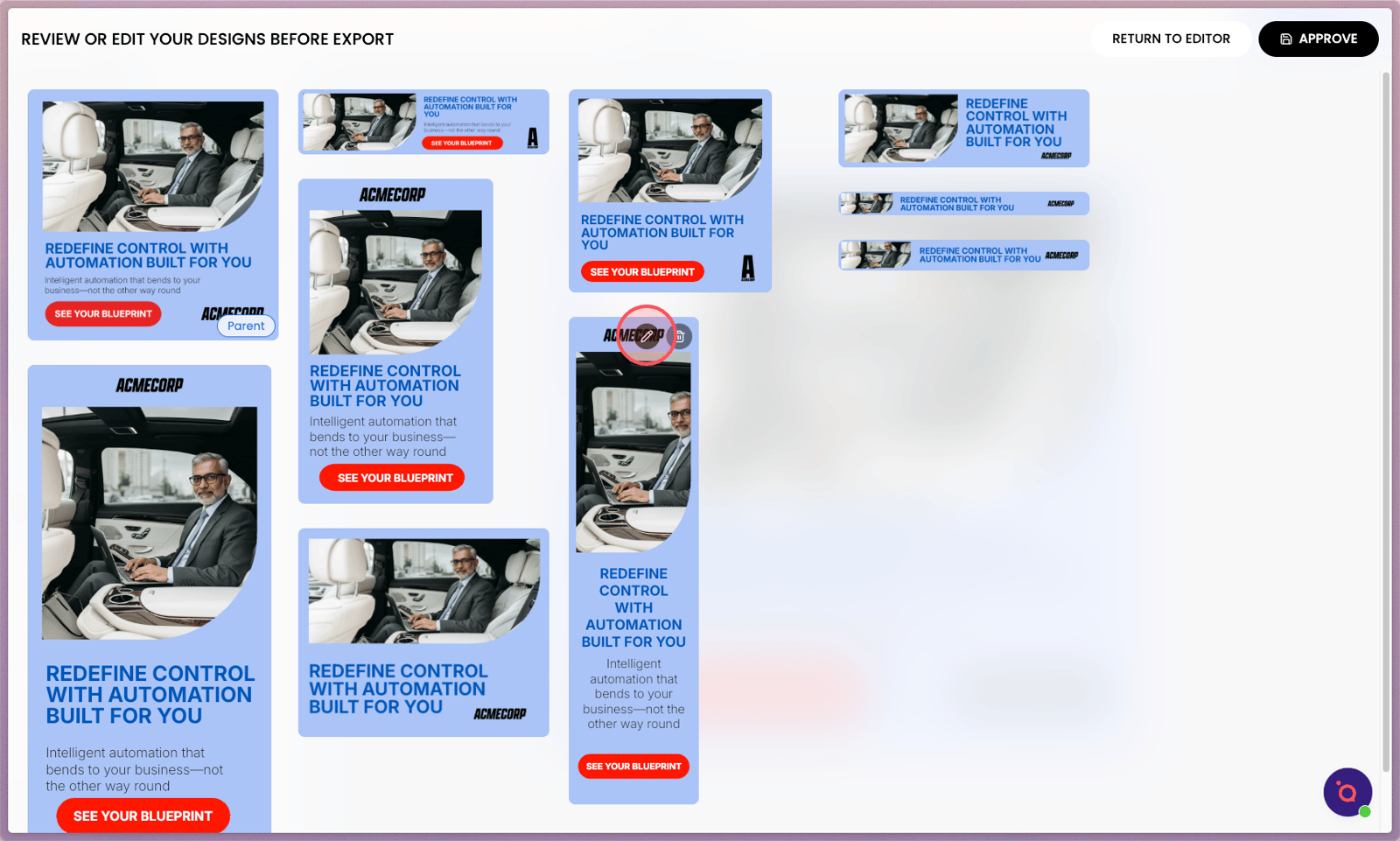
16. Make adjustments, if required.
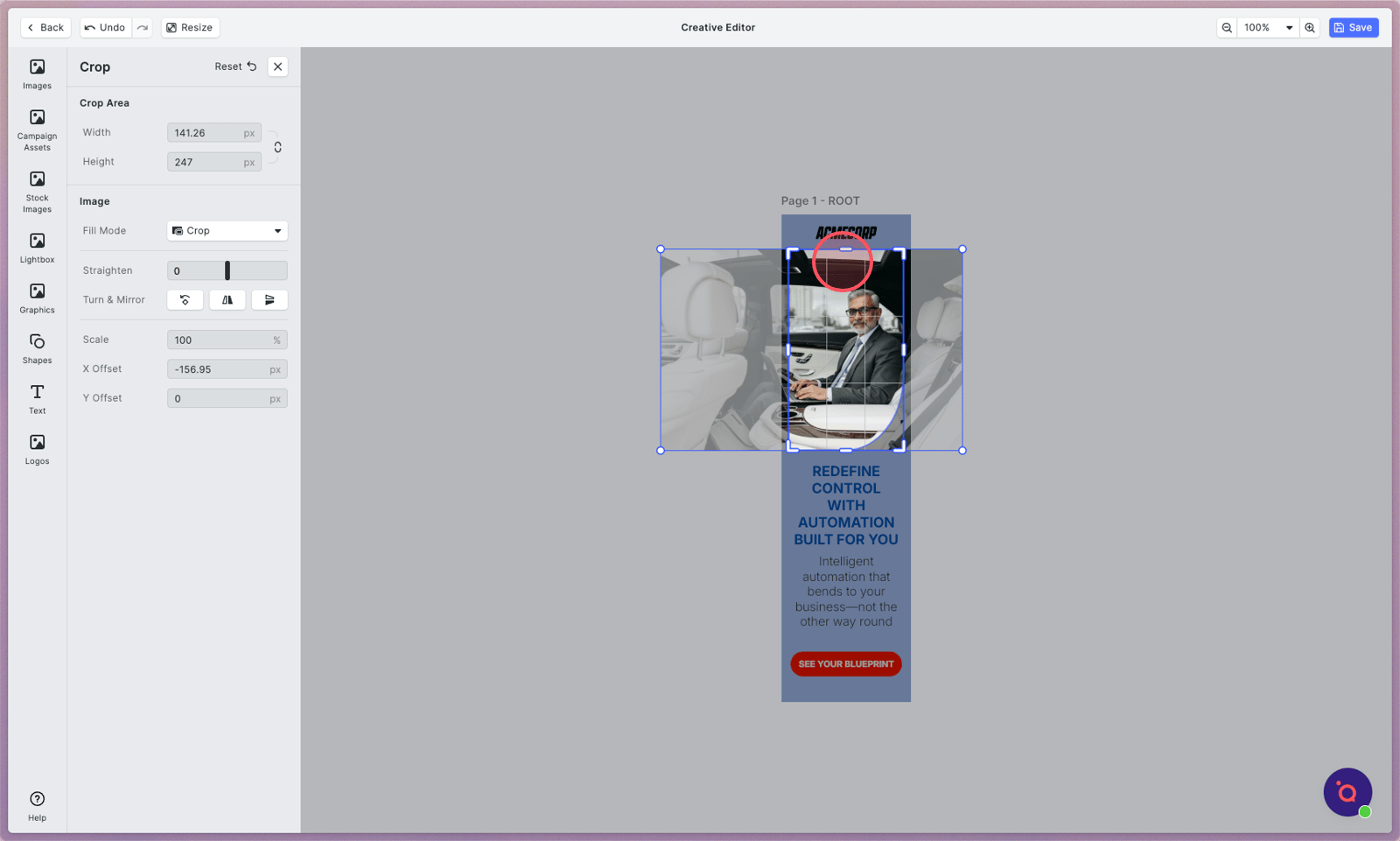
17. Edits made here will only apply to this banner.
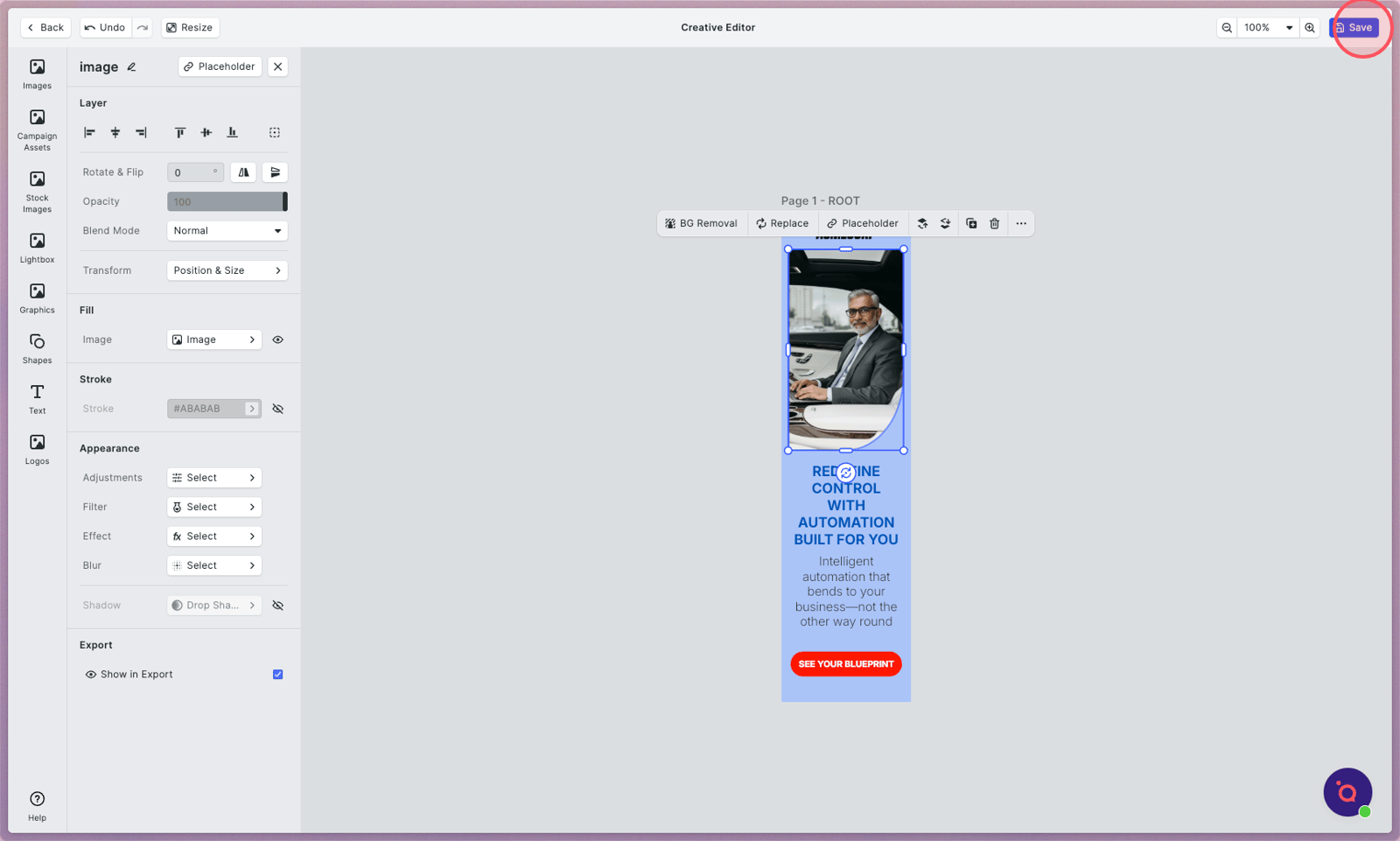
18. Don't forget to Save.
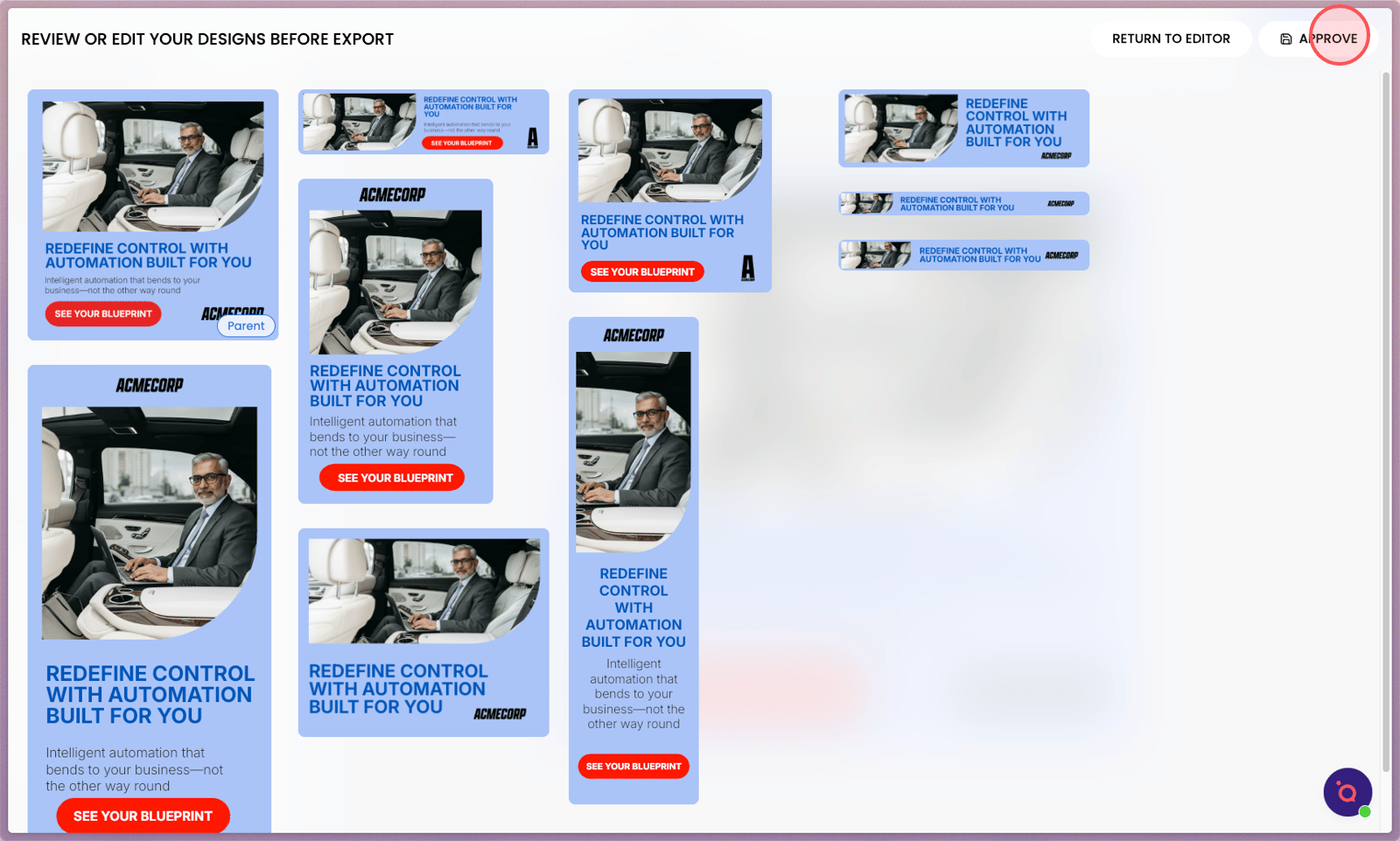
19. Click Approve when you're ready to export.